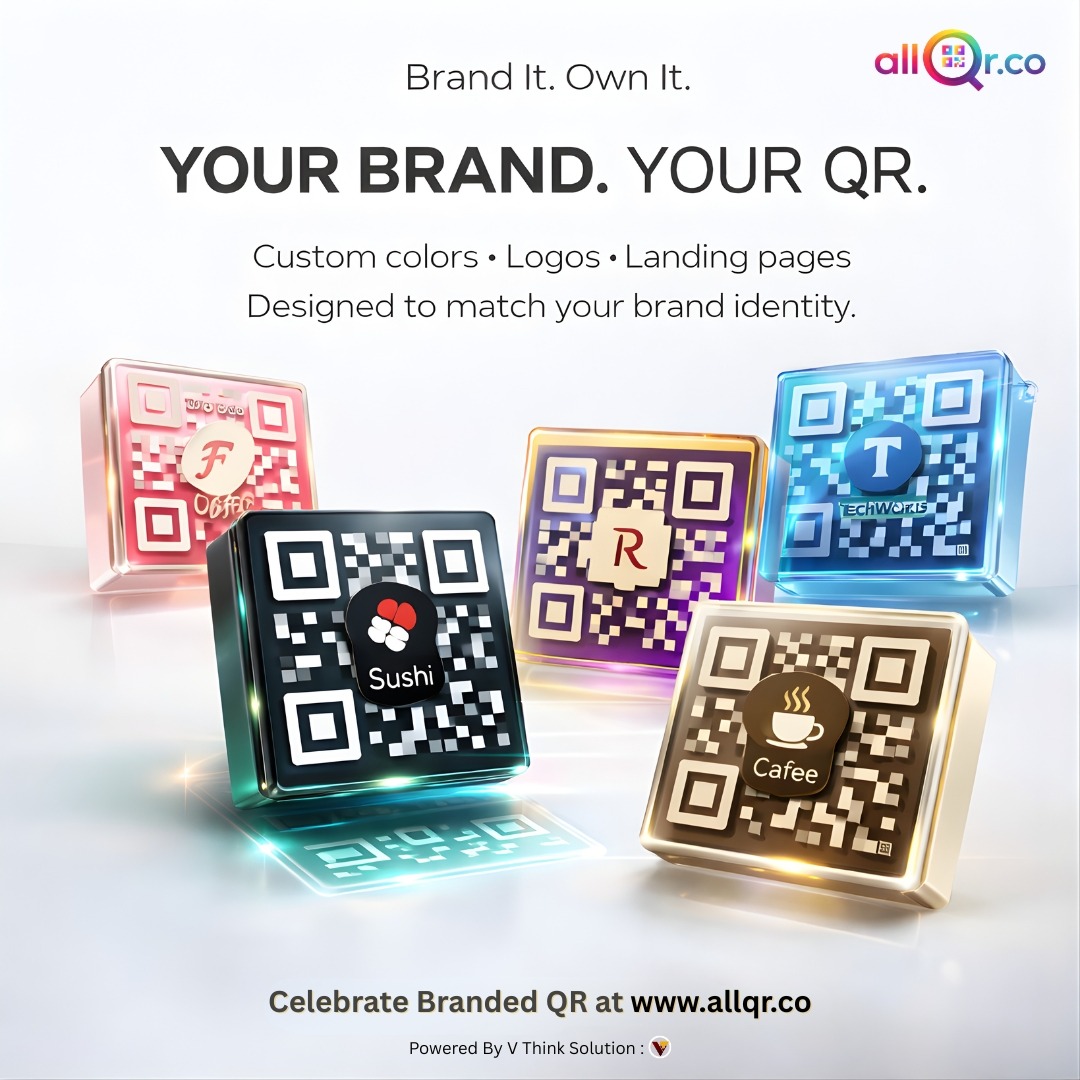
How to Create a Free QR Code in 30 Seconds (Step-by-Step Guide)
Learn how to create a free QR code in just a few seconds using a simple online tool. This step-by-step guide shows how to generate QR codes for URLs, WhatsApp, and more.
Introduction
QR codes are widely used today for sharing information quickly. From restaurant menus and product packaging to marketing campaigns and digital payments, QR codes allow users to access information instantly by scanning with a smartphone camera.
With a free QR code generator, anyone can create QR codes for websites, WhatsApp numbers, WiFi passwords, or social media profiles within seconds. In this guide, you will learn how to create a QR code step-by-step in less than 30 seconds.
Step 1: Open a Free QR Code Generator
Visit a reliable QR code generator tool such as AllQR. These tools allow you to create different types of QR codes for various purposes including URLs, contact details, WhatsApp chats, WiFi connections, and more.
Step 2: Enter Your Content
Next, enter the information you want the QR code to contain. For example:
- Website URL
- WhatsApp phone number
- WiFi network name and password
- Instagram profile link
- Digital contact card information
Step 3: Generate the QR Code
After entering the required information, click the 'Generate QR Code' button. The system will instantly create a QR code based on the data you provided.
Step 4: Download the QR Code
You can download the generated QR code in different formats such as PNG or SVG. These formats are suitable for both digital use and print materials.
Step 5: Use the QR Code
Once downloaded, you can place the QR code on:
- Business cards
- Posters and flyers
- Product packaging
- Websites
- Social media pages
When users scan the code, they will instantly access the information you added.
Conclusion
Creating QR codes is now easier than ever. With a free QR code generator, you can generate QR codes for marketing, communication, and networking within seconds. Businesses and individuals both benefit from QR codes because they simplify how information is shared.
Internal Links to Add in Blog
Free QR code generator
Short URl & QR
Dynamic Qr Code Generator
Contact Qr