What is a Free QR Code Generator with Logo?
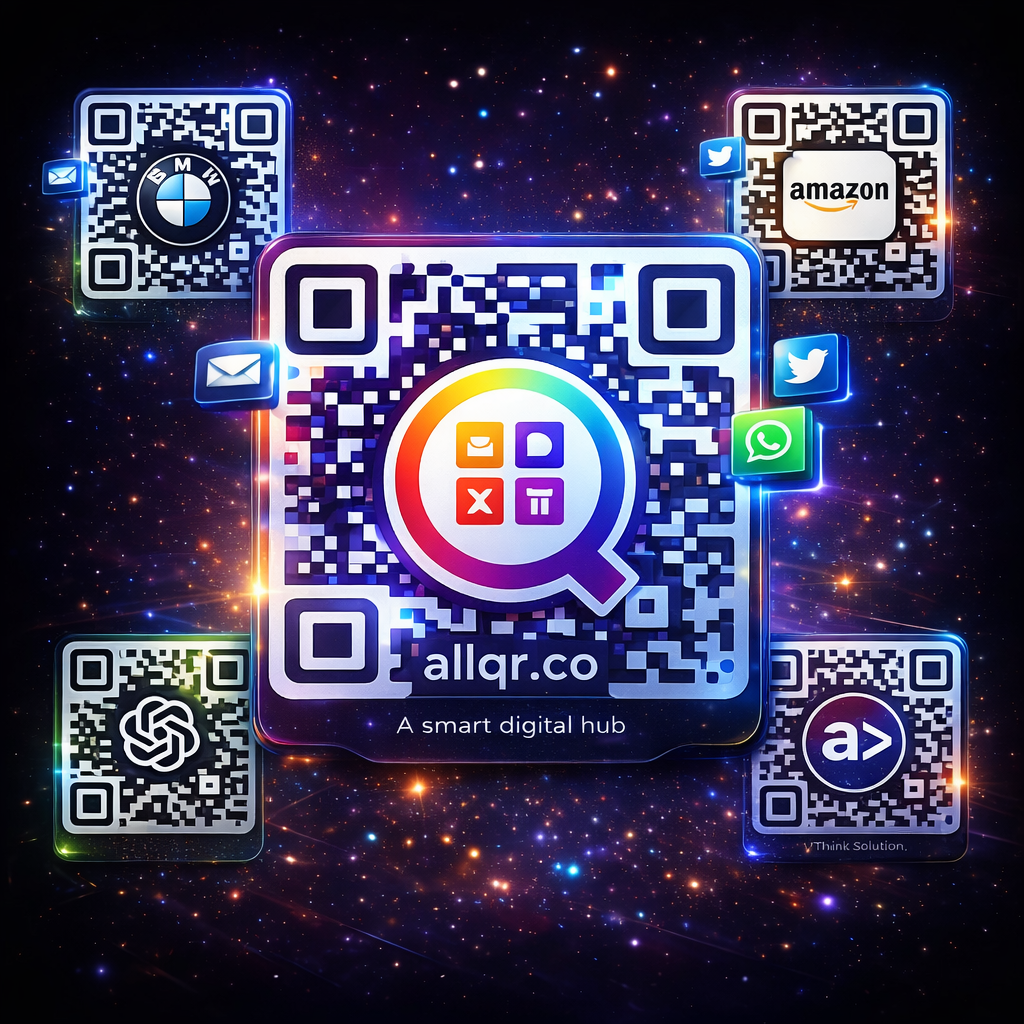
A free QR code generator with logo is an online tool that allows you to create customized QR codes by adding your brand logo, colors, and design elements. Unlike basic black-and-white QR codes, branded QR codes look more professional and trustworthy.
These QR codes can be used for:
- Website links
- WhatsApp chat links
- Payment links (UPI, Paytm, etc.)
- Social media profiles
- Business cards
- Product packaging
- Event tickets
- Restaurant menus
By adding your company logo inside the QR code, you make it visually attractive and increase scan rates.
Why Use a QR Code with Logo?
1. Strong Branding
When you add your brand logo to the QR code, customers instantly recognize your business. This helps in building brand trust and recall value.
2. Higher Scan Rate
Customized QR codes with colors and logos get more attention than plain QR codes. This increases the chances of users scanning them.
3. Professional Marketing Look
Whether you print it on flyers, banners, packaging, or visiting cards — a branded QR code looks modern and premium.
4. Easy Digital Connection
Customers can directly open your website, WhatsApp chat, Google Maps location, or payment page with just one scan.
5. Cost Effective Promotion
Using a free QR code generator with logo saves marketing costs while providing powerful digital reach.
Key Features of a Good Free QR Code Generator
When choosing a QR code generator, make sure it provides these features:
- Logo upload option
- Custom colors and shapes
- High-resolution download (PNG / SVG / PDF)
- Dynamic QR code support
- No watermark or branding
- Mobile friendly design
- Instant QR code preview
- Unlimited QR code creation
How to Create a Free QR Code with Logo (Step by Step)
- Creating a QR code is very simple. Follow these steps:
- Open a free QR code generator with logo website.
- Select the QR code type (URL, WhatsApp, Payment, etc.).
- Enter your link or information.
- Upload your brand logo.
- Customize colors, shapes, and frame.
- Click on Generate QR Code.
- Download the QR code in high quality.
- Use it on print materials or digital platforms.
Within seconds, your custom branded QR code will be ready.
Best Uses of QR Codes for Businesses
- Business Cards
Add a QR code that opens your website or WhatsApp chat for instant connection. - Product Packaging
Customers can scan and view product details, reviews, or offers. - Restaurants & Cafes
Use QR codes for digital menus and online ordering. - Retail Stores
Provide QR codes for discount coupons or loyalty programs. - Events & Tickets
Generate QR codes for entry passes and event information. - Payments
Accept UPI or digital payments using QR codes.
SEO Benefits of Using QR Codes - Many people don’t know that QR codes can also support digital marketing and SEO strategies.
- Increase website traffic
- Improve offline to online conversion
- Boost user engagement
- Support local business promotions
- Help in campaign tracking
- Improve brand awareness
- By placing QR codes on hoardings, banners, newspapers, and packaging, you can drive targeted traffic to your website.
- Tips for Designing Effective QR Codes
- Always use high contrast colors
- Do not make the logo too big
- Maintain proper white space (quiet zone)
- Test QR code before printing
- Use short and clean URLs
- Add call-to-action text like “Scan Now”
- A well-designed QR code can significantly improve your marketing performance.
- Conclusion
- A free QR code generator with logo is a must-have tool for modern businesses. It helps you create professional, branded, and high-converting QR codes without spending money. Whether you are a startup, shop owner, marketer, or freelancer — QR codes can simplify customer interaction and improve your digital presence.
- Start using customized QR codes today and make your brand more visible, interactive, and