Contactless Digital Menu via Table QR Codes
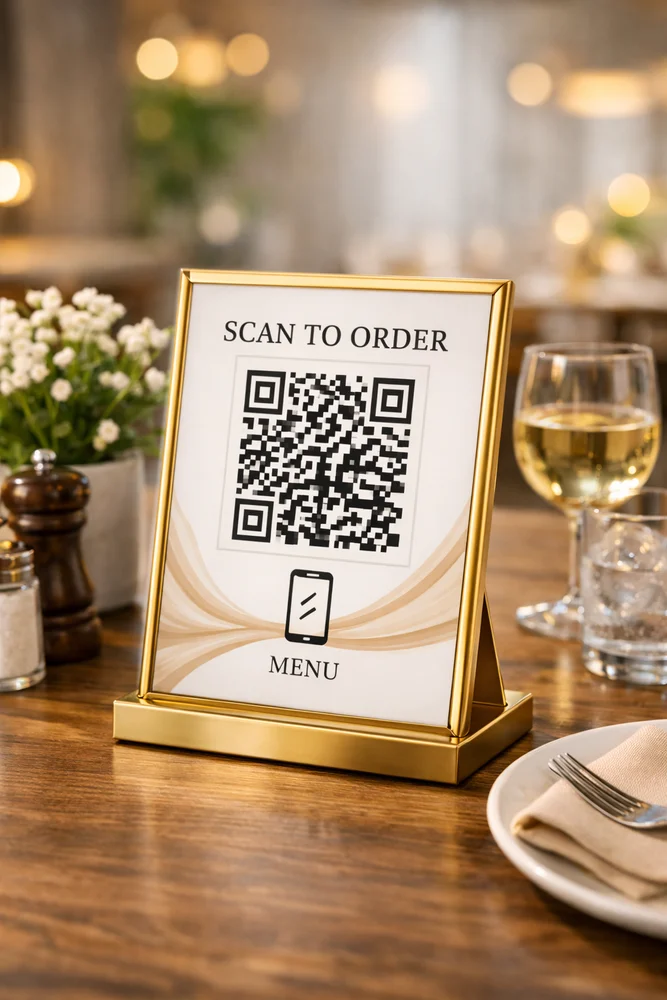
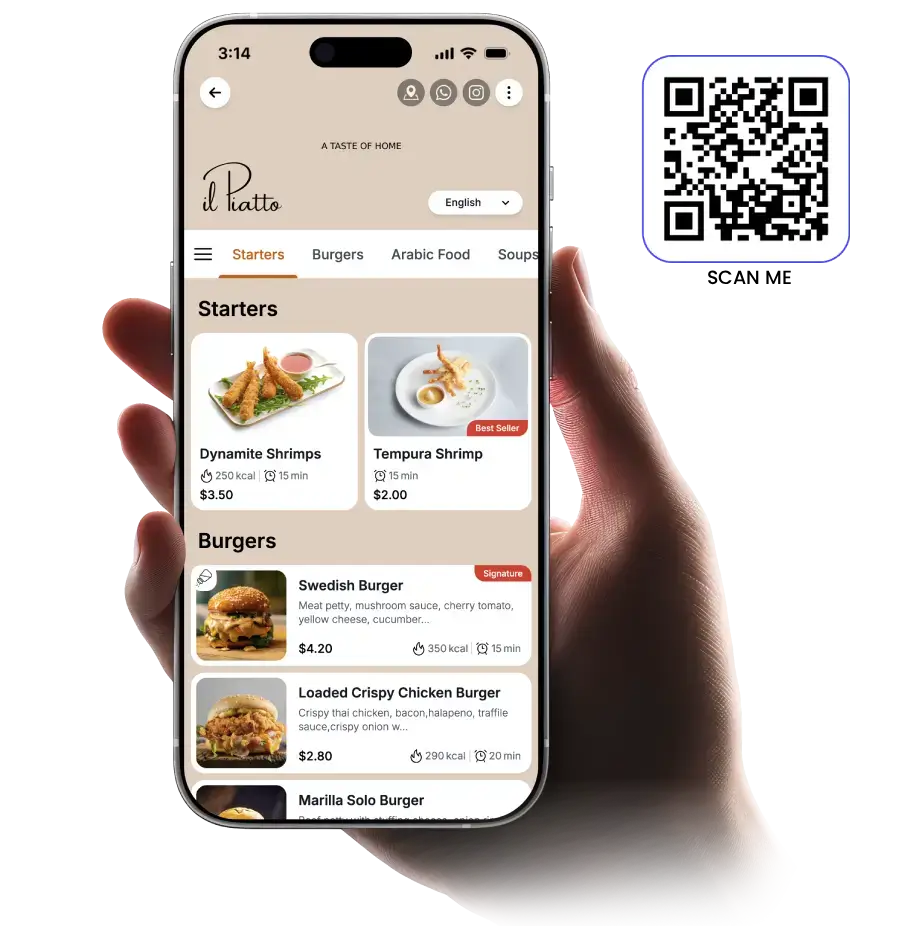
No more reprinting menus. Guests scan the table QR code — your full digital menu with photos, prices, allergens, and daily specials opens instantly on their phone.
Simple for Your Team,
Effortless for Guests
From setup to first scan in under 10 minutes. No technical knowledge needed.
Build Your Digital Menu
Upload photos, descriptions, prices, allergen badges, and categories using our easy menu builder.
Generate Table QR Codes
Create a unique QR for each table number so analytics show which tables drive the most orders.
Guests Scan & Browse
No app required. Camera scan opens the full menu with search, filters, and language options.
Update Any Time
Mark items as sold out, add seasonal dishes, change prices — live updates without reprinting.
What Your Menu QR Page Includes
Dish Photos
High-res photos for every item — proven to increase order value by 25%.
Live Pricing
Update prices any time. Guests always see current pricing, no discrepancies.
Allergen Labels
Gluten, nuts, dairy, vegan — clear badges reduce staff questions and liability.
Multi-Language
Serve international guests with auto-detected language or manual language switcher.
Daily Specials Banner
Highlight today's specials prominently at the top of the menu page.
Scan Analytics
See how many scans per table, per hour — optimize your restaurant layout.
Frequently Asked Questions
Yes. allqr.co uses dynamic QR codes. The printed QR is permanent — only the content behind it changes. Update your menu any time from the dashboard.
No. iPhone camera (iOS 11+) and Android camera (Android 8+) scan QR codes natively. Your menu page loads in under 2 seconds.
Yes — create multiple menu pages and schedule them to go live automatically at set times. Your QR code stays the same.
Absolutely. Any food business can use a QR menu — print it on stickers, tent cards, or a custom standee.
Launch Your Digital Menu Today
Create your restaurant QR menu in minutes. Free to start, no credit card required.
Get Started Free