What is a Free QR Code Generator?
A Free QR Code Generator is an online tool that allows users to convert information such as website links, phone numbers, WhatsApp chat links, text messages, payment URLs, or WiFi credentials into a scannable QR code. Users can generate QR codes within seconds and download them for use in digital or offline marketing campaigns.
QR codes eliminate the need for manual typing and enable users to access content instantly through smartphone scanning. This makes them highly effective for marketing, communication, and customer engagement.
How Does QR Code Technology Work?
QR codes store encoded data in a pattern that can be scanned using a smartphone camera or QR scanner app. Once scanned, the QR code redirects users to the intended content such as a webpage, WhatsApp chat, payment interface, or digital contact card.
For example:
- Website QR code → Opens landing page
- WhatsApp QR code → Starts chat instantly
- Payment QR code → Opens payment app
- Contact QR code → Saves business details
This technology enables businesses to connect offline marketing with online engagement.
Static vs Dynamic QR Code Generator
Understanding the difference between static and dynamic QR codes is important for marketing success.
Static QR Code
- Cannot be edited after creation
- No scan tracking
- Suitable for permanent information
Dynamic QR Code
- Destination link can be updated anytime
- Provides scan analytics
- Ideal for marketing campaigns
Businesses that run promotional campaigns should prefer dynamic QR codes for better flexibility and performance tracking.
Benefits of Using Free QR Code Generator
Instant Information Sharing
QR codes allow users to access information within seconds, improving customer convenience.
Cost-Effective Marketing
Businesses can promote products and services without spending heavily on advertisements.
Contactless Communication
QR codes provide safe and touch-free interaction, especially useful in retail and hospitality industries.
Custom Branding Options
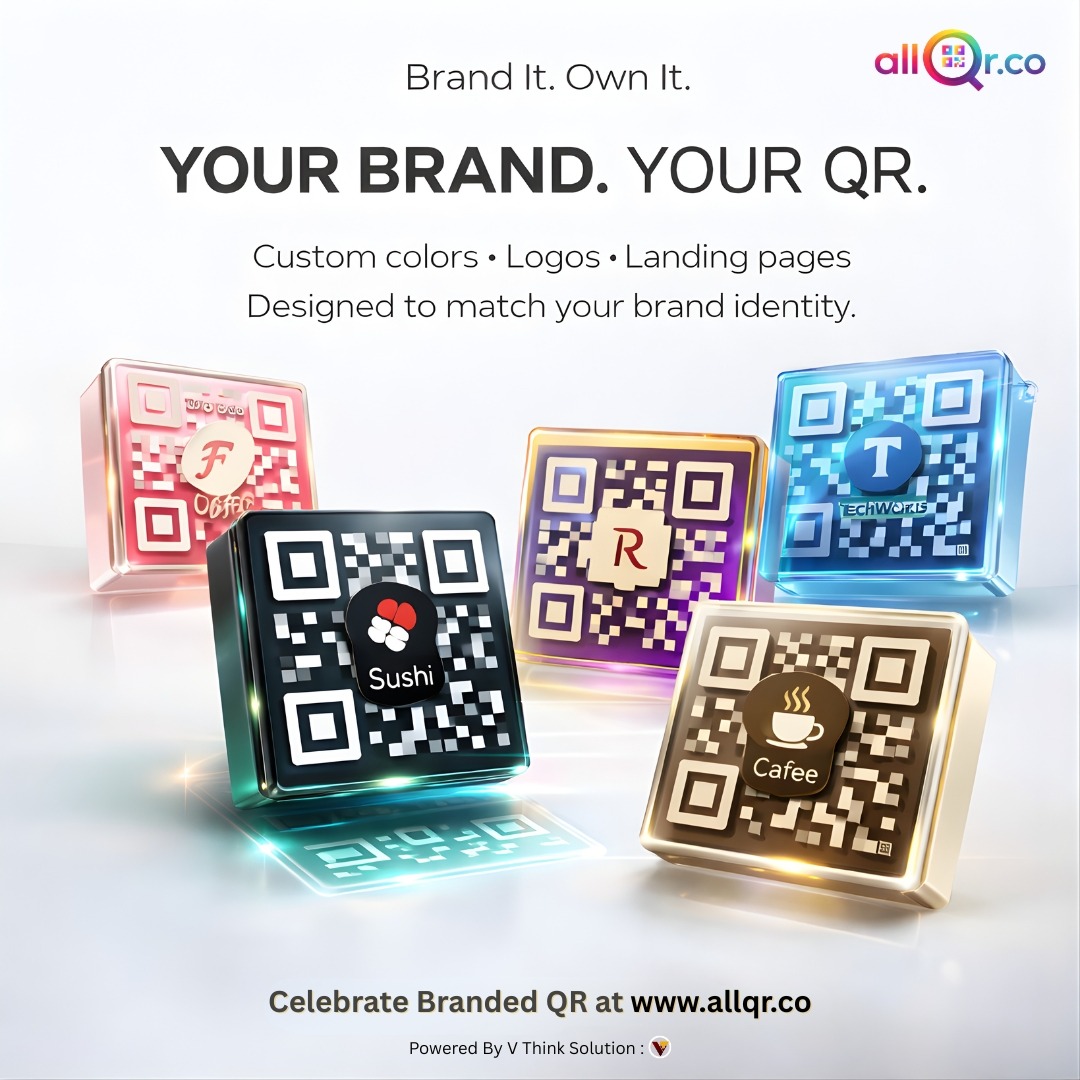
Modern QR generators allow adding logos, colors, and frames to improve visual appeal and brand identity.
Multi-Purpose Usage
QR codes can be used for website promotion, WhatsApp marketing, payments, event registrations, and digital menus.
Business Use Cases of Free QR Code Generator
Retail Stores
Retailers use QR codes to share product catalogs, discount offers, and WhatsApp support links.
Restaurants and Cafes
Restaurants provide digital menus, table ordering systems, and feedback forms through QR codes.
Real Estate Industry
Agents use QR codes on property banners to share virtual tours and booking details.
Event Management
Event organizers use QR codes for registrations, ticket verification, and promotional campaigns.
E-commerce Businesses
Online sellers add QR codes on packaging for product reviews, warranty registration, and repeat purchases.
URL Shortener Integration for Better Marketing
Long URLs can look unprofessional and reduce click-through rates. AllQR also offers a built-in URL shortener that converts long links into clean and branded short URLs.
Benefits include:
- Easy sharing on social media
- Better campaign tracking
- Professional marketing appearance
- Improved user trust
This feature makes AllQR more than just a QR code generator — it becomes a complete digital marketing tool.
How to Create QR Code Online for Free
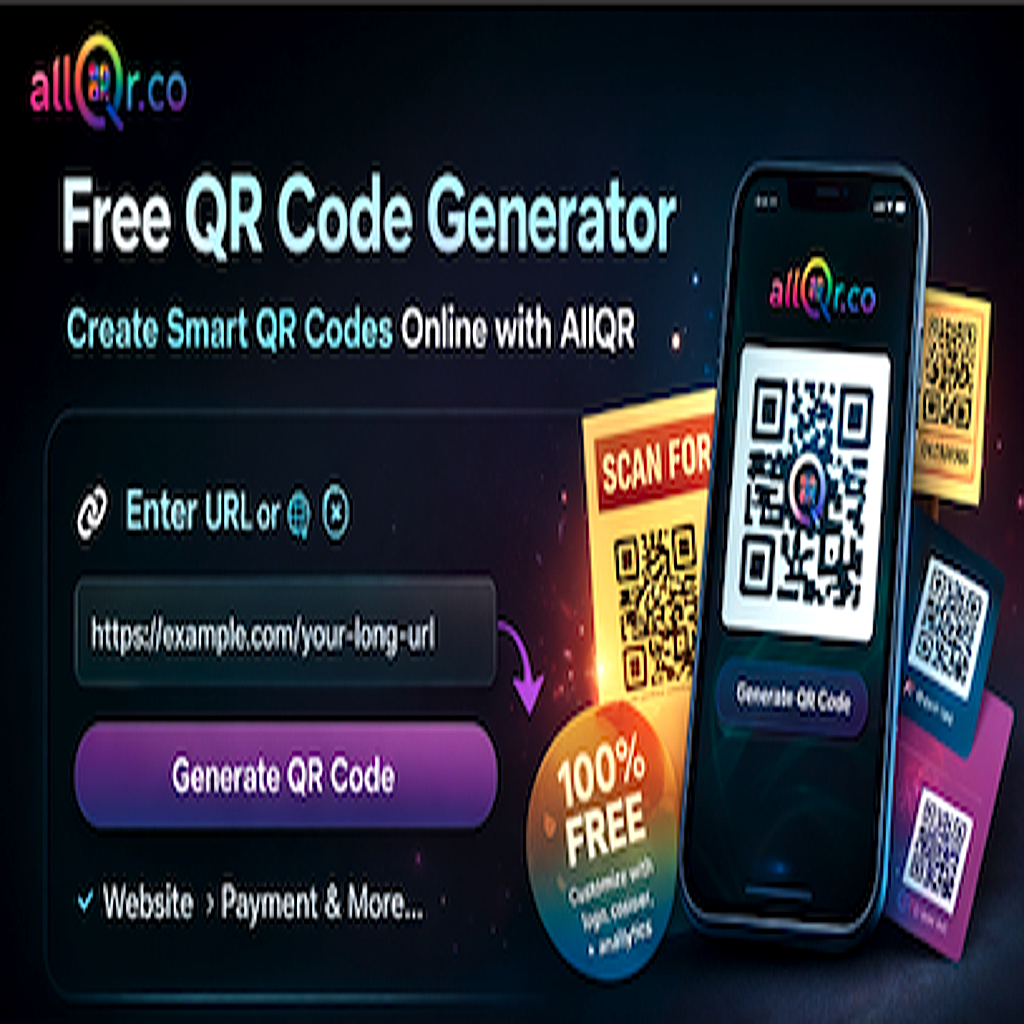
Creating a QR code using AllQR is simple:
- Visit the AllQR website
- Enter your website or WhatsApp link
- Customize QR code design
- Generate and download QR code
- Use it in marketing materials
You can place QR codes on banners, brochures, visiting cards, product packaging, and websites.
Best Practices for Using QR Codes
To get maximum results from QR marketing:
- Add clear call-to-action text like “Scan Here”
- Use high-quality QR code images
- Place QR codes at visible locations
- Test QR code before publishing
- Monitor campaign performance
Following these strategies can improve scan rates and customer engagement.
Future of QR Code Marketing
QR codes are becoming an essential part of digital transformation. With increasing smartphone adoption and contactless technology trends, QR codes are used for:
- Mobile payments
- Social media promotions
- Lead generation campaigns
- App downloads
- Customer feedback collection
Advanced features like analytics tracking and personalized landing pages will make QR code marketing even more powerful in the future.
Conclusion
A Free QR Code Generator is a simple yet powerful solution for businesses and individuals looking to improve communication and marketing performance. Platforms like AllQR provide tools to create smart QR codes, shorten URLs, and build digital contact cards in one place.
By adopting QR code technology, businesses can enhance customer engagement, increase conversions, and simplify digital marketing strategies. Start using AllQR today to create professional QR codes online and take your business growth to the next level.
FAQ – Free QR Code Generator
Q1. Is AllQR free to use?
Yes, users can generate QR codes for free with basic customization features.
Q2. Can I create WhatsApp QR codes?
Yes, you can generate QR codes that open WhatsApp chat instantly.
Q3. Can I track QR code scans?
Dynamic QR code features allow tracking analytics.
Q4. Where can I use QR codes?
On websites, marketing materials, packaging, visiting cards, and social media.