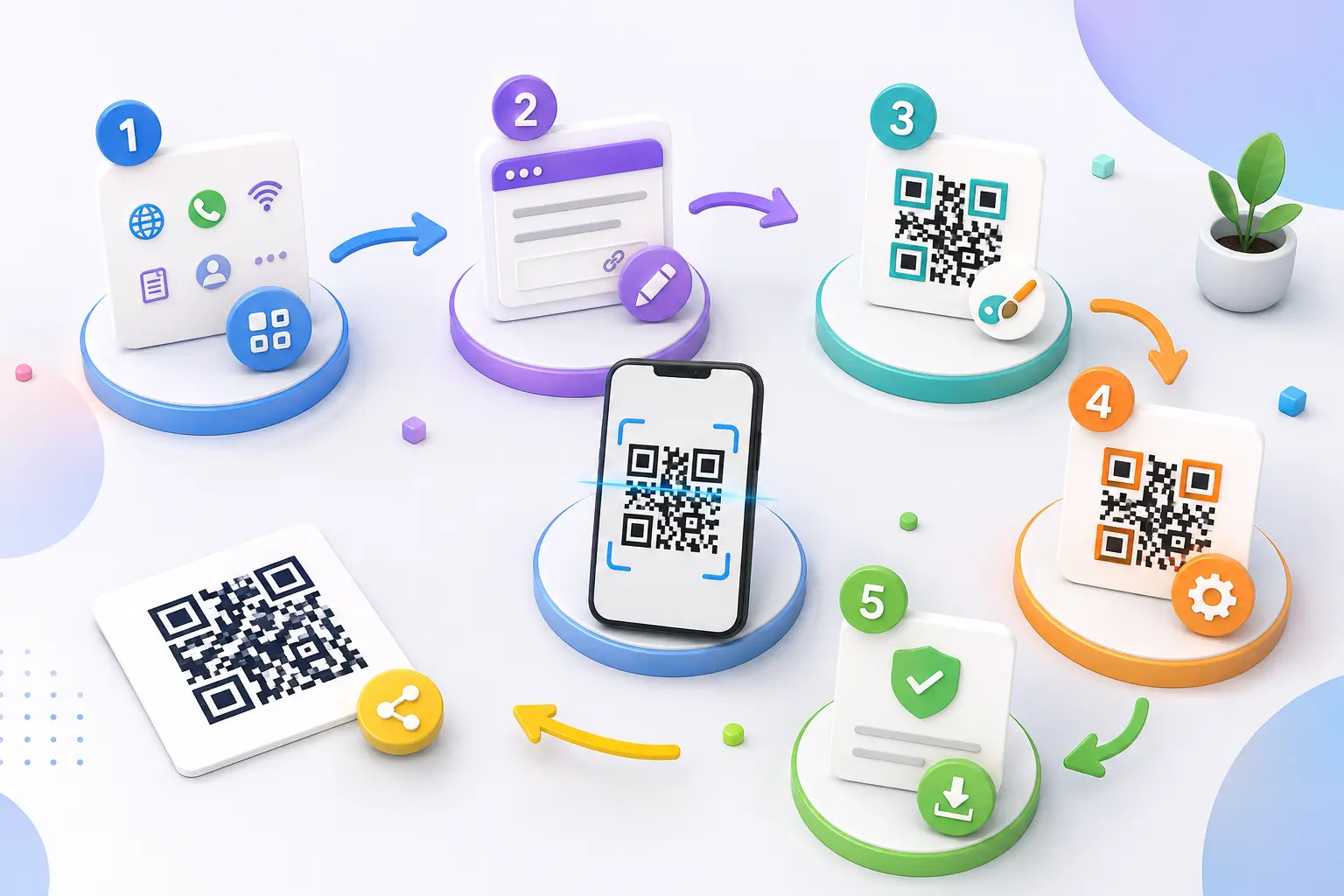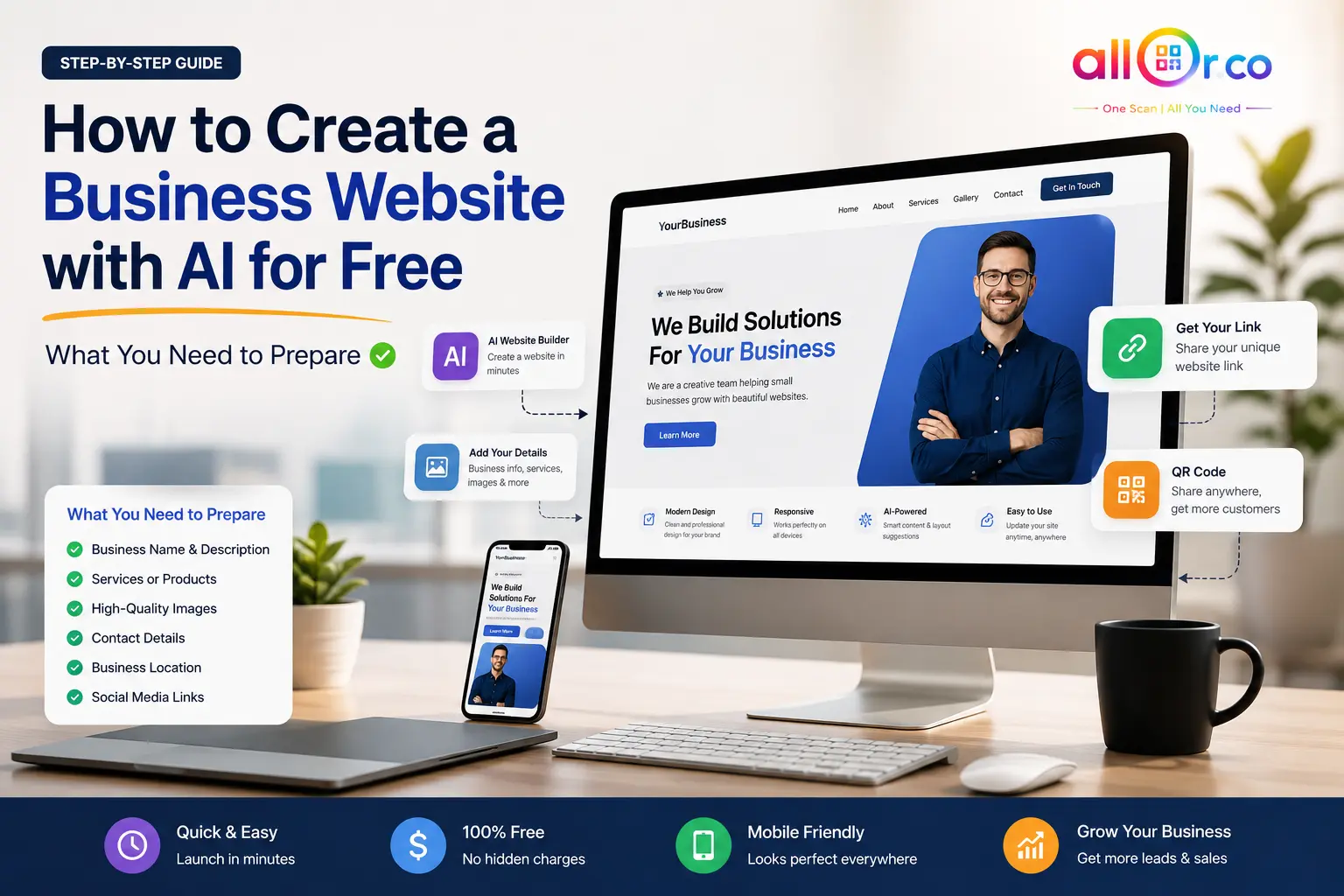
QR codes have become a simple way to connect people with digital information. Instead of typing a website address, searching for an Instagram profile, or asking for a WiFi password, someone can simply scan a QR code and get access in seconds.
For businesses, this can make everyday communication much easier. A café can share its WiFi details, a shop can start a WhatsApp conversation, and a creator can send visitors directly to an Instagram profile.
With a free QR code generator without signup, you can create QR codes for different purposes without needing technical knowledge. The key is choosing the right QR code type for the information you want to share.
Why Businesses Use QR Codes Today
A QR code works especially well when you need to connect an offline customer with something online.
For example, a restaurant might place a QR code on a table that opens its digital menu. A retail store could add one to its packaging so customers can visit the product page. A service business might use one to let customers start a WhatsApp conversation.
Some common benefits include:
- Faster access to information
- Less typing for customers
- Easier mobile interaction
- Better offline-to-online engagement
- More convenient customer communication
The goal isn't simply to use a QR code everywhere. It is to use one where it genuinely makes the customer's next step easier.
QR Code Generator for WhatsApp Free – Make Customer Communication Easier
WhatsApp is already a familiar communication channel for many customers, so connecting it with a QR code can be very useful.
A QR code generator for WhatsApp free allows businesses to create a scannable code that takes customers directly into a WhatsApp conversation.
You could place the code on:
- Store counters
- Business cards
- Product packaging
- Posters
- Service brochures
- Websites
- Event displays
For example, a local salon could place a WhatsApp QR code near its reception desk with the message "Scan to Book an Appointment." A customer can scan it and start the conversation without manually saving a phone number.
This can remove a small amount of friction from the booking process.
Create a WhatsApp QR Code with AllQR
QR Code Generator for WiFi Password – Make Guest Access Simple
Sharing a WiFi password repeatedly can be inconvenient, especially in places where many guests visit.
A QR code generator for WiFi password can turn network details into a scannable code. Guests can scan the code with a compatible smartphone and connect without manually typing the password.
This can be useful for:
- Hotels
- Cafés
- Restaurants
- Offices
- Clinics
- Homes
- Coworking spaces
For example, a café could place a small "Scan for WiFi" QR code near the counter. Customers don't have to ask staff for the password, and staff don't have to repeat it throughout the day.
Always test the WiFi QR code before displaying it to customers to make sure the network details are correct.
QR Code Generator for Instagram Profile – Turn Offline Visitors Into Followers
Social media promotion doesn't have to happen only online.
A QR code generator for Instagram profile can help businesses and creators connect physical audiences with their Instagram account.
You can add an Instagram QR code to:
- Business cards
- Event booths
- Product packaging
- Posters
- Store displays
- Flyers
For example, a fashion store could display a QR code beside a new collection with a simple message such as "Scan to See More Styles on Instagram."
This gives visitors a clear reason to scan rather than simply placing a QR code without context.
Free QR Code Generator With Logo – Add Your Brand to the Experience
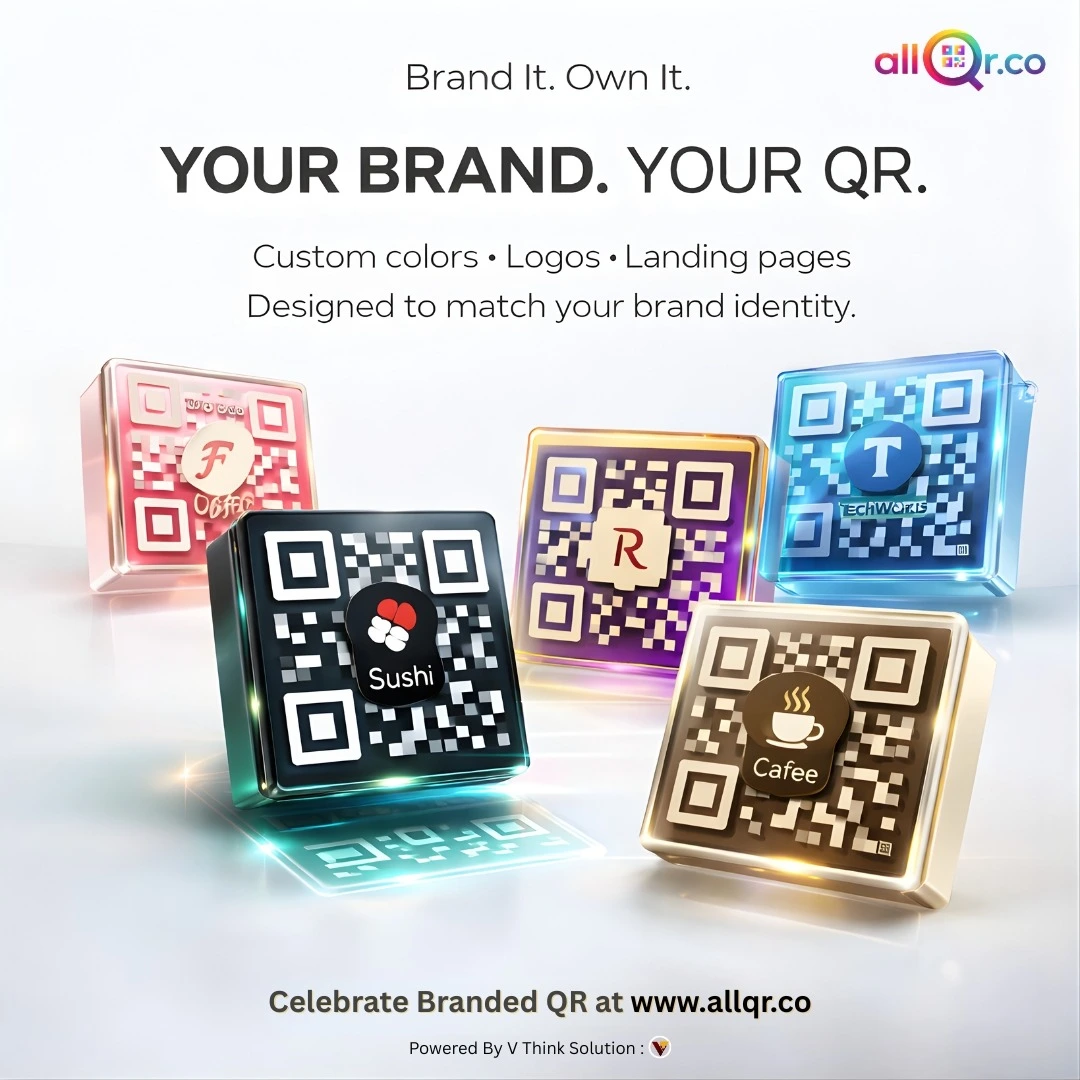
A QR code doesn't have to look completely separate from your brand.
A free QR code generator with logo can help you create a QR code that matches your visual identity. Depending on the tool, you may be able to add a logo, adjust colors, select a frame, or include a short call-to-action.
For example, a restaurant could use its logo in the center and add:
"Scan to View Menu"
A business could use:
"Scan to Contact Us"
Keep readability in mind when customizing the design. A QR code should still have enough contrast and clear space around it so smartphones can scan it reliably.
Explore QR Code Creation Options on AllQR
Free Dynamic QR Code Generator – When You Need More Flexibility
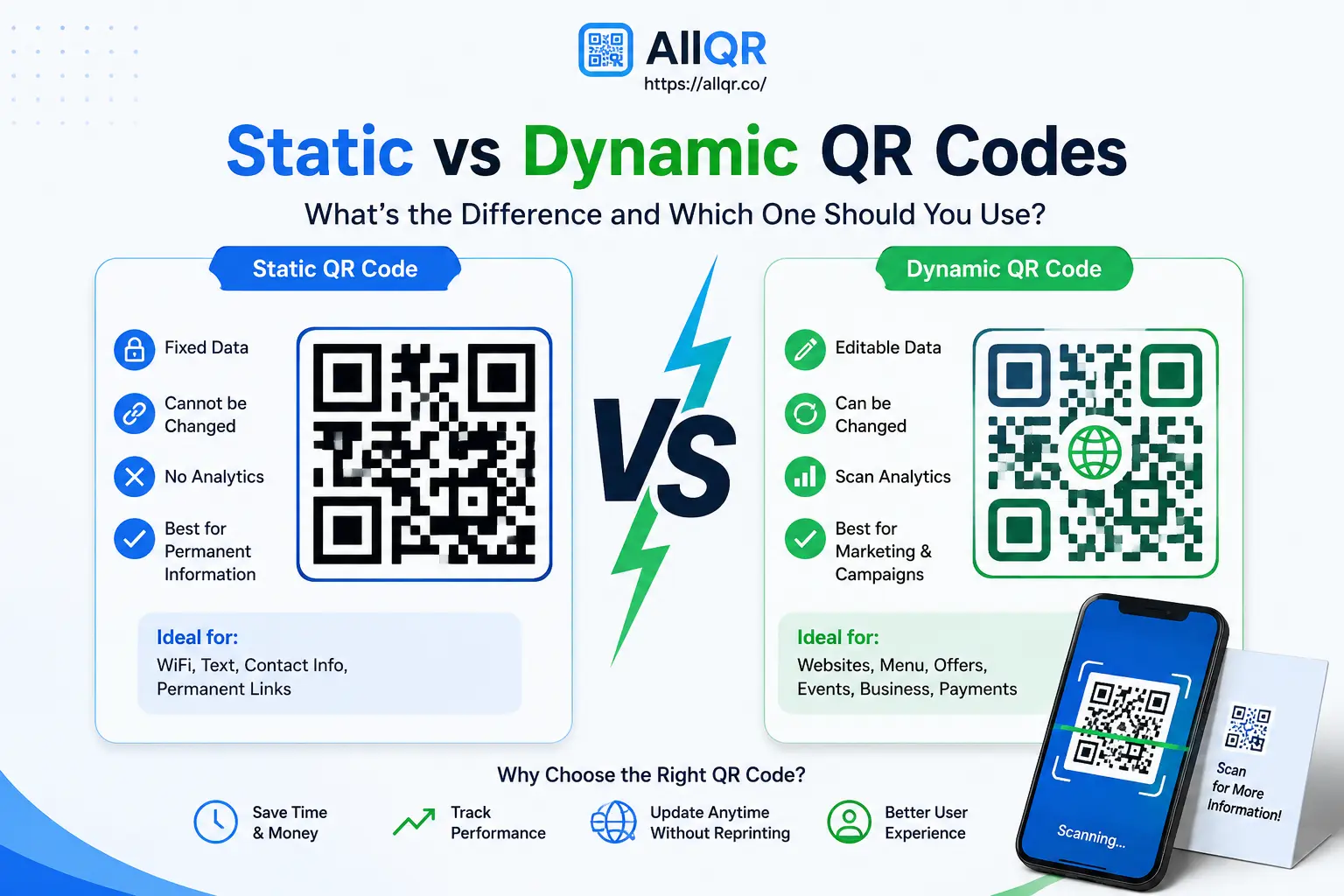
Not every QR code needs to be changed after creation.
But if you're using a QR code for marketing, menus, campaigns, or regularly updated content, a free dynamic QR code generator trial can be worth exploring.
The main benefit of a dynamic QR code is flexibility. Depending on the service, you may be able to change the destination without replacing the QR code you've already printed.
Imagine a restaurant that has QR codes on 50 tables. If the linked menu changes, replacing every printed QR code would be inconvenient. A dynamic setup can make managing that destination much easier.
Some dynamic QR services also provide scan analytics, which can help businesses understand how their QR campaigns are performing.
Learn More About Dynamic QR Codes
Best URL Shortener Free – Make Links Easier to Share
QR codes aren't the only way businesses share links.
A URL shortener can make long web addresses easier to use in social media posts, advertisements, messages, and printed materials.
For example, instead of sharing a long tracking URL, a business can use a shorter, cleaner link.
A branded URL shortener can go a step further by using a recognizable brand name where the service supports it.
This can be useful for:
- Marketing campaigns
- Social media
- Print advertisements
- Email campaigns
- Promotional materials
Short links and QR codes can complement each other: the QR code helps with scanning, while the short link can be useful when someone wants to type or copy the address.
Choosing the Right QR Code for Your Needs
The best QR code isn't necessarily the one with the most features. It should match what your customers actually need to do.
| Your Goal | Useful QR Code |
|---|---|
| Start a customer conversation | WhatsApp QR Code |
| Share internet access | WiFi QR Code |
| Promote your Instagram | Instagram QR Code |
| Share a website | Website QR Code |
| Share a document | PDF QR Code |
| Collect customer feedback | Google Review QR Code |
| Change destinations later | Dynamic QR Code |
This simple approach can help you avoid creating a QR code that looks impressive but doesn't solve a real customer problem.
Why Choose AllQR?
AllQR brings several QR code use cases together in one platform, making it easier for users who need different types of QR codes for personal or business projects.
You can explore options for:
- Website links
- WiFi
- PDFs
- Digital business cards
- Google Reviews
- UPI payments
- Dynamic QR codes
The important part is to choose the QR code type based on your goal, test it before publishing, and give users a clear reason to scan.
Practical Tips for Better QR Code Results
A QR code is only useful when people can scan it and understand what happens next.
Keep these tips in mind:
- Add a clear call-to-action – Tell users what they'll get after scanning.
- Test the code before printing – Check it on more than one phone.
- Use good contrast – Avoid colors that make the QR pattern difficult to read.
- Don't make it unnecessarily small – The right size depends on where it will be displayed.
- Check the destination page – Make sure it works properly on mobile.
- Keep the information updated – Especially for menus, promotions, and business links.
Conclusion
QR codes are most useful when they remove a step from the customer journey.
A WhatsApp QR code can make it easier to start a conversation. A WiFi QR code can simplify guest access. An Instagram QR code can connect offline visitors with your social profile, while a dynamic QR code can provide more flexibility for changing campaigns.
Instead of using the same QR code for every situation, choose the type that matches your goal.
With AllQR, you can explore different QR code solutions for websites, WhatsApp, WiFi, Instagram, PDFs, digital business cards, payments, and more.