How to Make a Link-in-Bio Page for Instagram in 2026: The Complete Technical Guide
To make a link-in-bio page for Instagram in 2026, build one mobile-first landing page that holds all your important links, then paste its short URL into your Instagram profile’s “Links” field. ALLQR lets you create that page in minutes, with a smart bio link, a trackable short URL, and a matching QR code, all from one dashboard.
Instagram still gives you very little room in your bio. You can add links, but each one sits behind an extra tap, and none of them can carry your brand. A link-in-bio page fixes this. It turns a single URL into a small storefront, portfolio, or contact hub.
In this guide we go through how to build one properly, what makes some bio pages load fast and others lose visitors, and how to tie the page to the rest of your digital setup.
What Is a Link-in-Bio Page?
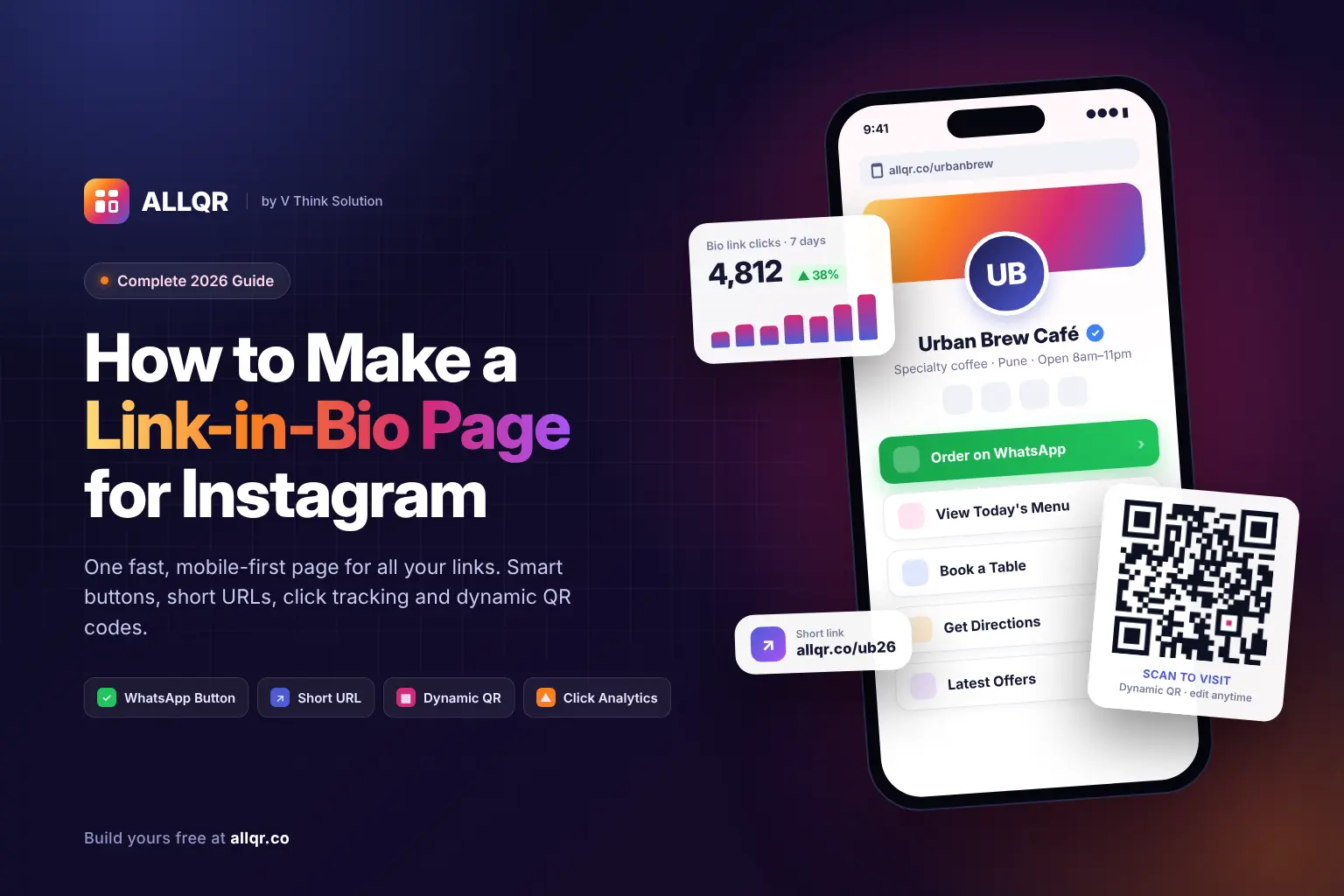
A link-in-bio page is a lightweight, single-screen web page built to be opened from a social profile. It usually includes:
- Your name, logo, or profile photo.
- A short line about what you do.
- Tappable buttons pointing to your shop, booking page, WhatsApp, YouTube, or latest offer.
- Social icons and contact options.
The goal is simple. A visitor taps once and finds what they came for within seconds.
Why a Plain URL in Your Bio Is No Longer Enough
Most Instagram traffic comes from phones, often on unstable mobile data. A heavy website homepage loads slowly inside Instagram’s in-app browser, and visitors leave before anything appears.
A dedicated bio page solves three problems at once:
- Speed. One small page loads much faster than a full website.
- Choice. One link can send visitors to many destinations.
- Measurement. You can see which buttons people actually tap.
Link-in-Bio Options Compared
| Approach | Setup Time | Custom Branding | Click Analytics | QR Code Included | Editable After Sharing | Best For |
|---|---|---|---|---|---|---|
| Instagram native bio links only | 2 minutes | None | Basic | No | Yes | Personal accounts with one or two links |
| Full website homepage | Days to weeks | Full | Requires separate setup | No | Yes, with developer help | Large brands with an existing site |
| Generic link-in-bio tool | 10–15 minutes | Limited on free plans | Often paid only | Rarely | Yes | Creators testing the format |
| ALLQR smart bio link | Under 10 minutes | Yes | Yes | Yes | Yes, without reprinting anything | Businesses, creators, and local shops |
| ALLQR single-page business website (₹999/year) | Same day | Full | Yes | Yes | Yes | Small businesses that need a real web presence |
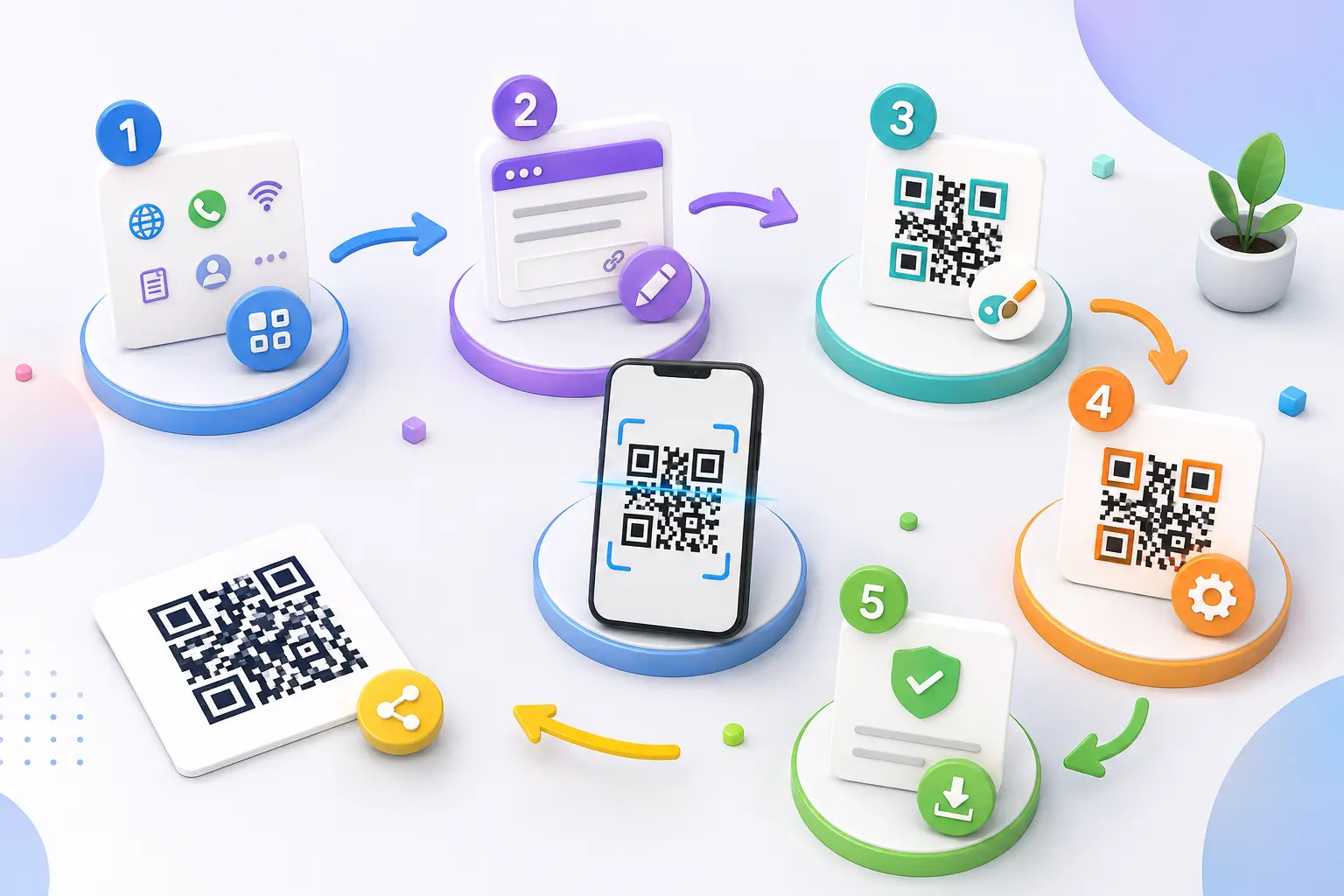
Step-by-Step: Building Your Instagram Link-in-Bio Page with ALLQR
Step 1: Decide What the Page Must Do
Before you design anything, write down the three actions you most want a visitor to take. For a café that might be “order on WhatsApp, view menu, get directions.” For a photographer it might be “see portfolio, check prices, book a date.”
Keep it to three to six buttons. More than that and people stop reading.
Step 2: Create Your Smart Bio Link
Sign in to ALLQR and create a new bio link page. Add your logo, a one-line description, and your buttons in order of importance.
ALLQR builds the page mobile-first. It renders cleanly inside Instagram’s in-app browser on both iOS and Android, so you don’t have to test a dozen screen sizes yourself.
Step 3: Add Direct-Action Buttons
Most visitors don’t want a contact form. They want to message you right away.
Generate a click-to-chat link with the WhatsApp QR code generator and add it as your top button. The same link also works as a printable QR code for your counter or packaging.
Step 4: Shorten and Clean Your URL
Long URLs full of tracking parameters look untrustworthy and are hard to read aloud in Reels or Stories.
Run your bio page address through the ALLQR URL shortener. You get a short, clean link that fits neatly in your bio and still records clicks.
Step 5: Paste the Link into Instagram
On Instagram, go to Edit Profile → Links → Add external link, paste your short URL, and give it a clear title such as “Order & Contact.” Save, then tap the link yourself from a second account to check how it behaves.
Step 6: Connect Offline Traffic with a QR Code
Your bio page shouldn’t only live inside Instagram. Create a printable code with the Instagram QR code generator that sends people straight to your profile, or point a code at the bio page itself.
For one-off uses, the free QR code generator is enough. For anything printed in bulk, use the dynamic QR code generator. It lets you change where the code points later, so a menu update or a new offer never means reprinting flyers.
Technical Factors That Decide Whether Your Bio Page Converts
Load Speed and Rendering
Instagram’s in-app browser is more limited than Chrome or Safari. Pages that depend on heavy client-side scripts often show a blank screen for a second or two. Server-side rendered pages send ready-made HTML, so content shows up almost immediately.
Contrast and Readability
Many people check Instagram outdoors or with low screen brightness. Buttons need strong colour contrast against the background. Light grey text on white might look stylish on a laptop, but it becomes invisible on a phone in sunlight.
Cross-Platform QR Scannability
A QR code linking to your bio page must scan on both older Android cameras and the latest iPhones. That means enough contrast between modules and background, a clear quiet zone around the code, and no busy design elements cutting into it.
“A link-in-bio page is often the first impression a business makes on mobile, and most of those visits happen on average connections inside an in-app browser. We engineer ALLQR pages to render server-side, keep payloads small, and hold strong contrast ratios, so the page works reliably on budget Android devices as well as flagship phones.”
— Engineering and Infrastructure Team, V Think Solution
When to Upgrade from a Bio Link to a Full Single-Page Website
A bio link is a signpost. Sometimes a business needs a proper shopfront: a product list, business hours, a map, testimonials, and something Google can index under its name.
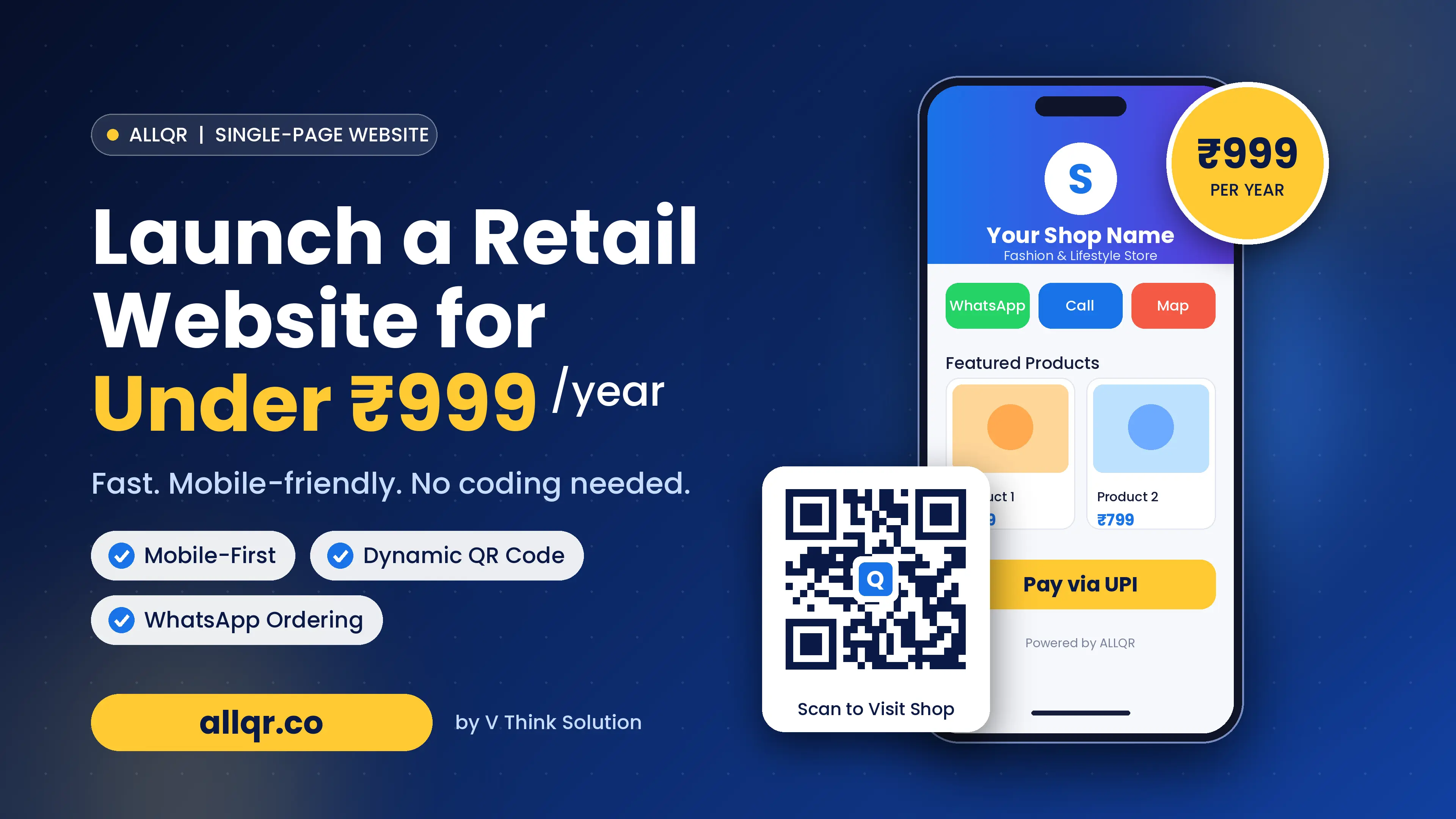
That’s where ALLQR’s single-page business website comes in. For ₹999 per year, you get a complete, mobile-ready site you can use as your Instagram link and share everywhere else. This guide on building a single-page retail website for under ₹999 per year walks through the setup in detail.
Common Mistakes to Avoid
- Too many buttons. Visitors freeze when given twelve choices.
- Vague labels. “Click here” tells nobody anything; “Book a table” does.
- Broken links after a campaign ends. Use dynamic links so you can redirect instead of leaving dead pages.
- No tracking. If you can’t see which button gets taps, you’re guessing.
- Ignoring the offline side. Your printed materials should send people to the same page.
Frequently Asked Questions
How do I add a link-in-bio page to my Instagram profile?
Create your page on a tool like ALLQR, copy its short URL, then go to Edit Profile → Links → Add external link in Instagram and paste it.
Is a link-in-bio page free to make?
Yes. You can build a basic bio link page on ALLQR without paying. Paid options add things like a full single-page website at ₹999 per year.
Can I change my bio page links without changing the URL on Instagram?
Yes. With ALLQR you edit the buttons inside your dashboard, and the link in your Instagram bio stays the same.
Will my link-in-bio page work with a QR code?
Yes. You can create a QR code that points to your bio page. Choose a dynamic QR code if you expect to change the destination later.
Do I need a link-in-bio page if Instagram allows multiple links?
Native links sit behind an extra tap and can’t be branded or tracked in detail. A bio page gives you design control, better analytics, and one URL you can share across every platform.
Can I add a WhatsApp button to my bio page?
Yes. Generate a click-to-chat link with ALLQR’s WhatsApp QR code generator and add it as a button.
What’s the difference between a bio link and a single-page website?
A bio link mainly points visitors elsewhere. A single-page website holds your actual business information, such as products, hours, location, and reviews, in one place.
Conclusion
A good Instagram link-in-bio page in 2026 isn’t about stuffing in every link you own. It’s about one fast, readable page that gets a visitor to the right action in a single tap.
Build it mobile-first. Keep the buttons few and clear. Shorten the URL, track the clicks, and connect it to your printed materials with a dynamic QR code.
ALLQR brings all of this together in one place: smart bio links, short URLs, dynamic QR codes, digital business cards, and an affordable single-page website when you’re ready to grow. Set up your page today, and let your Instagram profile do the selling for you.