In today’s digital world, sharing multiple links efficiently is a challenge for businesses, creators, and marketers. Whether you want to share your website, Instagram, WhatsApp, YouTube, or product links — sending multiple URLs can confuse users and reduce engagement.
That’s where a QR code for multiple links becomes a powerful solution.
Instead of sharing several links, you can create one smart QR code that opens a page with all your important links in one place.
If you’re looking for a simple, free, and powerful solution, platforms like https://allqr.co/ make it incredibly easy to create multi-link QR codes without any technical skills.
What is a QR Code for Multiple Links?
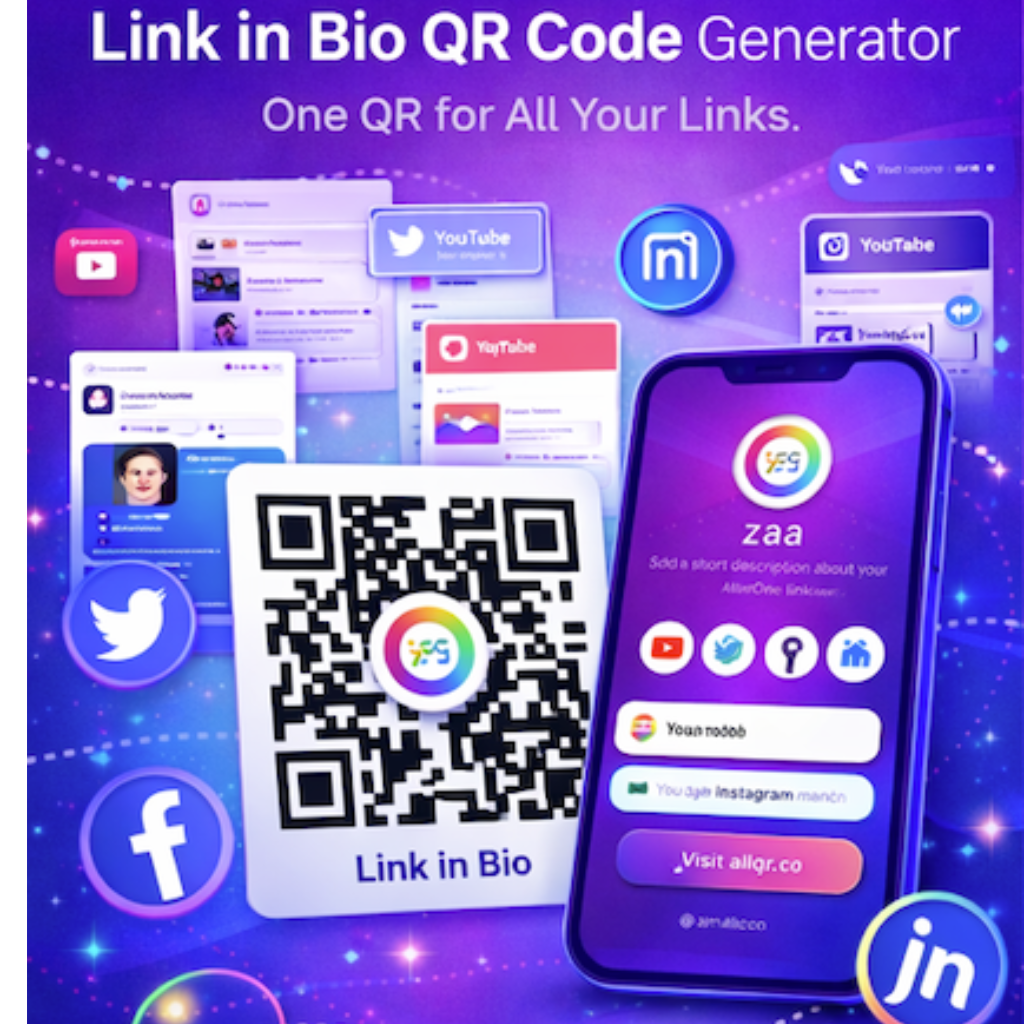
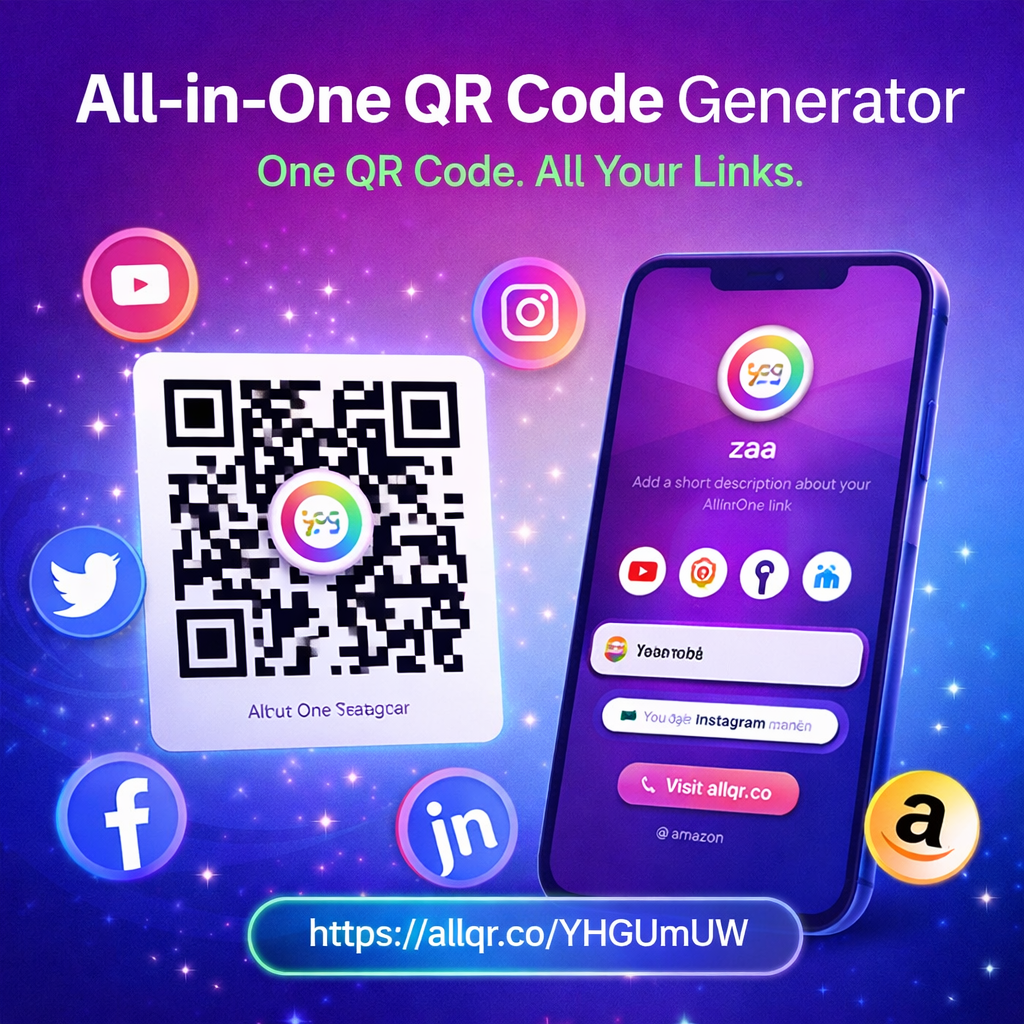
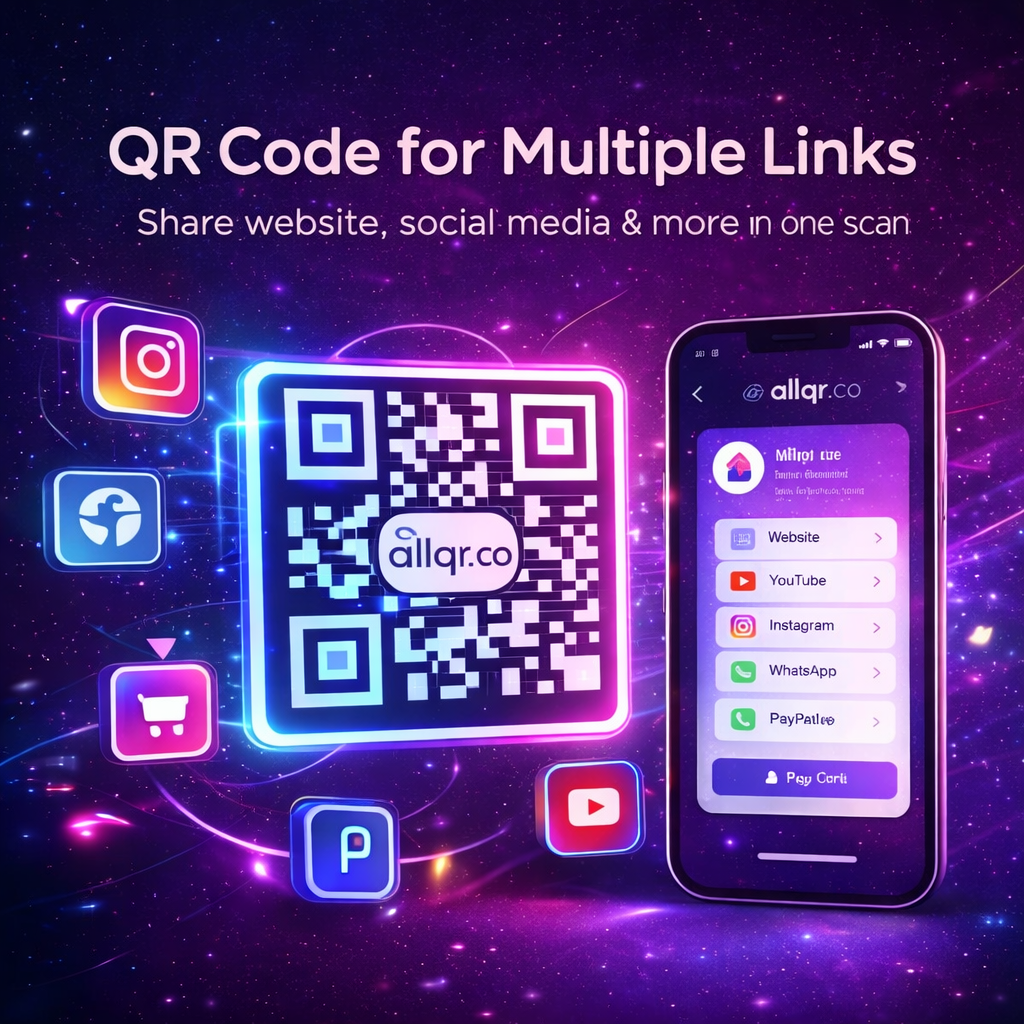
A QR code for multiple links (also called an All-in-One QR code or multi-link QR) is a single QR code that contains multiple URLs.
When users scan it, they don’t go directly to one link — instead, they see a landing page with multiple clickable options like:
- Website
- WhatsApp chat
- Instagram profile
- YouTube channel
- Payment links
- Contact card
This gives users flexibility and improves engagement.
Why Use QR Code for Multiple Links?
1. Simplifies User Experience
Instead of sharing multiple links, one scan gives everything.
2. Better Engagement
Users can choose what they want → higher interaction.
3. Perfect for Marketing
Use in:
- Posters
- Business cards
- Packaging
- Events
4. Easy Updates (Dynamic QR)
You can update links without changing QR code.
5. Professional Branding
Custom design, logos, and colors improve trust.
How QR Code for Multiple Links Works
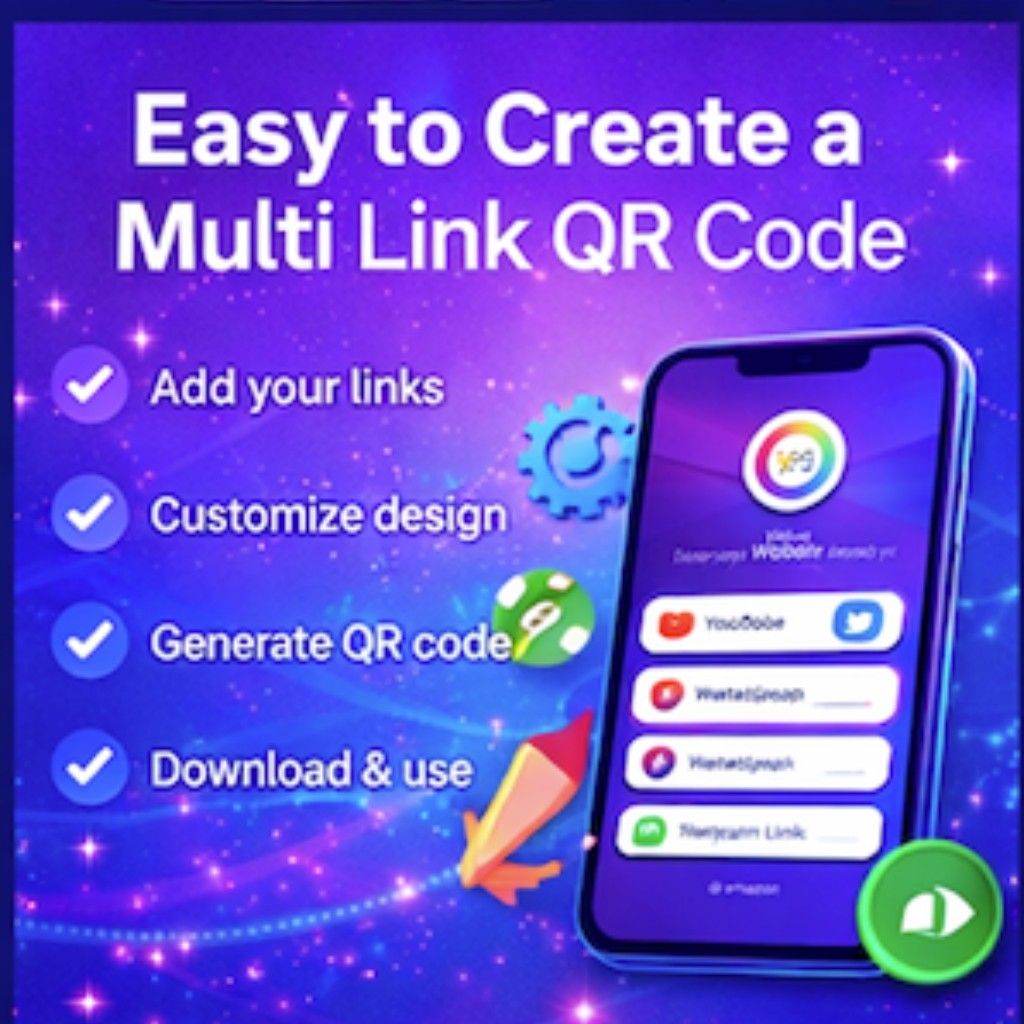
Here’s how it works step-by-step:
Step 1: Add Multiple Links
Add your:
- Website
- Social media
- Contact info
Step 2: Customize Page
Add:
- Title
- Profile image
- Theme
Step 3: Generate QR Code
System creates a single QR code
Step 4: Share Anywhere
Print or share digitally.
Best Tool to Create Multi-Link QR Code
If you want a free and powerful solution, use:
Why AllQR?
- Free QR code generator
- No signup required
- All-in-One QR (multi-link support)
- Analytics tracking
- Custom branding
- URL shortener included
Use Cases of QR Code for Multiple Links
Business Cards
Share:
- Website
- Contact
- Social media
Events
Provide:
- Registration
- Location
- Schedule
E-commerce
Link:
- Products
- Offers
- Payment
Influencers
One QR = All social links
Multi-Link QR vs Single Link QR
| Feature | Single QR | Multi-Link QR |
|---|---|---|
| Links | 1 | Multiple |
| Flexibility | Low | High |
| User Experience | Basic | Advanced |
| Marketing Use | Limited | Powerful |
Multi-link QR is clearly better for modern use.
- A QR code for multiple links improves user engagement by allowing flexible navigation.
- Businesses use multi-link QR codes to centralize digital presence.
- Dynamic QR codes enable updates without reprinting.
- All-in-One QR codes are essential for modern marketing strategies.
- Tools like AllQR simplify QR creation with analytics and customization.
Tips to Create High-Performing QR Codes
✔ Use clear CTA (Scan Now)
✔ Add logo for branding
✔ Choose high contrast colors
✔ Test before printing
✔ Keep landing page simple
Common Mistakes to Avoid
- Using too many links
- Poor design contrast
- No mobile optimization
- Not tracking analytics
Internal Recommendation
Try creating your own now:
It’s free and takes less than 30 seconds.
FAQ SECTION (SEO BOOST)
1. What is a QR code for multiple links?
A QR code for multiple links allows users to access several URLs from a single scan, making it easier to share content.
2. Is it free to create multi-link QR codes?
Yes, platforms like AllQR allow you to create QR codes for multiple links for free without signup.
3. Can I edit links after creating QR code?
Yes, using dynamic QR codes, you can update links anytime.
4. Where can I use multi-link QR codes?
You can use them on business cards, posters, packaging, events, and marketing campaigns.
5. Are QR codes safe to use?
Yes, as long as they are generated from trusted platforms like AllQR.
Conclusion
A QR code for multiple links is no longer a luxury — it’s a necessity in today’s digital marketing world.
It simplifies sharing, boosts engagement, and gives users a better experience.
Whether you’re a business owner, marketer, or content creator, using a multi-link QR code can transform how you connect with your audience.
Start today with AllQR and create your smart QR code in seconds.