In today’s digital and connected world, internet access has become a basic necessity for homes, offices, restaurants, hotels, and public places. Sharing WiFi passwords manually can be inconvenient, time-consuming, and sometimes insecure. This is where a QR Code Generator for WiFi Password becomes a smart and modern solution.
With platforms like AllQR, users can easily create WiFi QR codes that allow guests, customers, and visitors to connect to a network instantly by scanning a QR code. This blog explains how WiFi QR codes work, their benefits, use cases, and how businesses and individuals can use them effectively.
What is a QR Code Generator for WiFi Password?
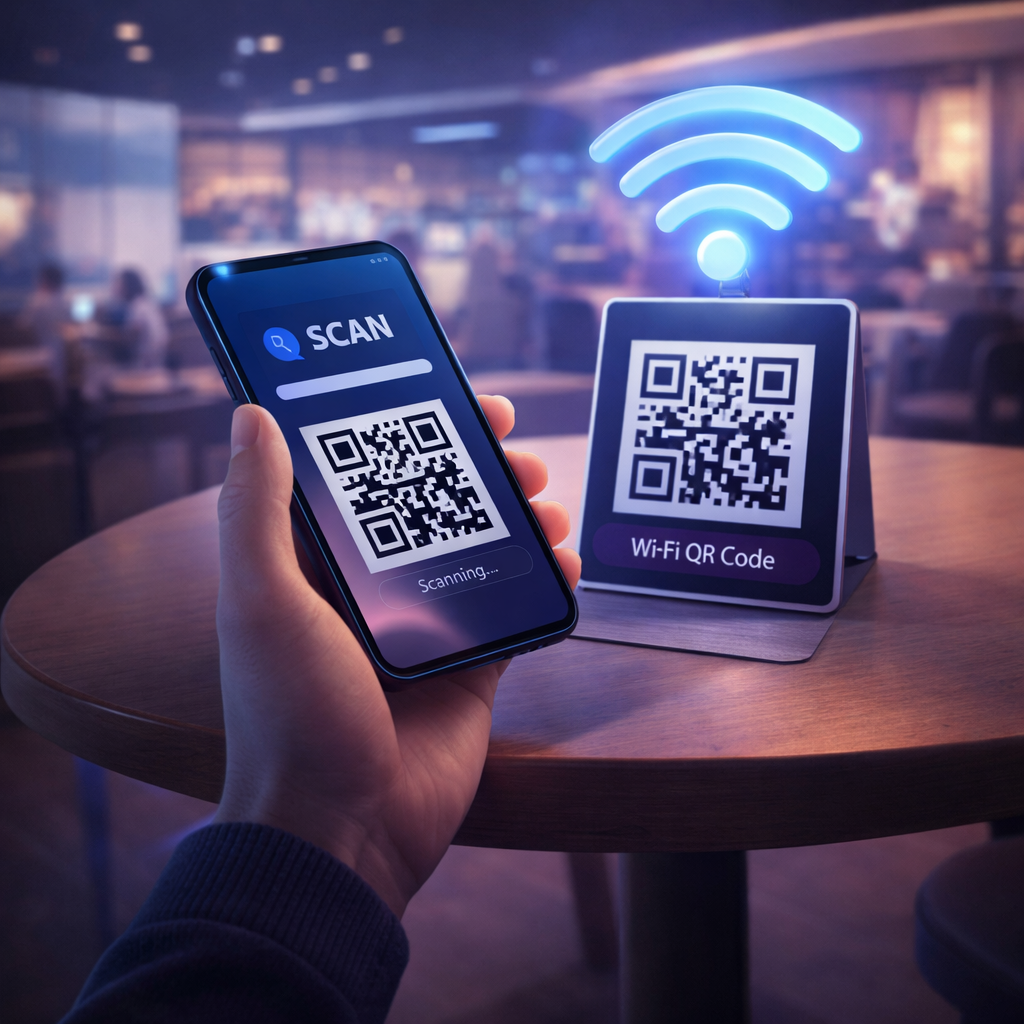
A WiFi QR Code Generator is an online tool that converts your WiFi network details such as network name (SSID), password, and security type into a scannable QR code. When users scan this QR code using their smartphone camera, they are automatically prompted to connect to the WiFi network without typing the password.
This technology improves convenience and enhances user experience in environments where multiple people need internet access.
If you want to create WiFi QR codes easily, you can try
Free QR Code Generator Tool
This platform allows quick and secure QR code generation for multiple purposes including WiFi sharing.
How WiFi QR Code Technology Works
WiFi QR codes store network credentials in encrypted format. When a user scans the code:
- The smartphone reads encoded WiFi data
- Displays a connection prompt
- Connects instantly after confirmation
This process eliminates manual errors and saves time, especially in crowded places like cafes or events.
Benefits of Using QR Code Generator for WiFi Password
1. Instant WiFi Access
Users can connect to the internet in seconds without asking for passwords.
2. Improved Customer Experience
Restaurants, hotels, and offices can offer seamless connectivity.
3. Time-Saving Solution
Staff members don’t need to repeatedly share WiFi credentials.
4. Contactless & Modern Technology
WiFi QR codes support touch-free communication and digital transformation.
5. Secure Password Sharing
Passwords remain hidden and protected from manual misuse.
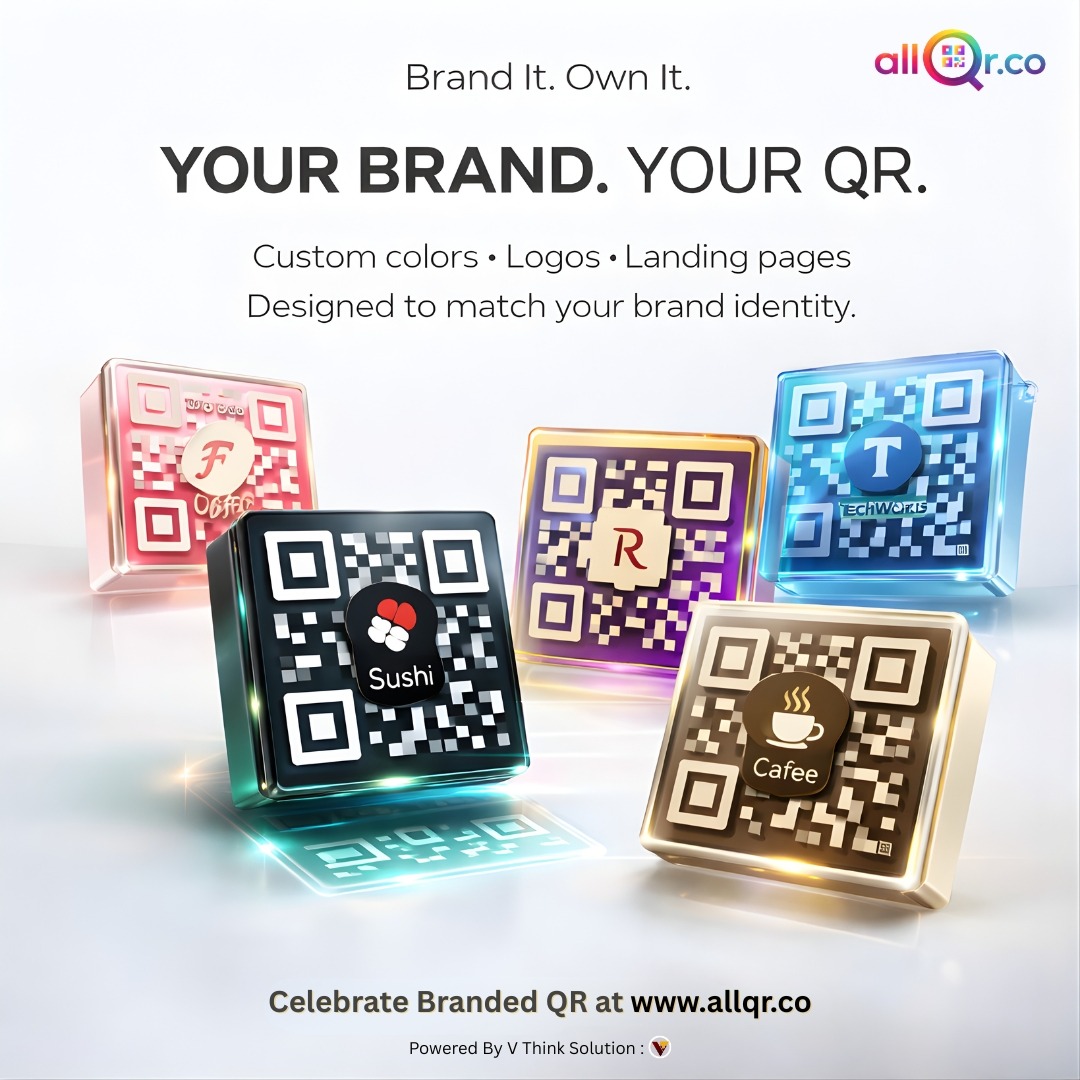
6. Professional Branding Opportunity
Businesses can print branded WiFi QR codes with logo and colors.
To explore more smart QR features, visit
Dynamic QR Code Generator
Where Can You Use WiFi QR Codes?
Restaurants & Cafes
Place WiFi QR codes on tables, menu cards, or walls to help customers connect instantly.
Hotels & Resorts
Provide guests with QR codes in rooms for hassle-free internet access.
Offices & Co-Working Spaces
Visitors and employees can connect without asking for network details.
Retail Stores
Improve customer experience by offering free WiFi through QR codes.
Events & Conferences
Manage large crowds efficiently by providing WiFi QR code access points.
Homes & Apartments
Share WiFi with guests without revealing or typing passwords.
Static vs Dynamic WiFi QR Codes
Static WiFi QR Code
- Stores fixed password details
- Cannot be edited after creation
- Suitable for home or permanent networks
Dynamic WiFi QR Code
- Can update network details anytime
- Provides scan analytics
- Ideal for businesses managing multiple locations
Businesses can benefit from dynamic QR solutions for better network management.
You can also generate marketing QR codes here:
WhatsApp QR Code Generator
How to Create WiFi QR Code Online
Creating WiFi QR code using AllQR is simple:
- Visit AllQR website
- Select WiFi QR code option
- Enter network name (SSID)
- Enter WiFi password
- Select security type (WPA/WEP/Open)
- Customize QR code design
- Generate and download QR code
Now you can print or display it digitally.
Best Practices for Using WiFi QR Codes
- Place QR codes at visible and accessible locations
- Use waterproof printing for outdoor use
- Add instructions like “Scan to Connect WiFi”
- Test QR code before public usage
- Update password regularly if required
- Use branded QR design for better trust
These practices help improve usability and customer satisfaction.
WiFi QR Code for Business Marketing
WiFi QR codes can also be used as marketing tools. For example:
- Redirect users to landing page after connection
- Promote social media or app downloads
- Collect customer feedback
- Offer discount coupons
- Run loyalty programs
Combining WiFi access with marketing strategy can boost engagement and retention.
Role of URL Shortener & Analytics
AllQR provides additional features like URL shortener and QR analytics that help businesses track user interactions. This data can be used to optimize marketing campaigns and improve service quality.
For example:
- Number of WiFi QR scans
- Peak usage time
- Customer engagement insights
These insights support data-driven decision making.
Future of WiFi QR Code Technology
As digital transformation continues, WiFi QR codes will become more advanced with features like:
- AI-based user analytics
- Location-based personalization
- CRM integration
- Automated marketing campaigns
- Smart network management
Businesses that adopt QR code technology early will gain competitive advantage in customer experience.
Conclusion
A QR Code Generator for WiFi Password is a modern, secure, and convenient solution for sharing internet access. Platforms like AllQR make it easy to generate WiFi QR codes along with other smart marketing tools such as dynamic QR codes, WhatsApp QR codes, and URL shorteners.
Whether you run a restaurant, hotel, office, event service, or simply want to share WiFi at home, using WiFi QR codes can simplify connectivity and enhance user experience.
Start creating WiFi QR codes today with AllQR and make internet access faster, smarter, and more professional.
FAQ – WiFi QR Code Generator
Q1. Is WiFi QR code generator free?
Yes, many platforms including AllQR offer free WiFi QR code creation tools.
Q2. Can I change WiFi password after creating QR code?
You need to generate a new static QR code or use dynamic QR feature.
Q3. Are WiFi QR codes safe?
Yes, they securely store credentials and avoid manual password sharing.
Q4. Where should I place WiFi QR codes?
At visible locations like tables, walls, reception desks, or digital displays.