WhatsApp QR Code Maker for Business: A Complete Guide to Get More Customers Instantly
In digital world, customers don’t want to save numbers, type messages, or search endlessly. They want quick access—and that’s exactly where a WhatsApp QR code maker for business becomes powerful.
Imagine a customer simply scans a QR code and instantly starts a chat with your business. No friction. No delay. Just direct connection.
If you’re a shop owner, service provider, marketer, or freelancer—this guide will help you understand how to use WhatsApp QR codes to grow faster.
What is a WhatsApp QR Code?
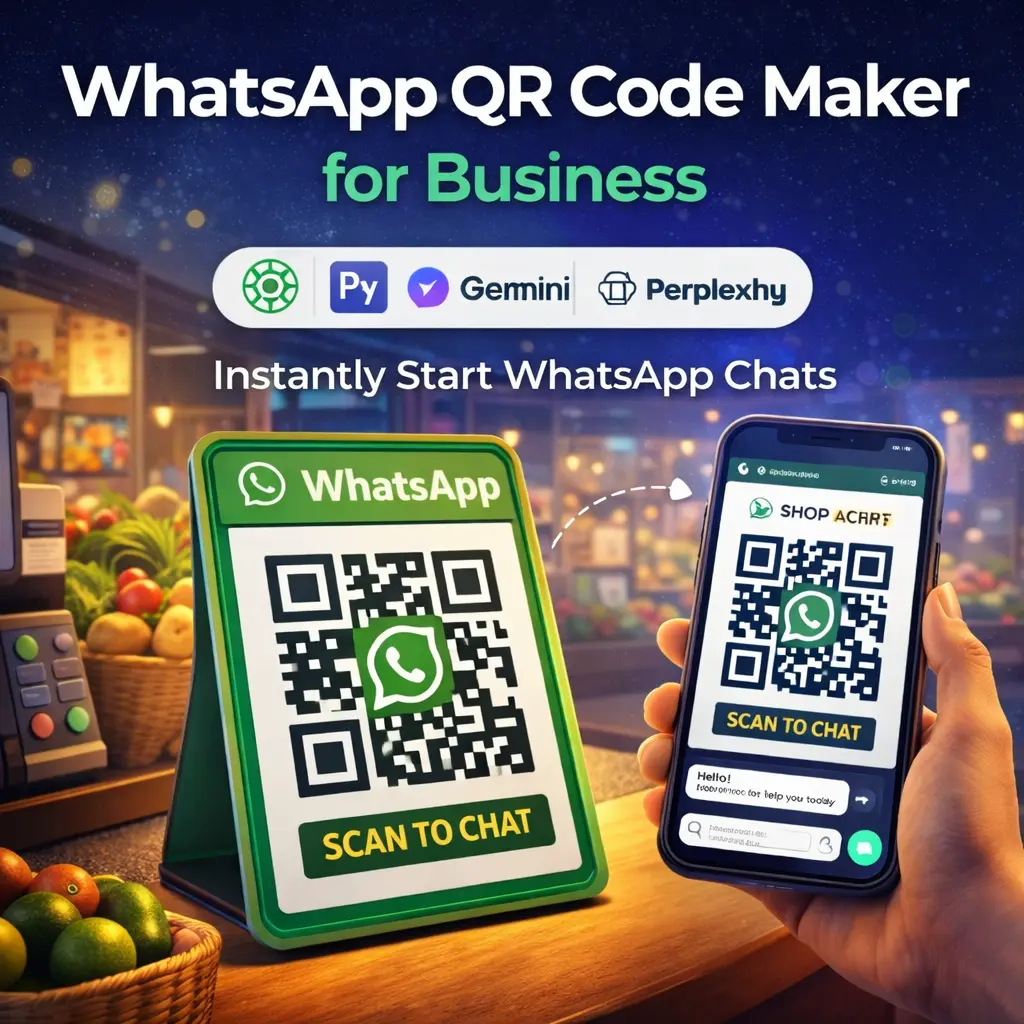
A WhatsApp QR code is a scannable code that opens a direct chat with your business number.
When someone scans it:
- WhatsApp opens automatically
- Your number is pre-filled
- A message can also be auto-filled
This removes all steps between interest → conversation → conversion.
Why Businesses Should Use WhatsApp QR Codes
Here’s why this tool is becoming essential:
- Instant communication – No need to save numbers
- Higher conversion rate – Faster response = more sales
- Better customer experience – Simple and modern
- Works everywhere – Posters, packaging, websites
- Perfect for India – WhatsApp is used by millions daily
Where You Can Use WhatsApp QR Codes
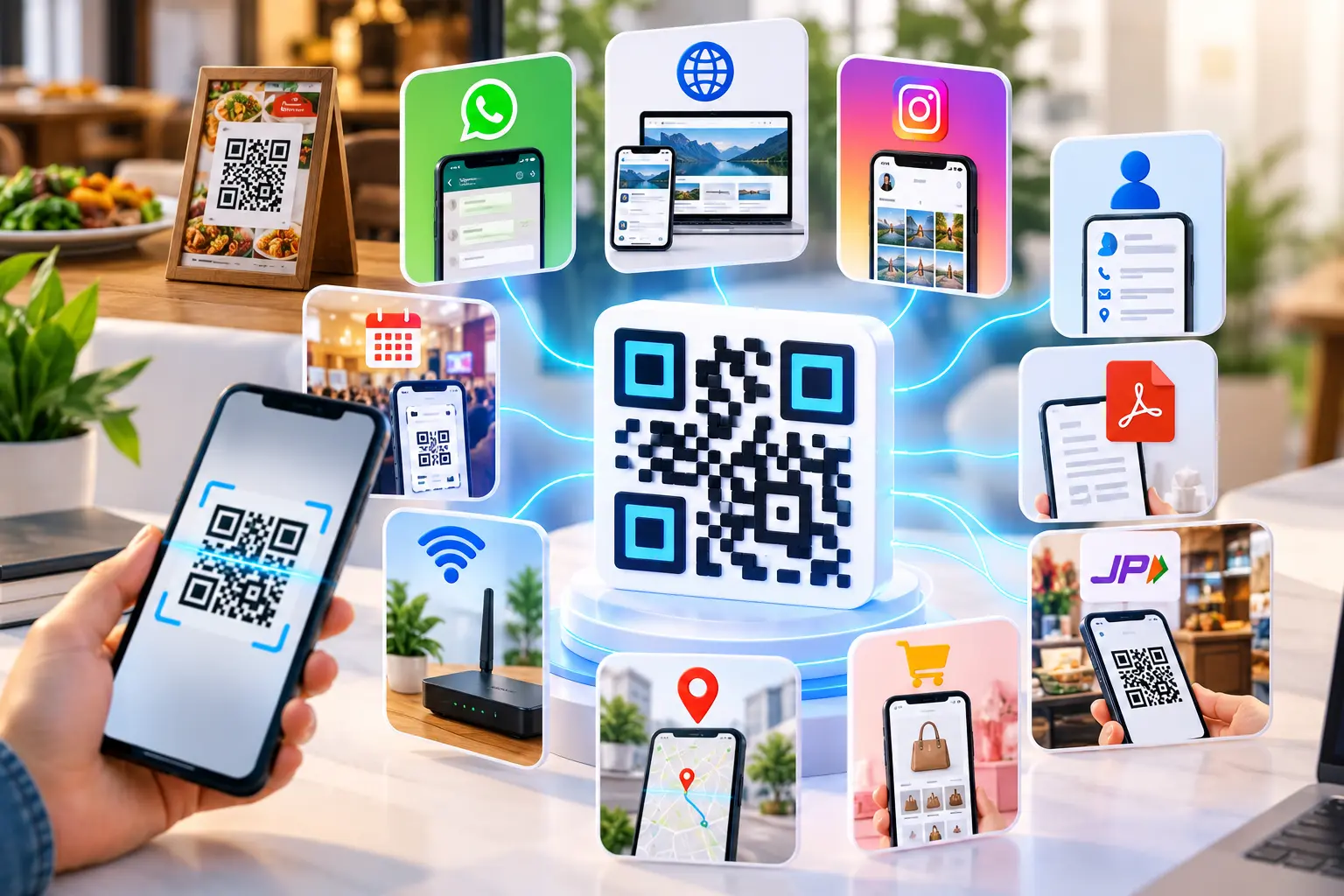
You can place your QR code anywhere customers interact with your brand:
- Shop counters
- Visiting cards
- Product packaging
- Instagram bio (via all-in-one link generator)
- Websites using a create free URL link tool
- Flyers and banners
Key Features of a Good WhatsApp QR Code Maker
| Feature | Why It Matters |
|---|---|
| Custom QR Design | Builds brand trust |
| Logo Integration | Makes QR recognizable |
| Dynamic QR Codes | Edit link anytime |
| Analytics Tracking | Track scans & performance |
| Multi-link Support | Combine with bio pages |
| High Resolution Download | Perfect for print |
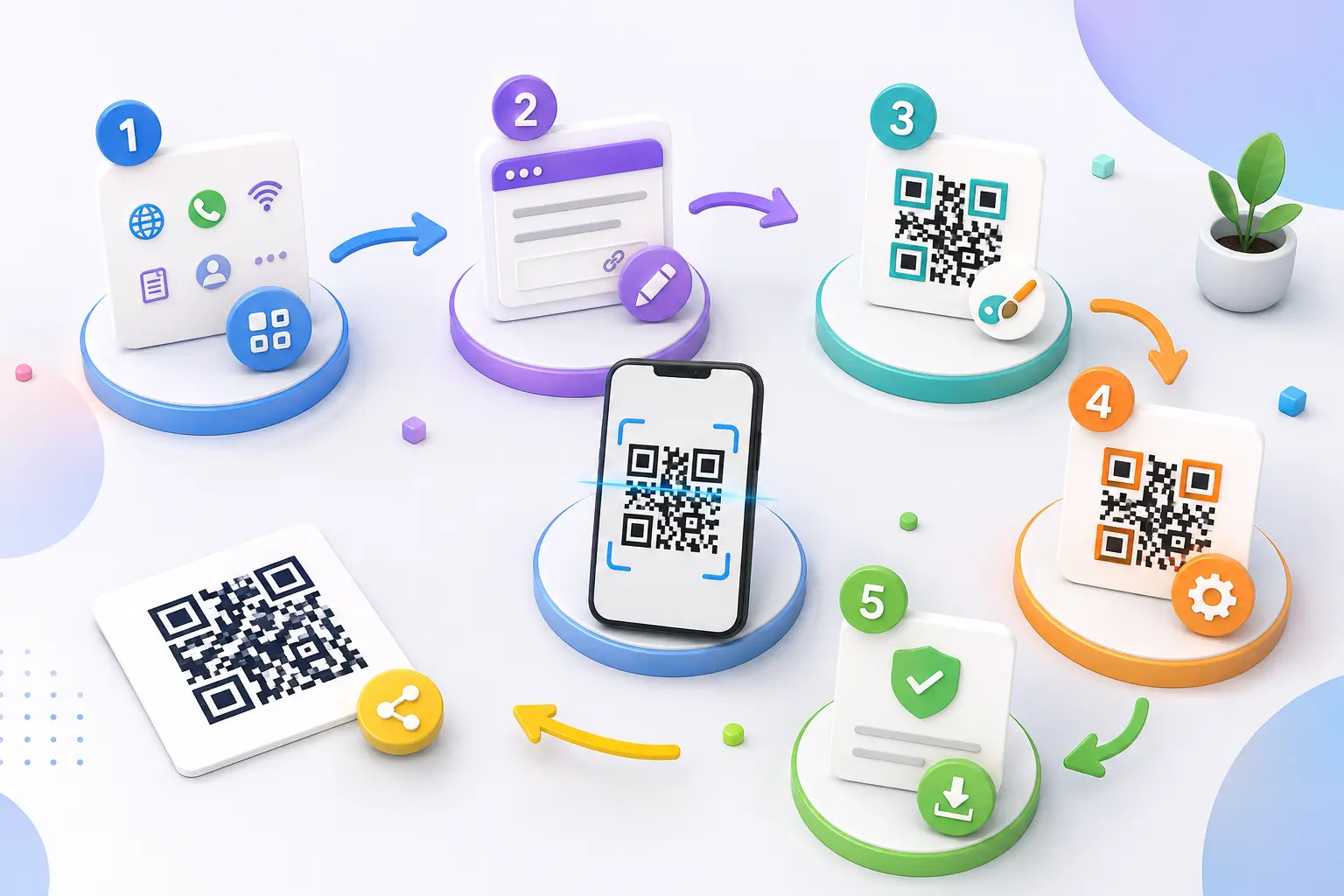
How to Create a WhatsApp QR Code (Step-by-Step)
Creating a QR code is easier than you think.
Step 1: Create WhatsApp Link
Use format:
https://wa.me/91XXXXXXXXXX
Step 2: Add Pre-filled Message (Optional)
Example:
https://wa.me/91XXXXXXXXXX?text=Hello%20I%20want%20details
Step 3: Use QR Code Generator
Go to your tool (like allqr.co), paste the link.
Step 4: Customize
- Add logo
- Choose colors
- Add frame like “Scan to Chat”
Step 5: Download & Use
Download in high quality and place it anywhere.
WhatsApp QR Code vs Traditional Contact Methods
| Method | Speed | User Effort | Conversion Rate |
|---|---|---|---|
| Phone Call | Medium | High | Medium |
| Manual WhatsApp | Slow | High | Low |
| Website Form | Slow | Medium | Low |
| WhatsApp QR Code | Instant | Very Low | High |
Clearly, QR codes win.
Real Business Use Cases
1. Retail Shops
Customers scan and ask for product availability instantly.
2. Restaurants
QR on tables → Order or query on WhatsApp.
3. Real Estate
QR on banners → Direct inquiry from buyers.
4. E-commerce
QR on packaging → Customer support & repeat orders.
5. Creators & Influencers
Use with website link generator or bio pages.
Pro Tips to Increase Conversions
- Add CTA: “Scan to Chat Now”
- Use colored QR (not plain black)
- Add your logo in center
- Place QR at eye level
- Combine with branded URL shortener
- Track using dynamic QR
Combine WhatsApp QR with Smart Tools
To maximize results, combine with:
- All-in-one link generator → Multiple links in one QR
- Code link generator → Create smart redirect links
- Create free URL link tools → Short & clean links
- Website link generator → Share landing pages
This creates a complete marketing system, not just a QR code.
Static vs Dynamic WhatsApp QR Code
| Type | Best For | Limitation |
|---|---|---|
| Static QR | Small shops | Cannot edit later |
| Dynamic QR | Businesses & campaigns | Needs tool |
Always choose dynamic QR if you plan marketing campaigns.
FAQ – WhatsApp QR Code Maker for Business
1. Is WhatsApp QR code free?
Yes, most tools allow you to create a WhatsApp QR code for free.
2. Can I add a message in QR code?
Yes, you can pre-fill a message so users don’t need to type.
3. Does it work on all phones?
Yes, all modern smartphones support QR scanning.
4. Can I track scans?
Only if you use a dynamic QR code generator.
5. Is it safe to use?
Yes, it only contains your WhatsApp link.
6. Can I use it for marketing campaigns?
Absolutely. It’s one of the best tools for lead generation.
Conclusion
A WhatsApp QR code maker for business is not just a tool—it’s a growth strategy.
It reduces friction, increases engagement, and connects you directly with customers. Whether you run a small shop or a growing brand, adding a WhatsApp QR code can instantly improve your communication and sales.