Introduction
The best QR code generator is not simply the one that creates a QR image quickly. For businesses, the right platform should also make QR codes easy to customize, manage, test, and measure after they are published.
QR codes now connect physical marketing materials with websites, social profiles, WhatsApp conversations, digital menus, contact details, payments, and other online resources. A simple scan can take a customer from a printed poster directly to a mobile landing page.
Modern QR platforms can also offer features such as dynamic destinations, branded designs, scan analytics, and short URLs. In this guide, we'll look at how QR code generators work, what features actually matter, where businesses use them, and how to choose the right solution for different requirements.
What Is a QR Code Generator?
A QR code generator is an online tool that converts information into a scannable QR code. Depending on the platform, that information can be a website URL, contact details, WiFi credentials, social media profile, payment page, text, or another digital destination.
When someone scans the code with a smartphone camera, the phone reads the QR pattern and performs the associated action.
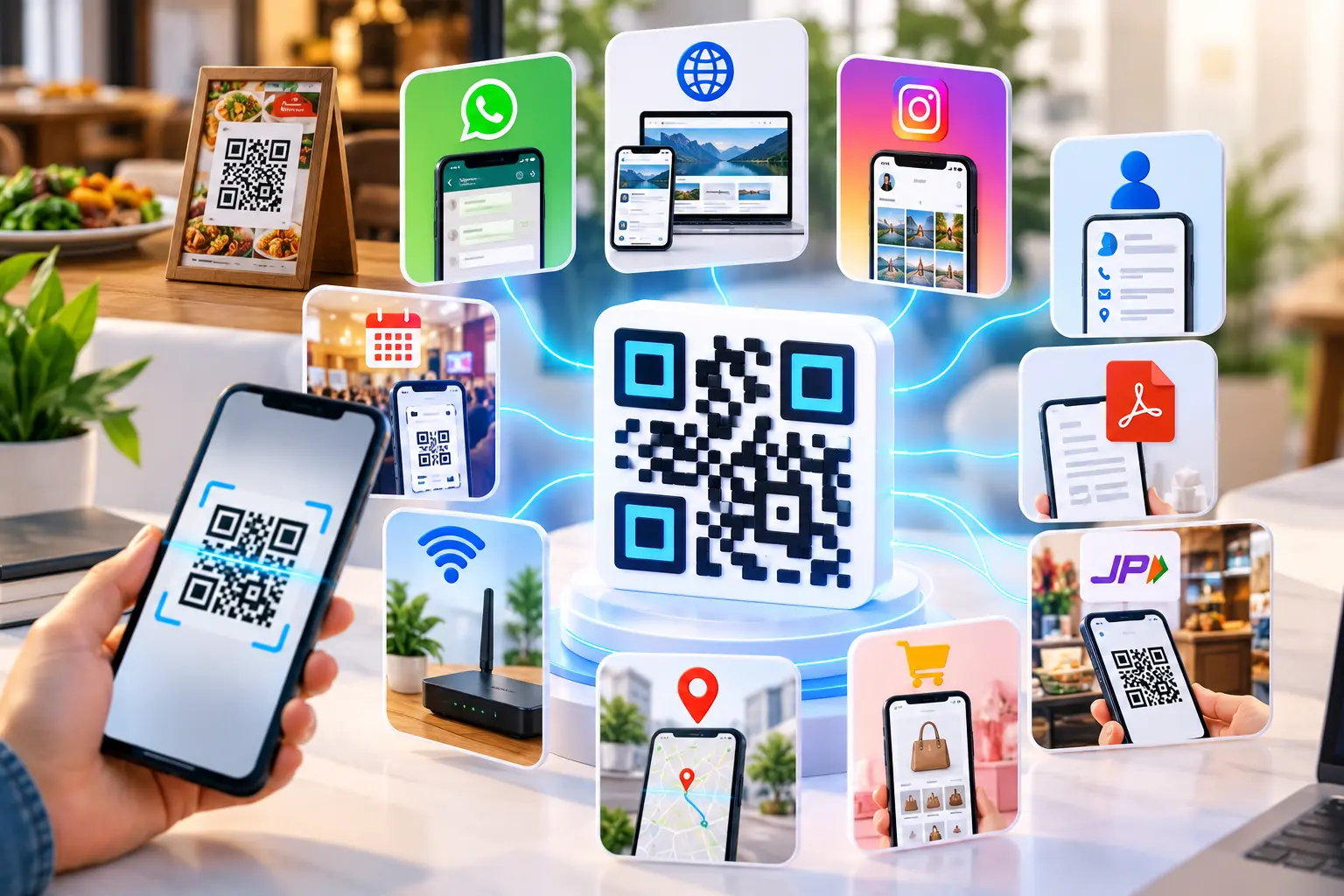
For example, a business can create a QR code that:
- Opens its website
- Starts a WhatsApp conversation
- Displays a digital menu
- Opens an Instagram profile
- Shares contact information
- Connects visitors to WiFi
- Opens a payment page
- Leads to a promotional landing page
The basic process is simple, but the capabilities behind different QR platforms can vary significantly.
A basic generator may only create static QR codes. A more advanced platform can provide dynamic QR management, customization, campaign tracking, and other tools for businesses that need ongoing control.
Why Choosing the Best QR Code Generator Matters
A QR code might look simple, but the platform behind it can affect how useful it becomes after publication.
Imagine printing 5,000 brochures with a QR code and discovering later that the destination needs to change. With a basic static QR code, replacing the destination may require creating and printing a new code. A dynamic setup can provide more flexibility, depending on how the service works.
When comparing QR generators, consider these factors:
| Feature | Why It Matters |
|---|---|
| QR code types | Lets you create codes for different purposes |
| Dynamic QR support | Can provide destination flexibility |
| Analytics | Helps measure scans and campaign performance |
| Branding | Helps maintain visual consistency |
| Download quality | Important for professional printing |
| Mobile usability | Makes creation easier on different devices |
| Link management | Useful when campaigns use multiple destinations |
| Security | Helps protect users from incorrect or unsafe destinations |
The right choice depends on your actual use case. Someone creating a QR code for a personal website may need very little, while a retailer or marketing team may need analytics and campaign management.
Static vs Dynamic QR Codes
One of the first decisions when choosing a QR platform is whether you need a static or dynamic QR code.
Static QR Codes
A static QR code stores its information directly in the code. Once generated, the encoded information generally cannot be changed.
They work well when the destination is unlikely to change.
Common examples include:
- WiFi credentials
- Permanent contact information
- A fixed website URL
- Basic text
- Simple personal projects
Dynamic QR Codes
Dynamic QR codes generally direct users through a changeable destination. This can allow the destination to be updated without replacing the physical QR code, depending on the platform.
They can also support analytics and campaign management.
| Feature | Static QR | Dynamic QR |
|---|---|---|
| Fixed destination | Yes | Not necessarily |
| Destination editing | Generally unavailable | Often available |
| Scan analytics | Usually limited | Often supported |
| Campaign management | Limited | Better suited |
| Long-term marketing | Basic | More flexible |
| Printed material updates | Usually requires new QR | May not require replacement |
For businesses running campaigns over weeks or months, dynamic QR codes can be particularly useful.
You can learn more about dynamic QR codes and how they work before deciding which type suits your campaign.
Features to Look for in the Best QR Code Generator
1. Branded QR Code Customization
A branded QR code can include colors, logos, frames, or other visual elements while retaining the basic structure required for scanning.
Branding is useful when QR codes appear on customer-facing materials such as:
- Business cards
- Product packaging
- Posters
- Restaurant menus
- Event displays
- Brochures
- Store signage
However, customization should never come at the expense of readability. Strong contrast, sufficient size, and a clear scanning area are more important than decorative effects.
2. Multiple QR Code Types
A useful QR platform should support the QR types relevant to your audience.
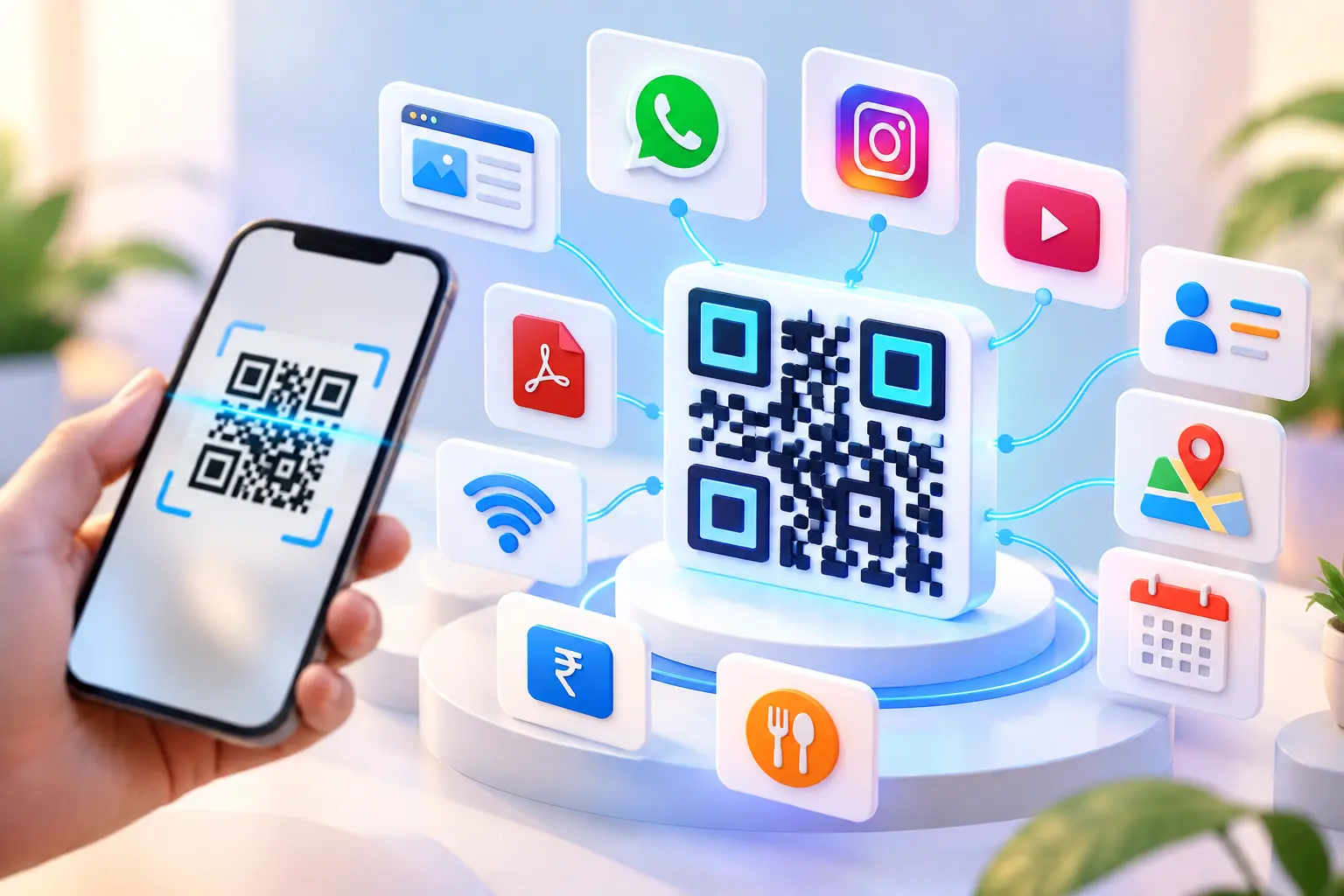
Depending on the service, these can include:
- URL QR codes
- WhatsApp QR codes
- WiFi QR codes
- Instagram QR codes
- Contact QR codes
- Payment QR codes
- Social media QR codes
- Multi-link QR codes
Having several options in one platform makes it easier to manage different marketing requirements.
3. Analytics and Scan Tracking
Analytics can turn a QR code from a simple access point into a measurable marketing tool.
Depending on the platform, analytics may provide information such as:
- Number of scans
- Scan dates and times
- Device information
- Location data
- Campaign performance
The exact analytics available depend on the QR service and its privacy practices.
For a business campaign, this information can help answer practical questions: Did people scan the poster? Which campaign generated more activity? Was the QR code being used after the promotion ended?
4. URL Shortener Integration
Long URLs can be inconvenient to manage, especially when they contain tracking parameters or campaign information.
A URL shortener creates a shorter web address that is easier to share and manage.
This can be useful for:
- Marketing campaigns
- Social media
- Printed advertisements
- Email campaigns
- QR destinations
- Promotional links
A QR platform that combines link management with QR creation can reduce the number of separate tools required for a campaign.
5. Easy-to-Use Interface
A QR generator doesn't need to be complicated to be powerful.
Look for an interface where you can quickly:
- Select a QR type.
- Add your information.
- Customize the design.
- Generate the QR code.
- Download it.
- Test it.
If the basic workflow takes unnecessary steps, it can become difficult when you need to create multiple QR codes.
Business Use Cases for QR Codes
QR codes have practical applications across many industries.
Retail Stores
Retailers can place QR codes on packaging, shelf displays, receipts, or promotional materials. A scan can open product information, catalogs, offers, customer support, or a feedback form.
Restaurants and Cafés
QR codes can provide digital menus, ordering pages, reservation forms, review pages, or promotional offers.
This can reduce dependence on printed information that needs to be replaced whenever menu details change.
Real Estate
Property agents can place QR codes on signs and brochures. Scanning can open property photographs, virtual tours, floor plans, location information, or enquiry forms.
Events
Event organizers can use QR codes for:
- Registration
- Ticket verification
- Event schedules
- Venue maps
- Feedback forms
- Speaker information
- Promotional campaigns
E-commerce
Online businesses can add QR codes to product packaging, invoices, inserts, and promotional material. These codes can lead customers to product support, warranty registration, reviews, repeat purchases, or social channels.
For businesses connecting customers to messaging and social profiles, this guide to WhatsApp, WiFi and Instagram QR codes covers several common applications.
How to Create a QR Code Online
Creating a QR code generally takes only a few steps.
Step 1: Choose the QR Code Type
Decide what you want the QR code to do. A website URL, WhatsApp conversation, WiFi connection, Instagram profile, and contact card may require different QR options.
Step 2: Enter Your Information
Add the required URL, phone number, contact details, WiFi credentials, or other information.
Double-check every field before generating the code.
Step 3: Customize the Design
If branding is required, choose suitable colors, add a logo where supported, and select an appropriate frame or style.
Keep the design readable.
Step 4: Generate the QR Code
Generate the code and inspect the preview carefully.
Step 5: Download the File
Choose a suitable image format and resolution for your intended use.
Step 6: Test Before Publishing
Scan the code using a smartphone and confirm that it opens the correct destination.
This final step is essential, particularly for printed campaigns.
QR Codes for Multiple Links
Sometimes one destination isn't enough.
A business may want customers to access its:
- Website
- YouTube
- Online store
- Contact information
- Product catalog
Creating a separate QR code for every destination can make a poster or business card look crowded.
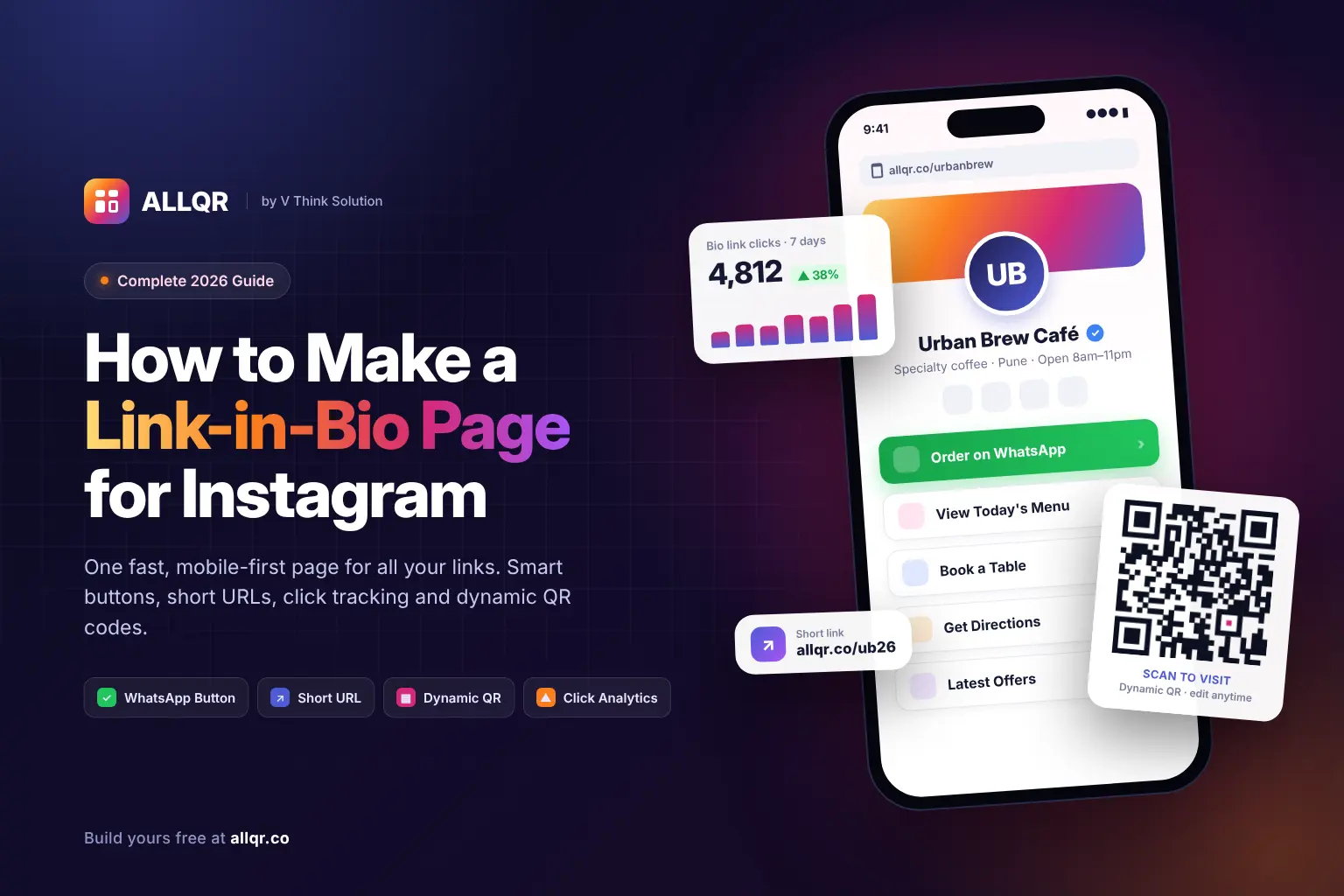
A multi-link QR code can solve this by opening a landing page containing multiple destinations after one scan.
This approach is especially useful for businesses, creators, event organizers, and professionals who regularly share several online resources.
Read this complete guide to multi-link QR codes to understand how one QR code can connect users to multiple links.
Best Practices for Using QR Codes
Creating a QR code is only the first part. Placement and usability can determine whether people actually scan it.
Use a Clear Call to Action
Don't assume everyone will know what the QR code does.
Add short instructions such as:
“Scan to View Menu”
“Scan to Contact Us”
“Scan for Product Details”
A clear reason gives people more motivation to scan.
Maintain Good Contrast
Dark QR patterns on a light background are generally easier for cameras to recognize.
Avoid placing a QR code over a busy photograph or background.
Use Enough Space
QR codes need clear space around their edges. Don't allow surrounding text, graphics, or borders to interfere with the scanning area.
Test the Final Version
Always test the actual QR code before publishing it.
For printed campaigns, test the printed version at its intended size.
Check the Destination
A working QR code can still lead to a poor experience. Make sure the destination page loads properly on mobile and contains the information promised by the call to action.
Benefits of Using a Good QR Code Generator
A capable QR platform can simplify both QR creation and campaign management.
Key benefits include:
- Faster information sharing: Users can access content without typing long URLs.
- Better customer convenience: A scan can connect users directly to a relevant destination.
- Flexible marketing: QR codes work across print and digital channels.
- Brand consistency: Custom designs can match existing visual identity.
- Campaign measurement: Analytics can help evaluate QR-based campaigns when supported.
- Centralized management: Multiple QR codes can be easier to organize from one platform.
- Offline-to-online connection: Printed materials can direct customers to digital experiences.
The value comes from using the QR code in the right context rather than simply adding one to every marketing material.
The Future of QR Code Technology
QR codes continue to develop alongside mobile commerce, digital payments, marketing automation, and customer engagement tools.
Businesses are increasingly using QR codes as entry points to more than simple web pages.
Potential applications include:
- Personalized marketing campaigns
- Location-based experiences
- CRM integrations
- Automated customer journeys
- Detailed campaign analytics
- Digital product information
- Interactive landing pages
- Contactless services
The QR code itself remains a simple visual format. The experience behind the scan is where much of the business value comes from.
As QR platforms add better management and analytics capabilities, businesses can use the same physical touchpoint for campaigns that evolve over time.
FAQ: Best QR Code Generator
1. What makes a QR code generator the best choice?
The right QR generator depends on your requirements. Important factors include supported QR types, dynamic QR functionality, customization, analytics, download quality, ease of use, and pricing.
2. Are dynamic QR codes better than static QR codes?
Neither is universally better. Static QR codes are suitable for fixed information, while dynamic QR codes can be more useful when destinations need to change or campaign performance needs to be measured.
3. Can I create a branded QR code?
Yes, many modern QR platforms support customization such as colors, logos, frames, and different visual styles. The design should still maintain sufficient contrast and a clear scanning area.
4. Where can businesses use QR codes?
Businesses can use QR codes on packaging, menus, business cards, posters, event materials, advertisements, receipts, websites, and social media. The best placement depends on what action you want customers to take after scanning.
Conclusion
Choosing the best QR code generator depends on more than how quickly it creates a QR image. For basic needs, a static QR code may be sufficient. Businesses running ongoing campaigns may benefit from dynamic destinations, customization, analytics, and link management.
Before choosing a platform, consider the QR types you need, whether destinations may change, how you plan to distribute the code, and whether campaign tracking is important. Most importantly, test every QR code before publishing it and make sure the destination provides a useful mobile experience. A well-planned QR code can be a simple and effective bridge between offline marketing and digital content.