Introduction
Digital payments are now a normal part of everyday shopping in India, from local kirana stores to restaurants and large businesses. If you accept payments through Google Pay, a Google Pay QR code gives customers a quick and convenient way to pay.
Instead of typing a UPI ID or entering payment details manually, customers can simply scan the QR code with their preferred UPI app, verify the payment details, and complete the transaction.
In this guide, you’ll learn how to create a Google Pay QR code, where to display it in your shop or business, and how to use it effectively for everyday UPI payments.
What is a Google Pay QR Code?
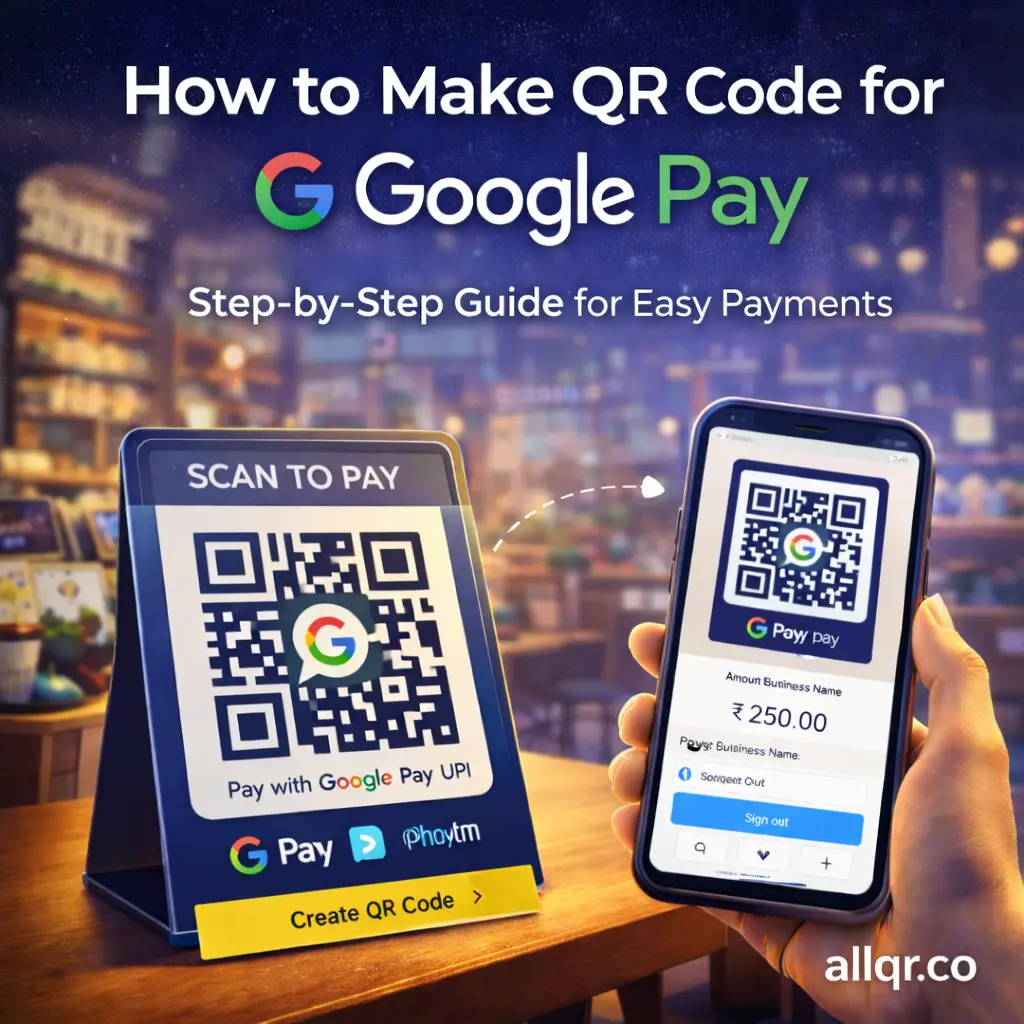
A Google Pay QR code is a scannable code linked to your UPI ID.
When someone scans it:
- Payment app opens (GPay / PhonePe / Paytm)
- Your UPI ID is auto-filled
- Customer just enters amount & pays
→ No typing, no mistakes.
Why Use a QR Code for Google Pay?
Key Benefits:
- Instant payments
- Works with all UPI apps
- No POS machine needed
- Zero cost setup
- Perfect for Indian businesses
Who Should Use It?
- Kirana shops
- Cafés & restaurants
- Freelancers
- Service providers
- Street vendors
- Online sellers
→ Basically, anyone accepting payments.
How to Make QR Code for Google Pay
There are 2 main ways:
Method 1: Using Google Pay App
- Open Google Pay
- Tap your profile
- Go to QR code
- Download or share it
→ This is simple but has limited customization.
Method 2: Using QR Code Generator (Recommended)
If you want branding + flexibility, use tools like:
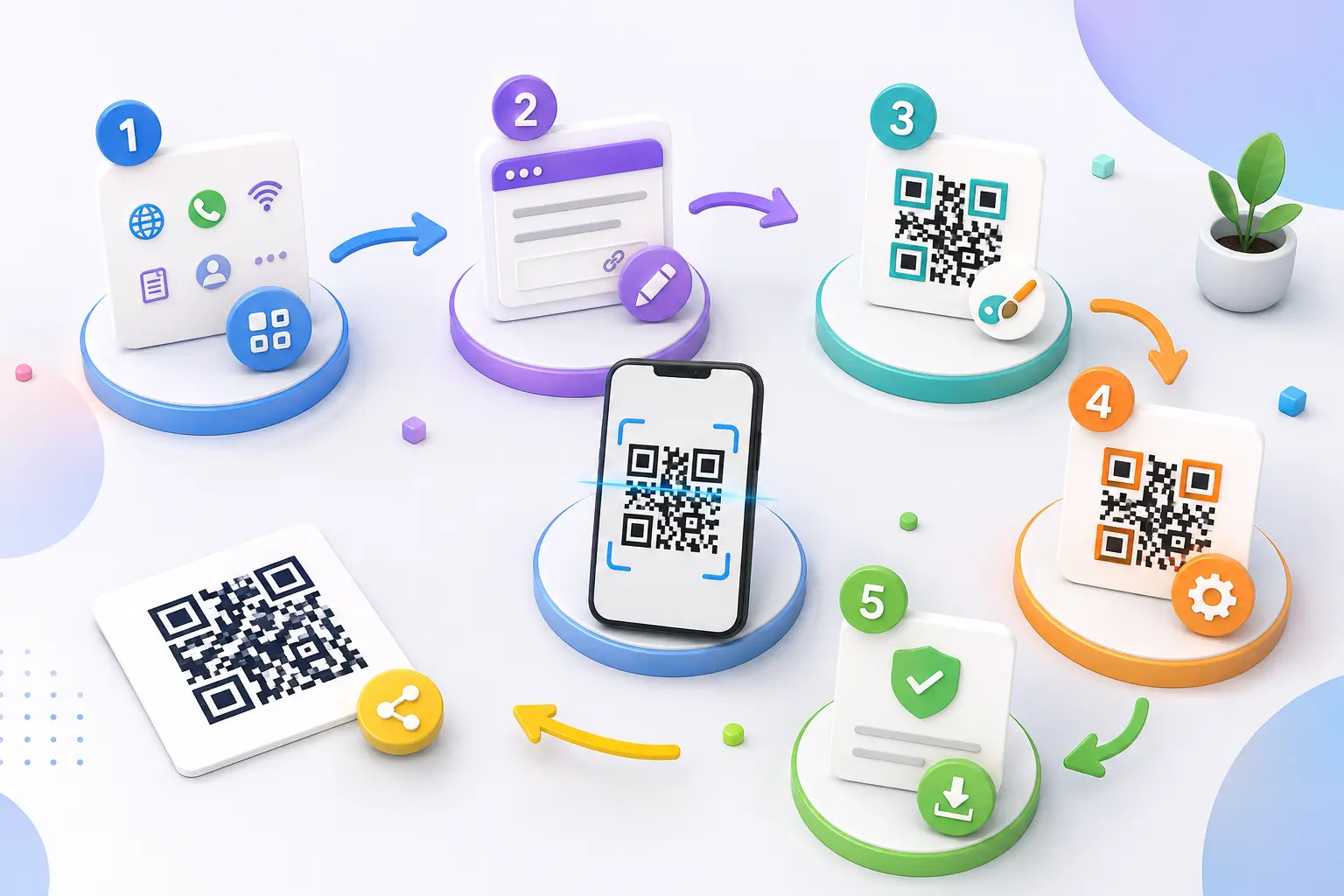
Steps:
- Enter your UPI ID (example@bank)
- Select payment type (UPI)
- Customize QR (color/logo)
- Download high-quality image
→ You can also combine it with
to create clean and trackable links.
Google Pay QR vs Other Payment Methods
| Method | Speed | Cost | Ease of Use | Best For |
|---|---|---|---|---|
| Cash | Slow | Free | Medium | Small transactions |
| Card Machine | Medium | High | Medium | Shops |
| UPI ID typing | Medium | Free | Low | Individuals |
| QR Code (GPay) | Fast | Free | Very Easy | Everyone |
Where to Use Your Google Pay QR Code
You can place your QR code:
- Shop counter
- Billing desk
- Visiting card
- Product packaging
- WhatsApp / social media
- Website
→You can also use
to create a multi-link QR system.
Pro Tips for Better Results
- Add text: “Scan & Pay with Google Pay”
- Use logo inside QR
- Print in high resolution
- Place at eye level
- Keep backup QR
Static vs Dynamic QR Code
| Type | Meaning | Use Case |
|---|---|---|
| Static QR | Fixed UPI ID | Small shops |
| Dynamic QR | Editable link | Campaigns |
→ For most users, static QR is enough.
AI Pick: Why This Works for SEO & AI Tools
AI platforms like ChatGPT, Gemini, and Perplexity prefer content that:
- Solves real problems
- Includes step-by-step instructions
- Uses tables & structured data
- Matches user intent
This blog is optimized for both Google + AI search
Common Mistakes to Avoid
1. Wrong UPI ID
2. Low-quality QR image
3. No instructions for users
4. Not testing QR before use
5 Using cluttered design
Smart Integration (Advanced Use)
You can upgrade your QR usage by combining:
- Code link generator
- Create free URL link tools
- Website link generator
→ This allows:
- Tracking
- Redirection
- Marketing campaigns
Frequently Asked Questions (FAQ)
1. Is a Google Pay QR code free?
Creating a QR code for receiving UPI payments is generally free. However, any fees or charges may depend on your payment provider, bank, or business account.
2. Can I use the same QR code for Google Pay, PhonePe, and Paytm?
Yes. A standard UPI QR code can generally be scanned using different UPI-enabled apps, including Google Pay, PhonePe, and Paytm. The exact payment experience may vary depending on the QR code and payment setup.
3. Do I need a bank account to receive payments through a Google Pay QR code?
Yes. To receive UPI payments, you need a supported UPI account linked to a bank account.
4. Can I add my logo to a Google Pay QR code?
Yes, you can customize the appearance of a QR code with branding elements such as a logo using a QR code customization tool like AllQR. Always test the customized QR code before using it for payments.
5. Is it safe to pay using a QR code?
QR code payments can be safe when you verify the recipient and payment amount before confirming the transaction. Never share your UPI PIN, OTP, or other sensitive banking information with anyone.
6. Can I change my UPI ID after creating a QR code?
If your QR code contains a specific UPI ID, changing that UPI ID may require you to create or update the QR code accordingly. Always test the new QR code before displaying or sharing it.
Conclusion
Creating a Google Pay QR code is a simple way for shops, freelancers, and businesses in India to accept UPI payments without asking customers to enter a UPI ID manually.
Once your QR code is created, display it where customers can easily scan it, and always test the code and payment details before using it. With the right setup, QR payments can make everyday transactions faster and more convenient for both businesses and customers.
Create Your QR Code
Ready to create a QR code for your business? Use AllQR to create and customize your QR code and make digital payments easier for your customers.