Introduction
Being online makes it easier to share ideas, find information, and stay in touch. But when you manage several profiles, apps, messages, and links, keeping everything organized can start to feel like a task of its own.
The challenge is not always having too little information. Sometimes it is having too many places where that information lives.
A practical response is to make your digital presence easier to navigate. That might mean reviewing notifications, keeping important links in one place, or giving people a clear way to find your work and contact details.
When Being Online Starts to Feel Like Work
For many people, digital activity is part of everyday life. A creator might check comments on one platform, messages on another, and business inquiries somewhere else. A small business may manage its website, social pages, ordering details, and customer support channels separately.
Over time, simple tasks can become fragmented:
- Finding the right profile to share
- Sending several links to one person
- Updating old information in different places
- Switching between apps to answer common questions
- Remembering which profile or page is current
These are practical organization problems. They do not affect everyone in the same way, but reducing unnecessary steps can make routine digital tasks easier.
Why Online Attention Can Feel So Important
Likes, comments, views, and replies provide visible feedback. It is understandable that people may notice those signals, especially when they use social platforms to share creative work, build a business, or stay connected.
However, engagement numbers are only one type of feedback. A post with fewer likes may still reach the people who need the information, while a high number of views does not necessarily mean someone has built a lasting relationship with an audience.
For creators and businesses, it can help to decide what success means before checking the numbers. That might be a useful conversation, a relevant inquiry, a booking, or simply making information easy for someone to find.
Visibility Is Not the Same as Connection
Having a profile on several platforms can make it easier for people to discover you, but it can also make your information harder to share clearly.
Imagine meeting a potential client at an event. You want to share your portfolio, professional profile, and contact details. Sending each URL separately can take time, and the person may not know which one to open first.
A more organized approach is to provide one clear destination with the most useful options. The visitor can then choose what they need, rather than searching across several profiles.
How Digital Organization Can Reduce Everyday Friction
Digital organization does not have to mean building a complicated system. Start with the links and details people ask you for most often.
For example, a freelancer might gather:
- Portfolio
- LinkedIn profile
- Instagram or other professional social profile
- Booking page
- Email or WhatsApp contact
A business might prioritize its website, service details, location, and customer contact method.
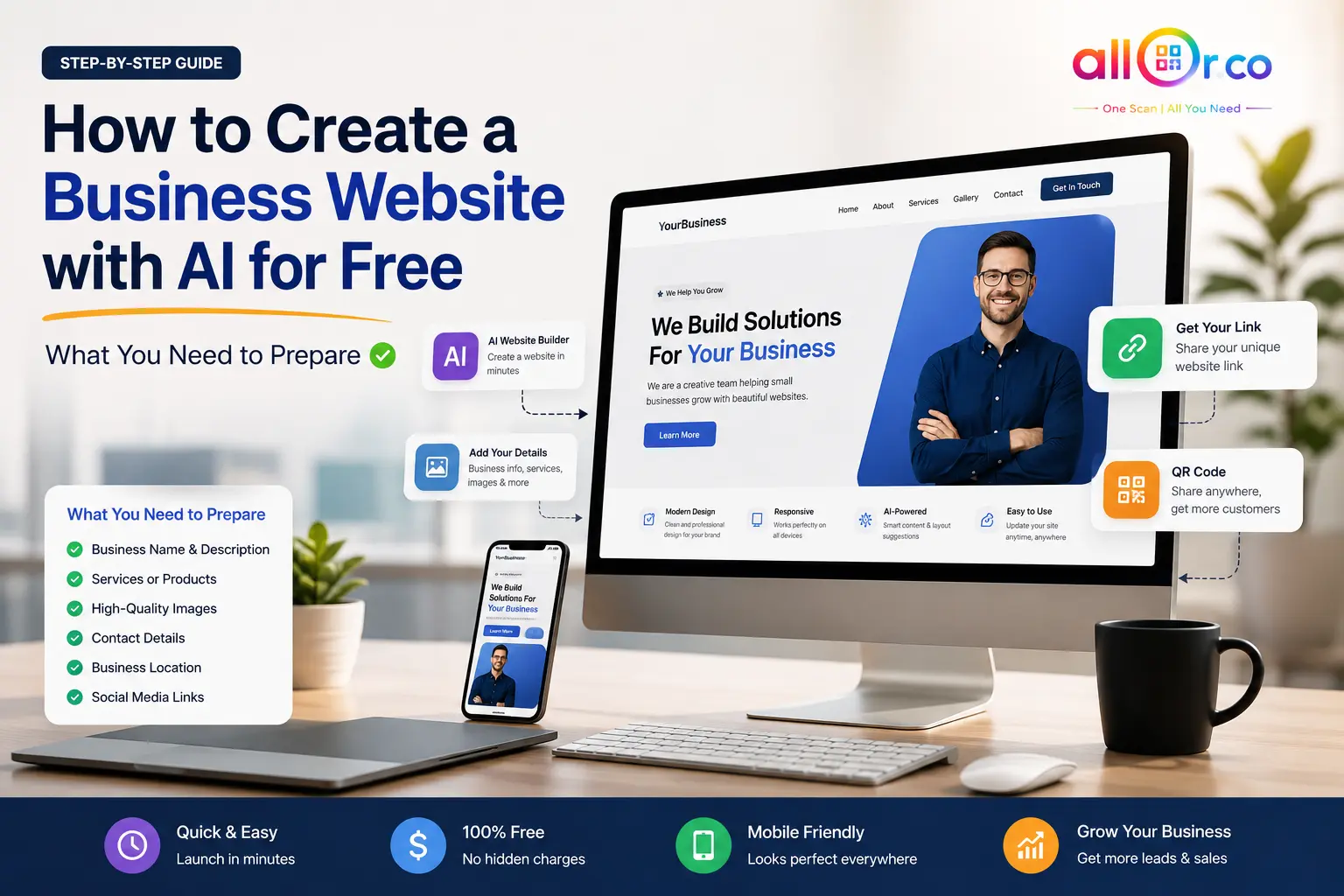
A centralized page can make those destinations easier to share and easier for visitors to browse. It does not replace meaningful interaction, but it can remove a few unnecessary steps from the process.
What Is AllQR?
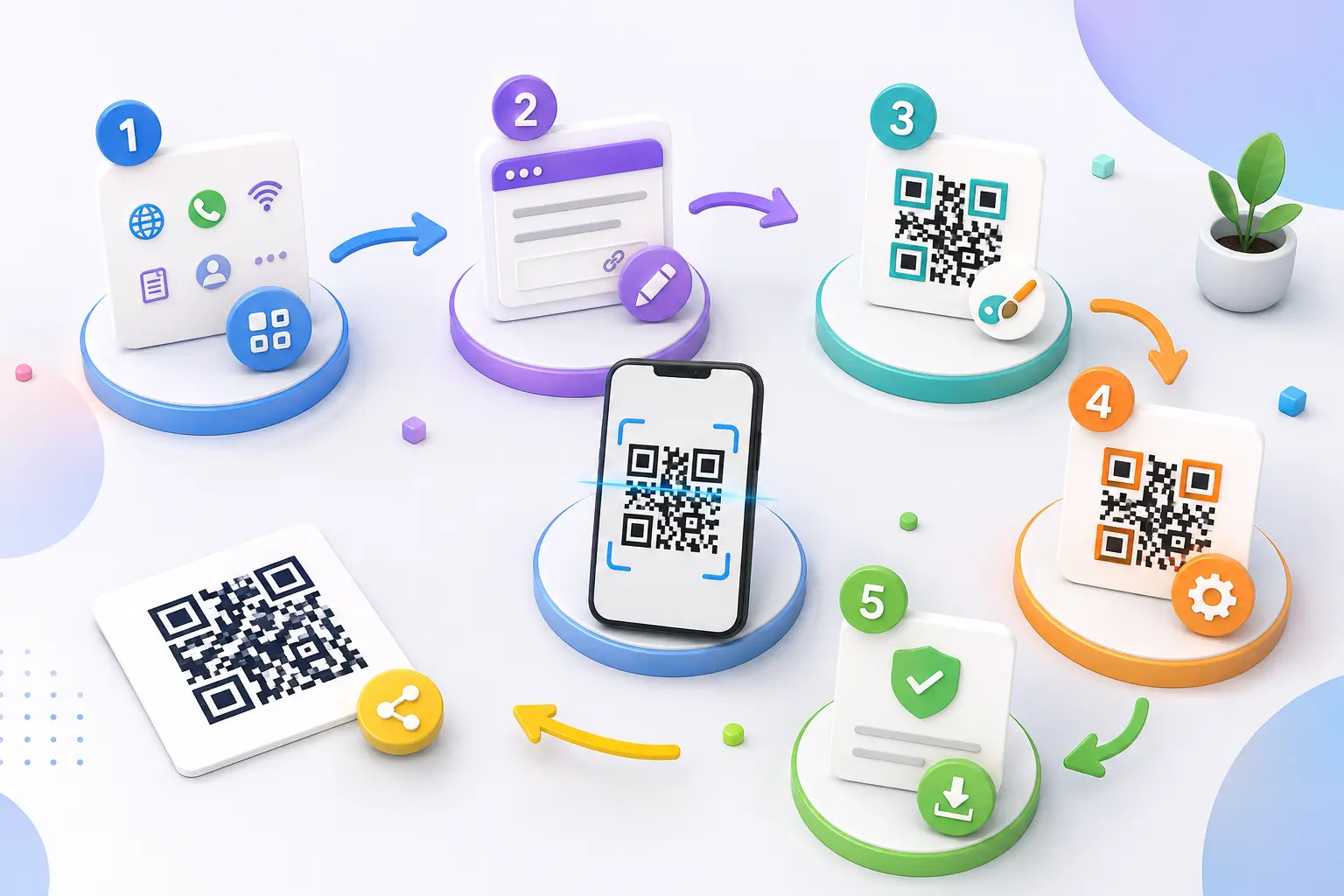
AllQR is a QR code and smart-link platform that can help users organize and share digital destinations. A QR code can be used to direct someone to a web page, while a link page can bring several destinations together in one place.
For example, a business could share one QR code on a printed card. When a customer scans it, they can choose to visit the website, view services, or contact the business.
If you need to create a code for a particular purpose, explore AllQR’s QR code tools . If you want to share several destinations together, the link-in-bio QR code guide explains the idea and practical uses.
Practical Ways to Use a Centralized Link Page
1.Small businesses
A small business can use one QR code to share its website, service list, location, and contact options. For instance, a home-based bakery could put the code on a product label or thank-you card. Customers scan it to find the menu or ask about an order.
If customers mainly need to start a conversation, a dedicated WhatsApp QR code generator may be a more direct option.
2.Creators and freelancers
Creators often share work across several platforms. A photographer might add a portfolio, Instagram profile, booking form, and inquiry contact to one link page. They can place its QR code on a business card or include the page link in their social profile.
For an Instagram-focused campaign, use the Instagram QR code generator to direct people to that specific profile.
3.Restaurants
A restaurant can provide its menu, location, ordering details, and contact information through a central page. For a menu-only experience, a restaurant menu QR page may be more straightforward than asking visitors to choose from a larger set of links.
4.Events
Event organizers can gather registration, schedules, venue information, and social pages in one destination. A QR code on a poster or attendee handout can make it easier to find those details without typing long web addresses.
Features That Can Help Keep Your Digital Presence Organized
Different tools solve different parts of the sharing process. Consider what you actually need before choosing a platform.
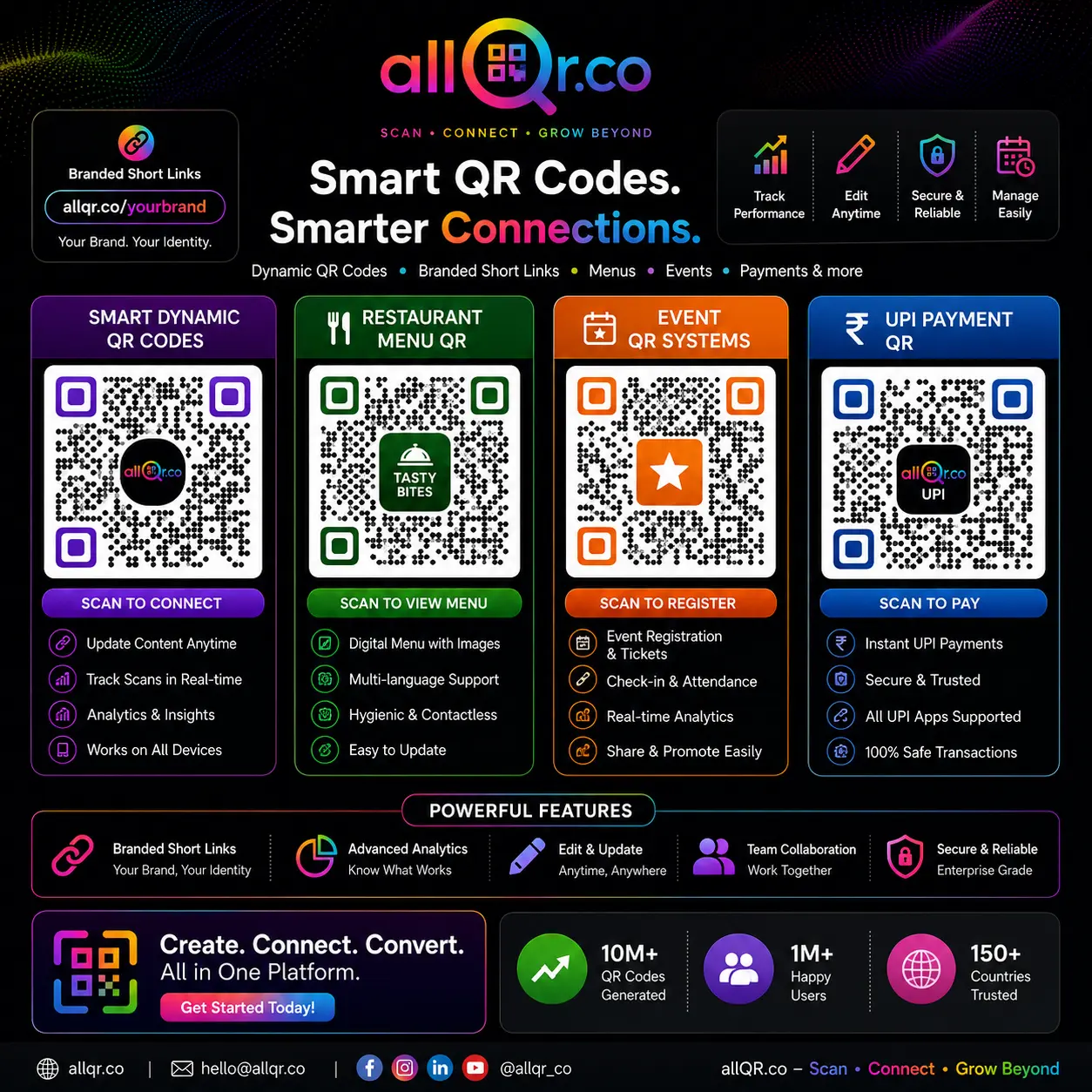
- QR code tools: Create codes for different destinations, such as websites or contact information. Explore AllQR’s QR code tools .
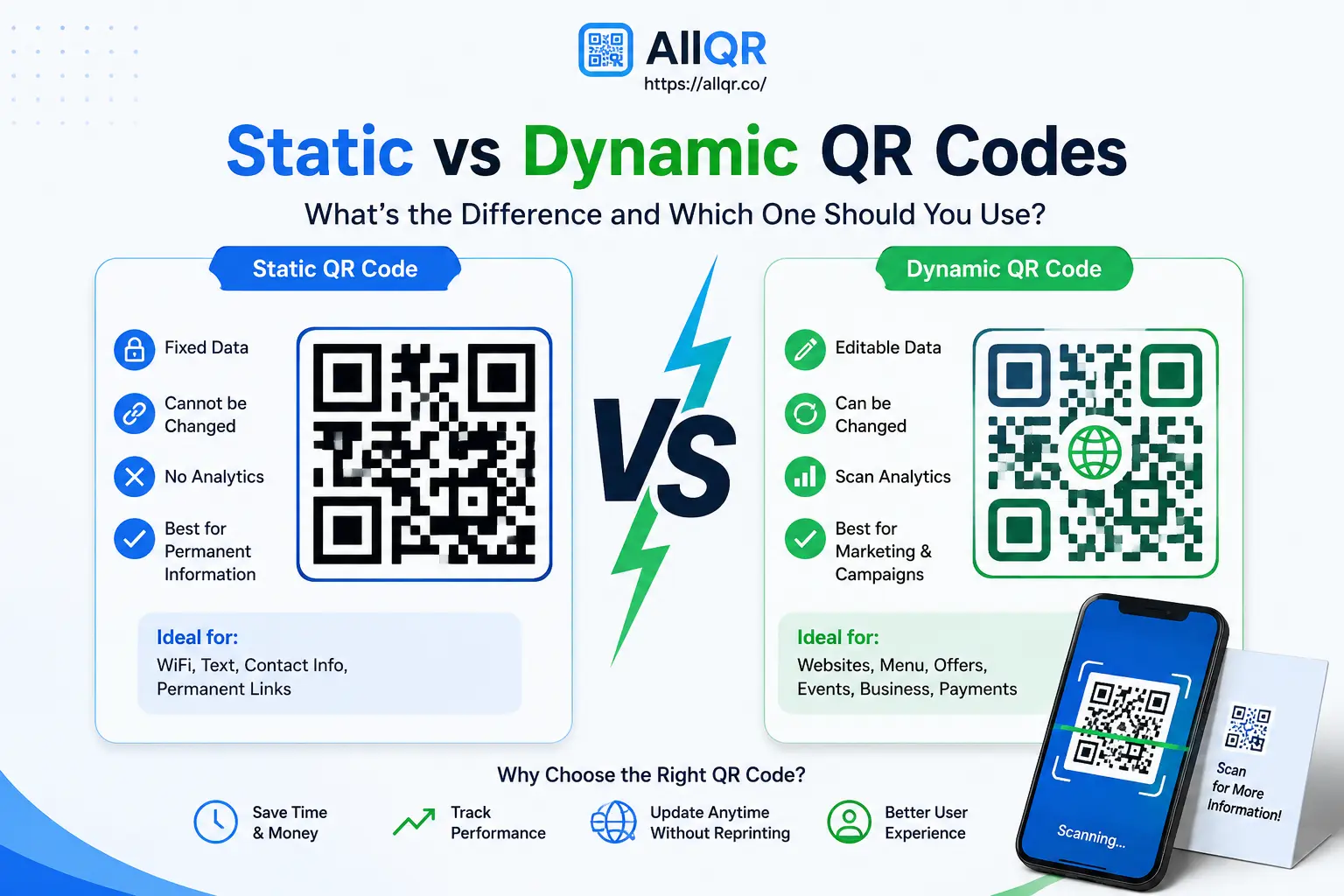
- Dynamic QR codes: These can be useful when you need to change a code’s destination later. Check the dynamic QR code generator for its current options and plan details.
- URL shortening: A shorter link can be easier to share in messages or printed materials. AllQR provides a URL shortening service and a URL shortener .
- Analytics: Where available, scan or link analytics can help you understand whether people are using a shared destination. See the analytics service for details about its current measurements.
- Templates: Templates can help you start with a consistent layout. Review the available templates and choose one that fits your purpose.
Features, limits, and availability can change, so check the relevant product page before depending on a specific option for a campaign.
Simple Habits for a More Intentional Digital Presence
A tool can make sharing more organized, but the content and habits around it matter too. These small steps can help keep your online information useful:
- Choose your main destinations. Decide which links people most often need, and put those first.
- Use clear labels. “View Portfolio” or “Get Directions” tells visitors more than “Click Here.”
- Review links regularly. Remove expired promotions, old event details, and pages you no longer use.
- Check the mobile experience. Open your page on a phone and make sure it is readable and easy to tap.
- Set boundaries around metrics. Decide when you need to review performance rather than repeatedly checking numbers without a clear purpose.
A useful digital presence is not necessarily the one with the most profiles or the most activity. It is one that helps the right people find the information they came for.
Frequently Asked Questions
1.What is digital overload?
Digital overload is a common way to describe feeling burdened by the amount of digital information, apps, notifications, and tasks competing for attention. People experience it differently, and it can help to identify which parts of your digital routine feel most difficult to manage.
2.What does an organized digital identity mean?
It means keeping the key parts of your online presence—such as profiles, portfolio, website, and contact options—clear and easy to find. A link page can bring several destinations together without requiring visitors to search for each one separately.
3.How can one QR code share several links?
The QR code can open a landing page that lists multiple links. After scanning, visitors choose which destination to open. The code itself generally points to the page, rather than containing every destination as a separate scannable item.
4.Who can use a link-in-bio QR code?
Creators, freelancers, businesses, restaurants, event organizers, and individuals can use one whenever they want to share several relevant online destinations through a single code.
5.Can I measure QR engagement?
Some QR services provide scan analytics, which may show activity such as scan counts. These metrics do not automatically show whether a visitor completed a purchase, booking, or other goal. For that, you may need separate website or campaign tracking.
Conclusion
The internet makes it easy to be present in many places, but sharing and maintaining all those destinations can become unnecessarily complicated. A more organized digital presence can make routine tasks easier for both you and the people trying to reach you.
Start by choosing the information your audience needs most, arranging it clearly, and checking that every link works on mobile. If one central page and a QR code would make your information easier to share, explore AllQR’s services and choose the tools that fit your needs.
Editorial note: This article discusses digital organization and user experience, not a medical or mental-health treatment. Avoid claiming that QR tools reduce anxiety or improve mental health unless you have credible evidence specific to that claim.