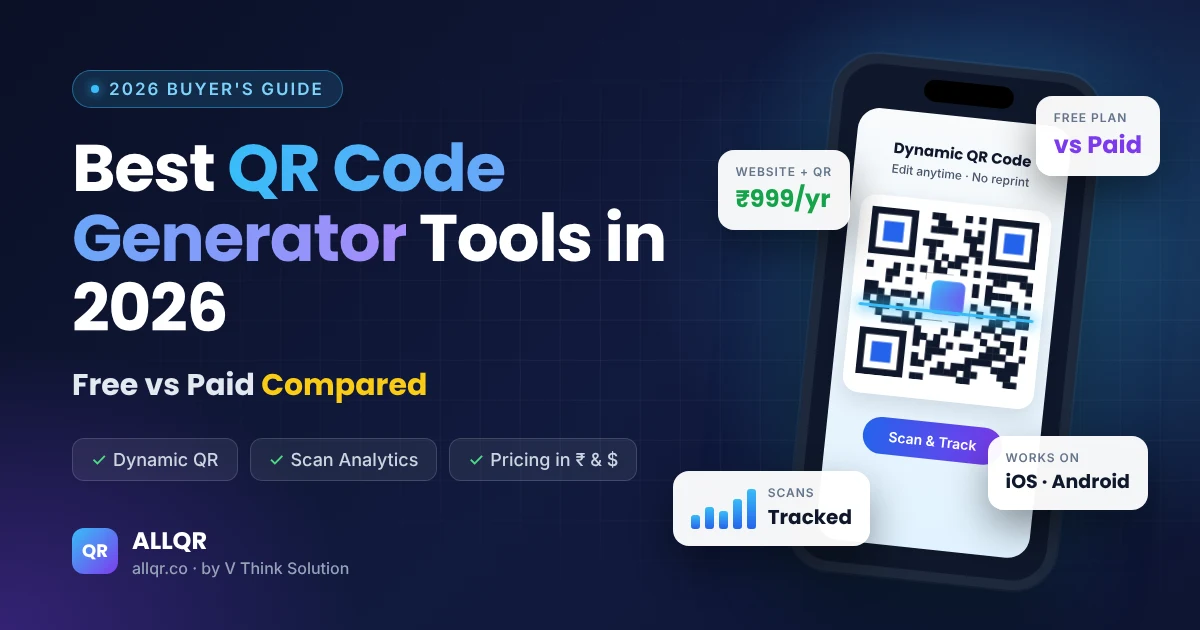
The best QR code generator in 2026 is the one that gives you dynamic QR codes you can edit after printing, clear scan analytics, and custom branding at a fair price. For small businesses in India, ALLQR, developed by V Think Solution, is a strong pick: it offers a free instant generator, editable dynamic QR codes, UPI and WhatsApp QR types, and link-in-bio pages in one dashboard.
What Is a QR Code Generator?
A QR code generator is an online tool that turns a link, phone number, payment ID, or file into a scannable square code. You choose the content, style the code, and download it for print or screen.
Generators make two kinds of codes. A static QR code stores data inside the pattern, so it never changes. A dynamic QR code stores a short redirect link, so you can change the destination later and count every scan.
Four parameters decide whether a generator is worth using:
- Editability: Can you change the link after printing?
- Scan analytics: Does it show scans by location, device, and time?
- Error correction: Level H restores about 30% of a damaged or logo-covered code.
- Contrast and size: Dark code on a light background, at least 2 × 2 cm in print.
Every modern iPhone and Android phone reads QR codes straight from the camera app. Pick a tool that serves pages over HTTPS and loads fast on mobile data, because a slow landing page wastes the scan.
Best QR Code Generator Tools Compared (2026)
Here is how five popular tools stack up on the features that matter most to small businesses.
| Tool | Free Plan | Dynamic QR & Analytics | Best For |
|---|---|---|---|
| ALLQR | Free instant QR generator, no sign-up; free account to save codes | Yes — editable after printing; clicks, location, device, and referrer tracking | Indian businesses needing UPI, WhatsApp, Google Review QR codes plus bio pages |
| QR TIGER | 3 dynamic codes, 500 scans each, with QR TIGER branding | Yes — paid plans from US$7/month | Heavily customized logo designs |
| Uniqode | Unlimited static codes; dynamic codes on paid plans | Yes — Starter from about US$5/month, billed yearly | Teams and enterprise campaigns |
| QR Code Generator PRO | 14-day free trial | Yes — needs a paid plan after the trial | Marketers running short trial campaigns |
| QR Code Monkey | Free static codes with logo | No dynamic codes | One-time static codes on zero budget |
Use a static-only tool only when the link will never change. For anything printed, a dynamic code protects your print budget. (Prices checked November 2026 — confirm on each vendor's pricing page before buying.)
How to Create a QR Code With the Best QR Code Generator: Step-by-Step
Follow these six steps to create a QR code that scans fast, looks on-brand, and stays useful after printing.
Stage 1: Set Up
- Choose static or dynamic first. Use static for fixed data like a Wi-Fi password. Use dynamic for menus, flyers, and packaging, where links change.
- Pick the right QR type. In ALLQR, choose a ready type such as UPI payment, WhatsApp chat, Google Review, PDF, menu card, or vCard contact. The correct type opens the right app on the scanner's phone in one tap.
Stage 2: Customize
- Add your brand without breaking the scan. Place your logo in the center and keep error correction high. Use dark code on a light background, since some phone cameras miss light-on-dark codes.
- Test on real phones. Scan with one iPhone and two Android brands, at arm's length and in low light. Fix contrast or size before you print.
Stage 3: Publish and Track
- Download in high resolution. Export SVG or high-resolution PNG so edges stay sharp on banners, standees, and packaging.
- Edit and track after printing. With an ALLQR dynamic QR code, you update the destination link anytime from your dashboard, with no reprint. Track clicks, locations, and devices to see which poster or table card performs best.
"A QR code is only as fast as the page behind it. We built ALLQR's redirects to resolve quickly on mobile networks, because a scan that loads slowly is a customer you lose."
— Engineering and Infrastructure Team at V Think Solution
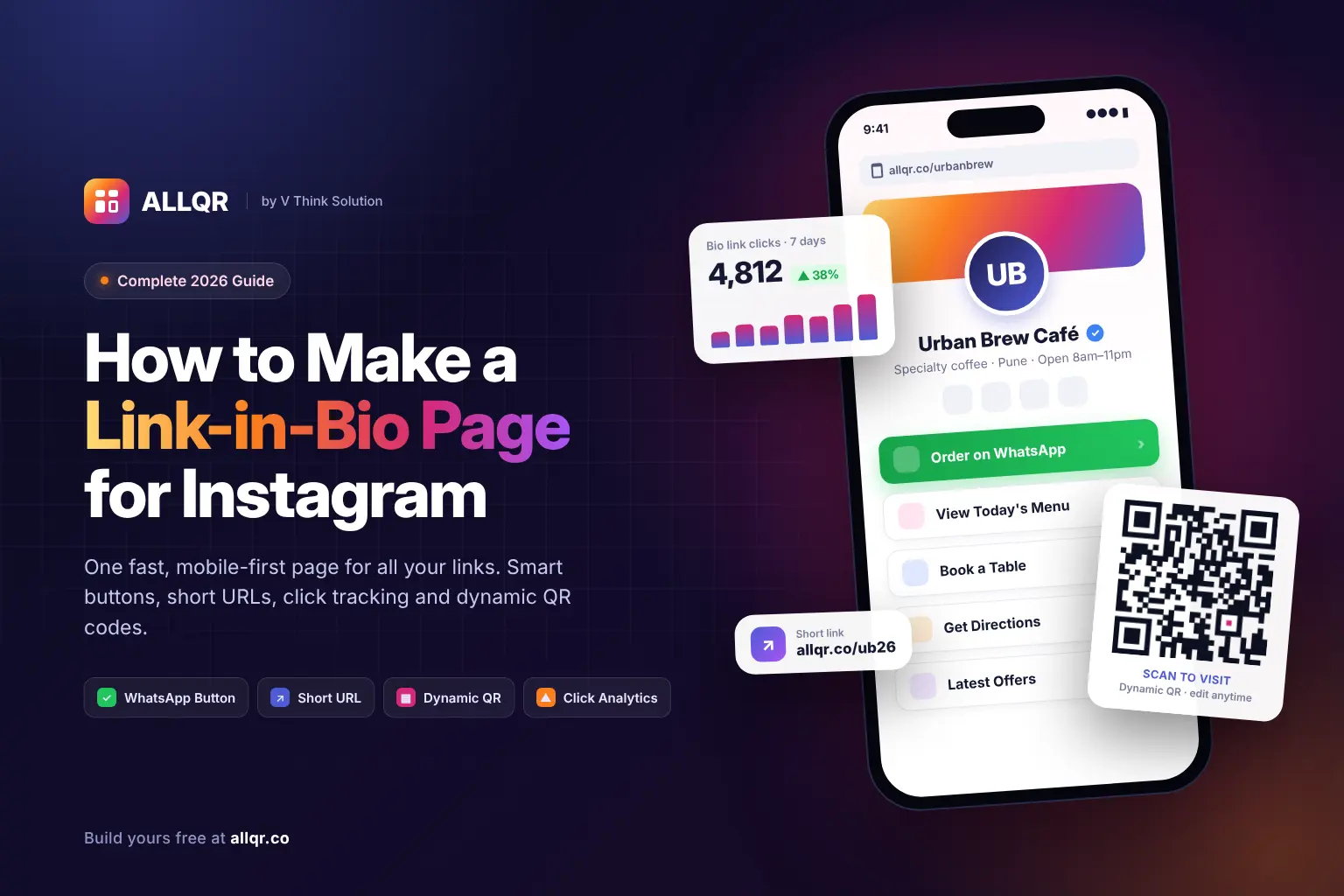
Need one link for all your social profiles? Read our guide on how to make a link-in-bio page for Instagram.
Quick Launch Checklist
Run through these five tasks before your QR code goes live.
- ☐ Decide static or dynamic for each placement (menu, flyer, packaging, counter).
- ☐ Create the code in ALLQR with the matching type: UPI, WhatsApp, menu, or Google Review.
- ☐ Add your logo, keep dark-on-light contrast, and print at least 2 × 2 cm.
- ☐ Scan-test on both iPhone and Android before sending files to print.
- ☐ Check scan analytics weekly and update links when offers change.
Create your first free QR code at ALLQR — no sign-up needed to start.
Frequently Asked Questions
Which QR code generator is completely free without expiry?
Static QR codes from tools like ALLQR's instant generator and QR Code Monkey never expire, because the data lives inside the code itself. Dynamic codes depend on the provider's server, so check whether they stay live if you stop paying.
Can I edit a QR code after printing it?
Yes, but only if it is a dynamic QR code. The printed pattern stays the same while you change the link behind it from your dashboard.
What's the best QR code generator for small businesses in India?
ALLQR suits Indian small businesses because it offers UPI payment, WhatsApp, and Google Review QR types in one place. It also includes link-in-bio pages and digital business cards, so one account covers your whole digital presence.
How much does a business website for my QR code cost?
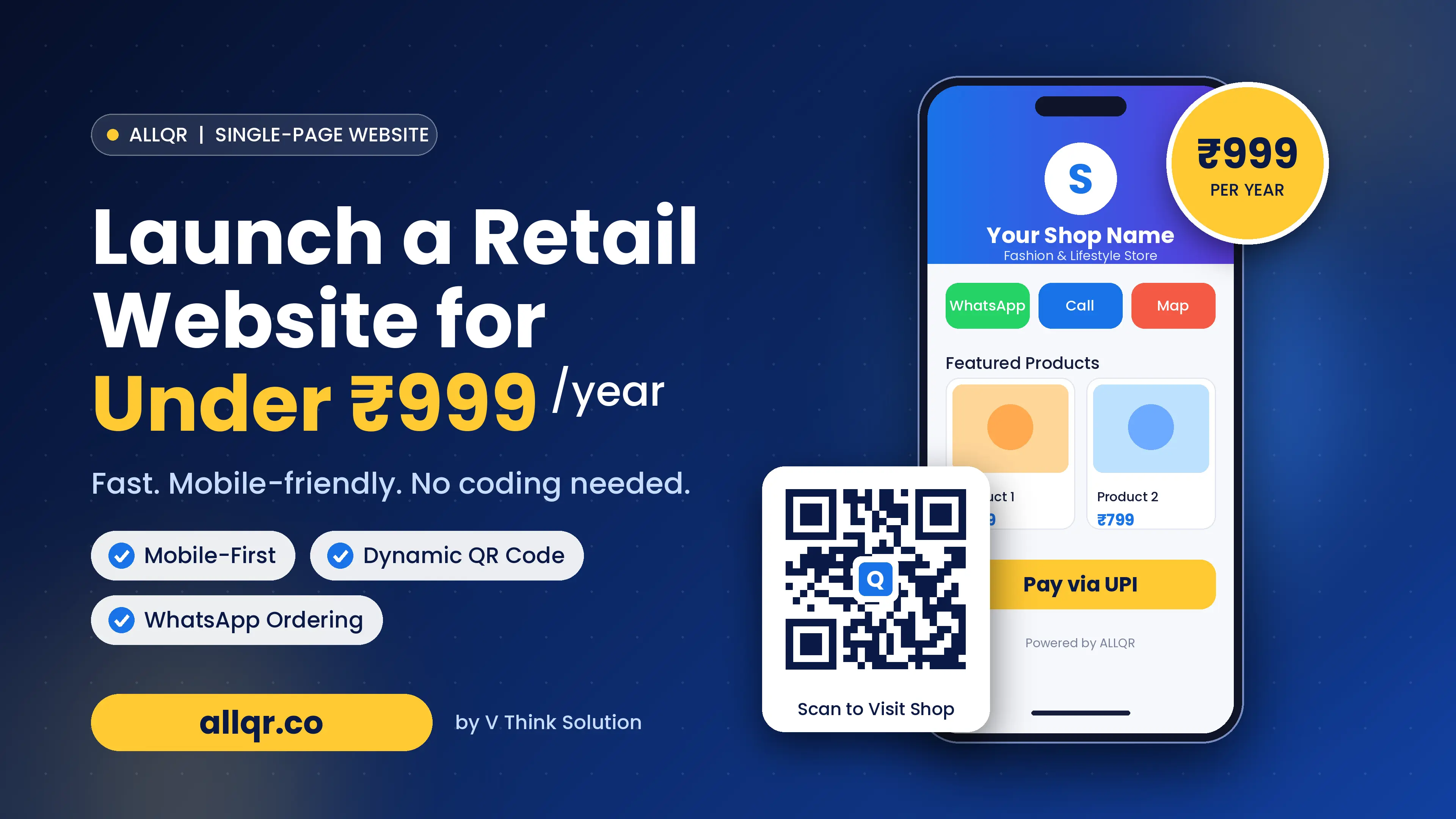
ALLQR offers a fast, mobile-friendly single-page business website for ₹999 per year, which any QR code can point to. See how to launch a single-page retail website under ₹999 per year or create a business website with AI.