Have you ever had a guest ask for your WiFi password, only to spend the next two minutes reading out a long password full of numbers, symbols, and capital letters?
It happens all the time.
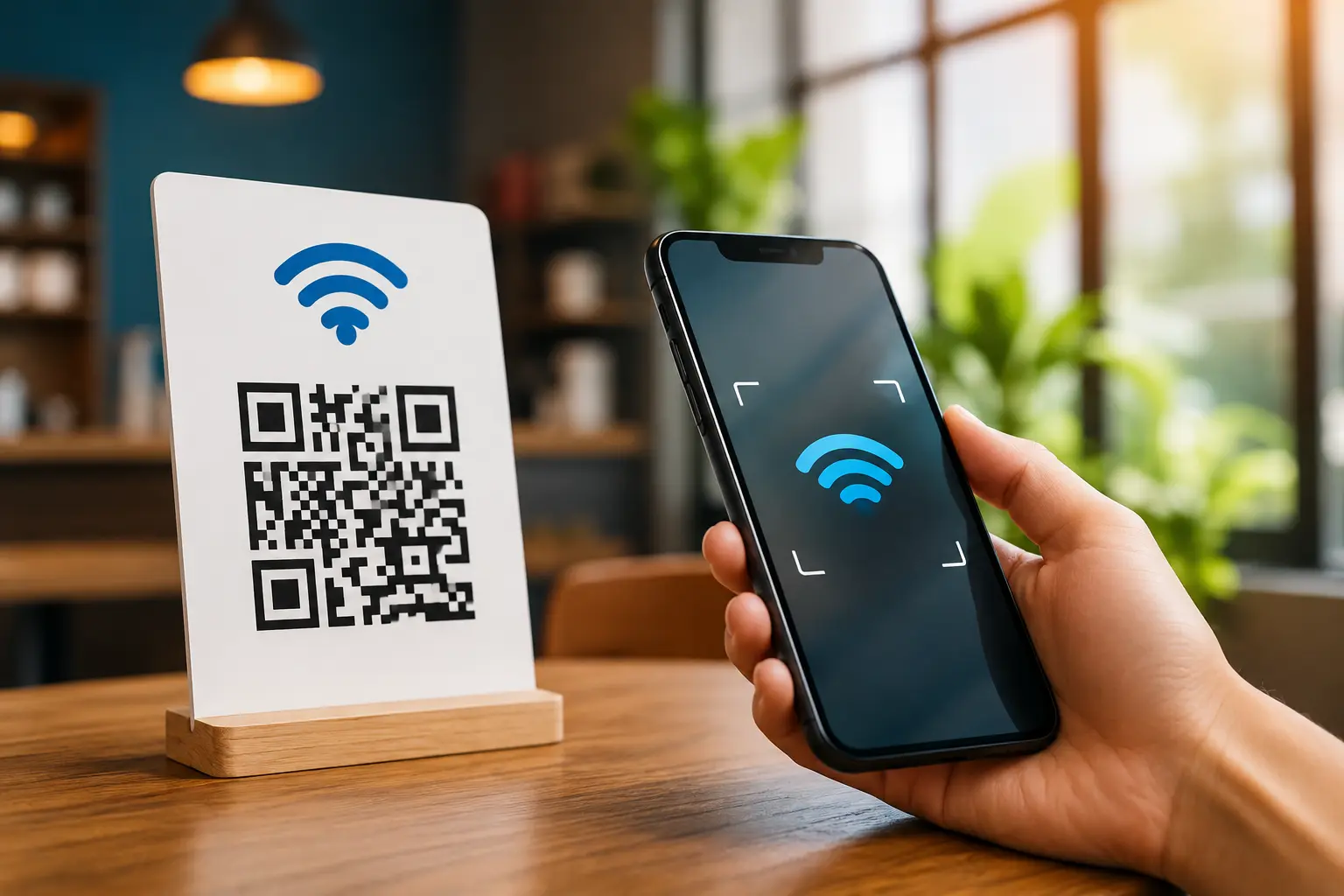
A QR code generator for WiFi password makes this much easier. Instead of typing the network name and password manually, your guest can scan a QR code and connect to the WiFi network with just a few taps.
It is useful at home, but it can be even more convenient for cafés, restaurants, hotels, offices, coworking spaces, events, and other places where many people need internet access.
What Is a WiFi QR Code?
A WiFi QR code stores the information needed to connect to a wireless network.
Depending on the device and operating system, when someone scans the code, their phone can recognize details such as:
- WiFi network name (SSID)
- WiFi password
- Security type
Instead of asking:
“What is the WiFi password?”
a customer can simply:
Scan → Select the network → Connect
This removes the need to type a complicated password manually.
Why Use a QR Code for Your WiFi Password?
The biggest benefit is simple: it saves time.
Imagine you're running a café. Ten customers ask for the WiFi password during a busy afternoon. If you have to tell each person the password, it becomes repetitive and inconvenient.
With a WiFi QR code, you can place a small sign on the table:
📶 Free WiFi — Scan to Connect
Customers can scan the code themselves.
Key benefits include:
- Faster WiFi access
- Less manual typing
- Fewer password mistakes
- Better customer experience
- Easy sharing with guests
- Useful for public and private spaces
A Real-Life Example: WiFi QR Code for a Café
Let's say Amit owns a small coffee shop.
His WiFi password is:
Coffee@2026#Shop
Customers often type it incorrectly because of the capital letters and special characters.
Amit creates a WiFi QR code and places it near the counter.
Now customers can simply scan the code instead of asking staff for the password.
This saves staff time and makes the customer experience smoother.
Amit can also add a simple message:
Scan to Connect to Free WiFi
That's all the customer needs to know.
Where Can You Use a WiFi QR Code?
WiFi QR codes can be useful anywhere people need temporary or regular internet access.
Cafés and Restaurants
Place the QR code on tables, counters, menus, or receipts.
Hotels and Guest Houses
Guests can connect to the hotel's guest network without calling reception for the password.
Offices
Put the QR code in meeting rooms or reception areas for visitors.
Coworking Spaces
Members and guests can connect quickly when they arrive.
Events and Exhibitions
Visitors can scan a QR code to access the event's WiFi network.
Homes
You can keep a WiFi QR code near your router so family members and guests can connect without asking for the password repeatedly.
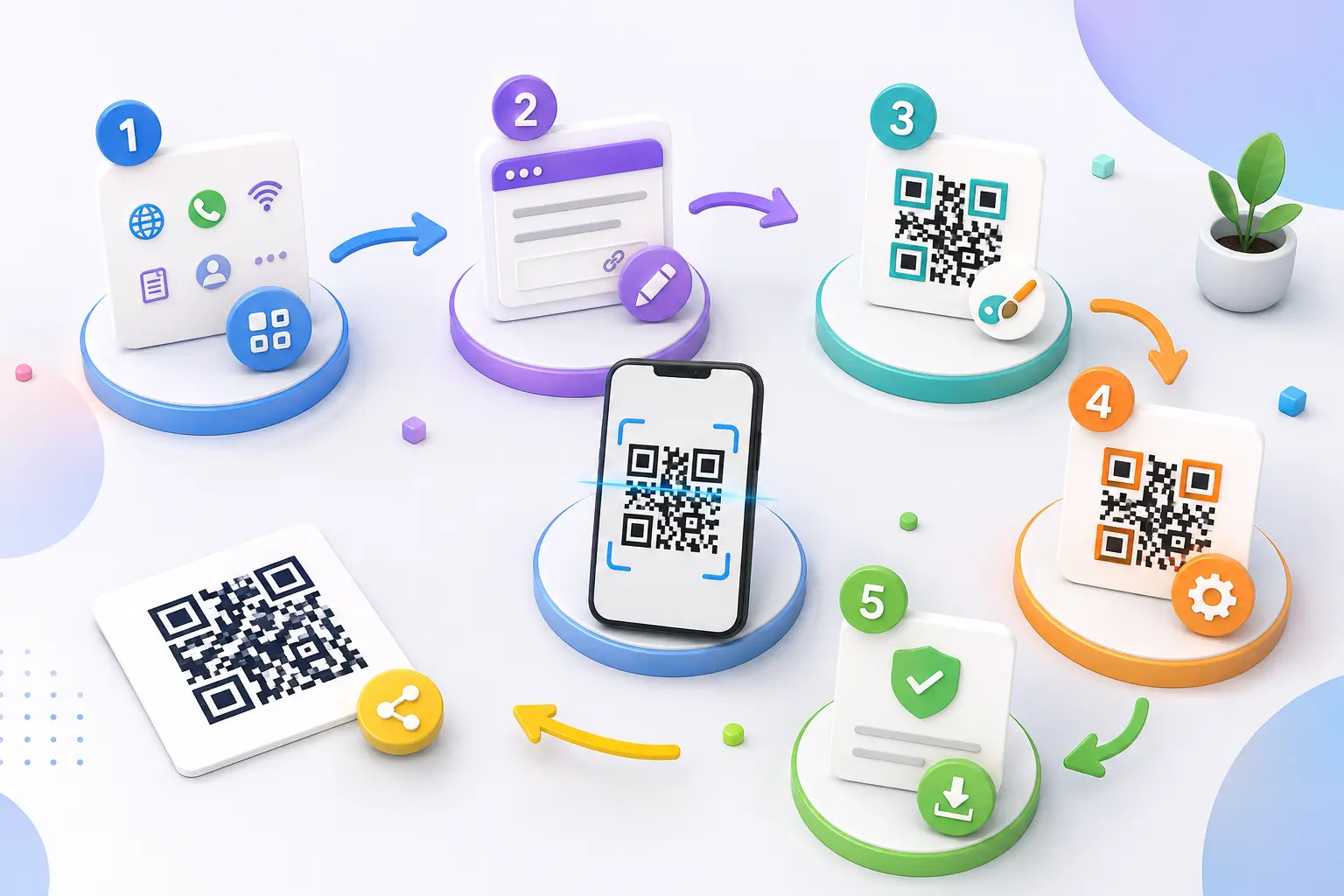
How to Create a WiFi QR Code
Creating a WiFi QR code is usually straightforward.
Step 1: Enter Your WiFi Name
Enter the exact SSID of your wireless network.
Make sure spelling, spaces, and capitalization are correct.
Step 2: Enter Your Password
Add the WiFi password exactly as it is configured on your router.
Step 3: Select Security Type
Choose the security type used by your network, such as WPA/WPA2 or an available option supported by your QR generator.
If you're using an open network, select the appropriate open-network option.
Step 4: Generate the QR Code
Create your WiFi QR code.
Step 5: Test It
Before printing it, scan the code with a phone and confirm that it connects to the correct network.
Step 6: Download and Print
Once you've tested it, place the QR code somewhere convenient.
For example:
WiFi Available
Scan to Connect
WiFi QR Code vs. Sharing the Password Manually
| Method | Manual Password | WiFi QR Code |
|---|---|---|
| Typing required | Yes | Usually no |
| Password mistakes | Possible | Reduced |
| Easy for guests | Average | Very easy |
| Useful for businesses | Yes | Yes |
| Can be printed | Yes | Yes |
| Quick access | Moderate | Fast |
For a busy business, a WiFi QR code can make the process much smoother.
How Businesses Can Make WiFi Sharing Better
For businesses, the WiFi QR code shouldn't just be an afterthought.
Think about where customers naturally look.
For a restaurant, you could place it:
- On the table
- Near the counter
- On the menu
- At reception
- On a small tabletop sign
For a hotel, it could be included in the welcome information.
For an office, it could be displayed in the visitor area.
The goal is to make the QR code visible without making customers ask for it.
Can You Customize a WiFi QR Code?
Depending on the QR code generator you use, you may be able to customize the appearance.
For example, you may be able to add:
- Brand colors
- Logo
- Custom frame
- Call-to-action text
- Different QR styles
For a café, the sign could say:
☕ Welcome! Scan for Free WiFi
For a hotel:
📶 Guest WiFi — Scan to Connect
Keep the design readable and don't sacrifice scan reliability just to make the QR code look fancy.
Is a WiFi QR Code Safe?
A WiFi QR code is simply a convenient way to share the information required to connect to a wireless network.
However, remember one important thing:
Anyone who can access the QR code may be able to access the network.
For businesses and public locations, it's generally better to use a separate guest WiFi network rather than sharing the same network used by business computers, printers, or other sensitive devices.
A simple example
Instead of:
Main Office WiFi → QR Code
use:
Guest WiFi → QR Code
This keeps visitor access separate from your important internal devices.
Also, don't place a private home WiFi QR code somewhere publicly accessible unless you're comfortable sharing that network.
Does a WiFi QR Code Need the Internet to Scan?
No.
The QR code itself contains the information needed for the device to recognize the WiFi network.
However, once the phone connects to the network, it obviously needs an active internet connection to access websites and online services.
So:
Scanning → does not require internet
Using the internet → requires the WiFi network to have internet access
Common WiFi QR Code Mistakes
A WiFi QR code is only useful if it works correctly.
Avoid these common mistakes.
1. Incorrect WiFi Name
One missing character can prevent the connection.
2. Wrong Password
Double-check the password before generating the code.
3. Wrong Security Type
Select the security type that matches your actual network.
4. Not Testing Before Printing
Always scan the final QR code before putting it on tables, posters, or packaging.
5. Poor Print Quality
A blurry or very small QR code may be difficult to scan.
6. Too Much Customization
Colors and logos can be useful, but make sure there is still enough contrast and clear space around the QR code.
Tips for a Better WiFi QR Code Experience
Here are a few practical tips:
Add a Clear Instruction
Don't display only the QR code.
Use:
Scan to Connect to WiFi
Keep It Visible
Place the code somewhere customers can easily see and scan.
Test With Different Phones
Try the QR code on multiple devices before printing it in large quantities.
Keep a Backup
It's useful to have the WiFi name and password available somewhere secure in case a device can't scan the QR code.
Use Guest WiFi for Public Access
This is especially important for cafés, hotels, offices, and events.
Can a WiFi QR Code Be Used With Other QR Tools?
Yes. A WiFi QR code can be part of a broader QR strategy.
For example, a restaurant might use:
WiFi QR Code → Connect to WiFi
and another QR code for:
Menu QR Code → View Menu
and another for:
WhatsApp QR Code → Contact the Restaurant
You don't have to put everything into one QR code. Use different QR codes when the customer actions are different.
Frequently Asked Questions
What is a QR code generator for WiFi passwords?
It is a tool that creates a QR code containing the information needed to connect to a wireless network, such as the WiFi name, password, and security type.
Can I create a WiFi QR code for free?
Yes, many online QR code generators provide free WiFi QR code creation.
Does a WiFi QR code work on iPhone and Android?
Modern smartphones can generally recognize WiFi QR codes, although the exact connection experience can vary depending on the device and operating system.
Can I change my WiFi password after creating the QR code?
If you change the WiFi password, the old QR code may no longer work. You'll generally need to create a new QR code containing the updated network information.
Can I print a WiFi QR code?
Yes. You can print it on a small sign, menu, desk card, poster, or other suitable material.
Can I add a logo to a WiFi QR code?
If the QR generator supports customization, you may be able to add a logo or change the design. Always test the final code before using it.
Is a WiFi QR code safe?
It can be safe when used appropriately, but anyone who can access the QR code may be able to connect to the associated network. Businesses should use a separate guest network for visitors.
Does scanning a WiFi QR code require internet?
No. Scanning the QR code itself doesn't require internet. The WiFi network needs an internet connection if you want to browse online after connecting.
Can businesses use WiFi QR codes?
Absolutely. They're useful for cafés, restaurants, hotels, offices, coworking spaces, events, and other customer-facing locations.
Conclusion
A QR code generator for WiFi password is a simple solution to a very common problem.
Instead of reading out a long password or watching someone struggle to type it correctly, you can let them scan a code and connect to the appropriate WiFi network.
For a home, it makes sharing WiFi with guests easier. For a café, hotel, office, or event, it can save staff time and create a smoother customer experience.
The best approach is simple: use the correct WiFi details, create the QR code, test it, print it clearly, and use a guest network when sharing WiFi publicly.
With a tool such as AllQR, creating a WiFi QR code can become a quick part of your everyday digital sharing