Introduction
Have you ever scanned a small square code to open a website, pay digitally, connect to WiFi, or view a restaurant menu? That’s a QR code—a simple way to access information with a quick smartphone scan.
Today, QR codes are used everywhere, from cafés and retail stores to business cards, product packaging, events, and digital payments. They make sharing information faster by letting people access a website, payment page, contact details, or other content without typing a URL or searching manually.
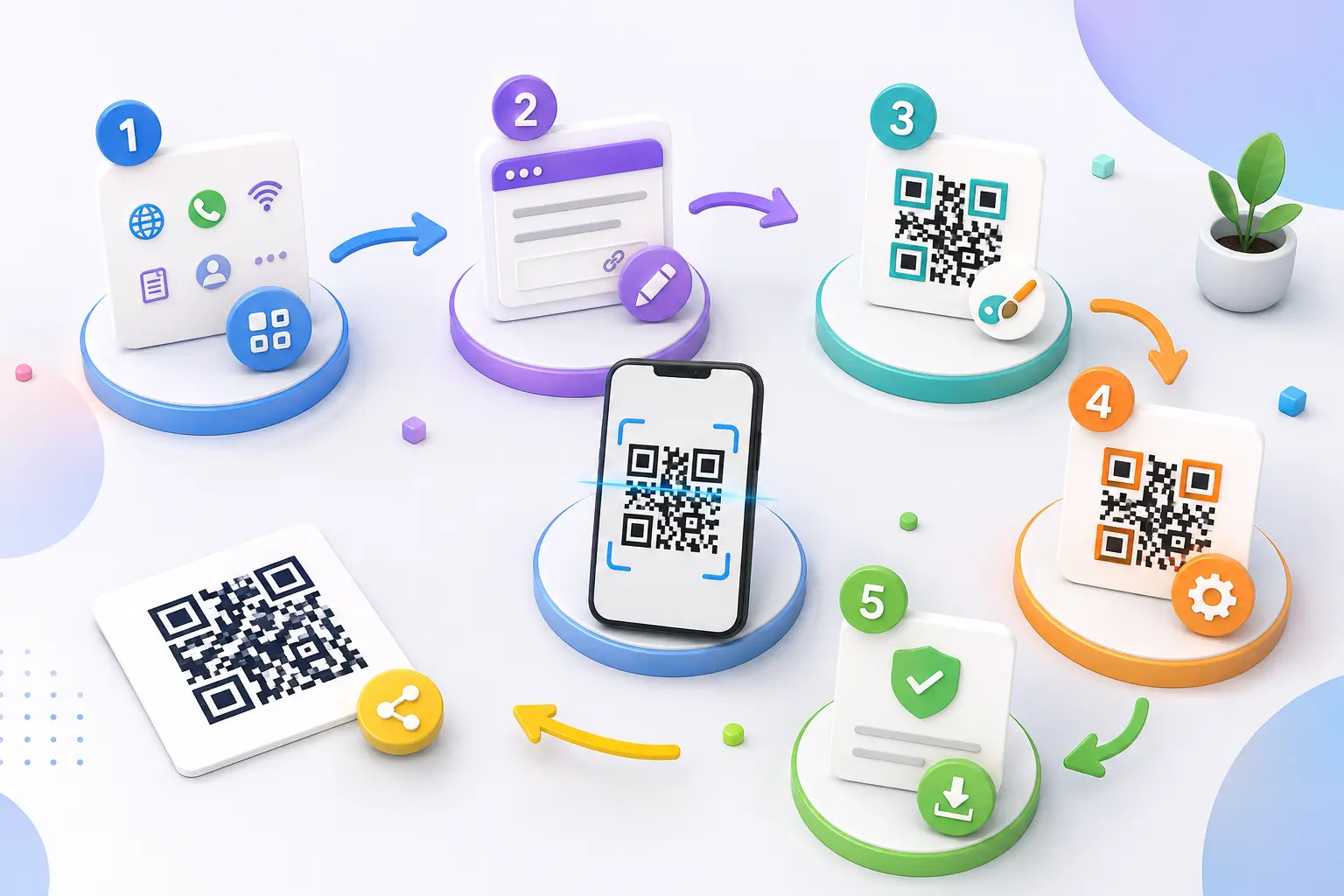
Creating a QR code is also easier than ever. You don’t need technical skills or coding knowledge—you can create one in a few clicks using a free QR code generator like AllQR.
In this beginner-friendly guide, you’ll learn what a QR code is, how it works, the different types of QR codes, their benefits, and how to use them effectively.
What Is a QR Code?
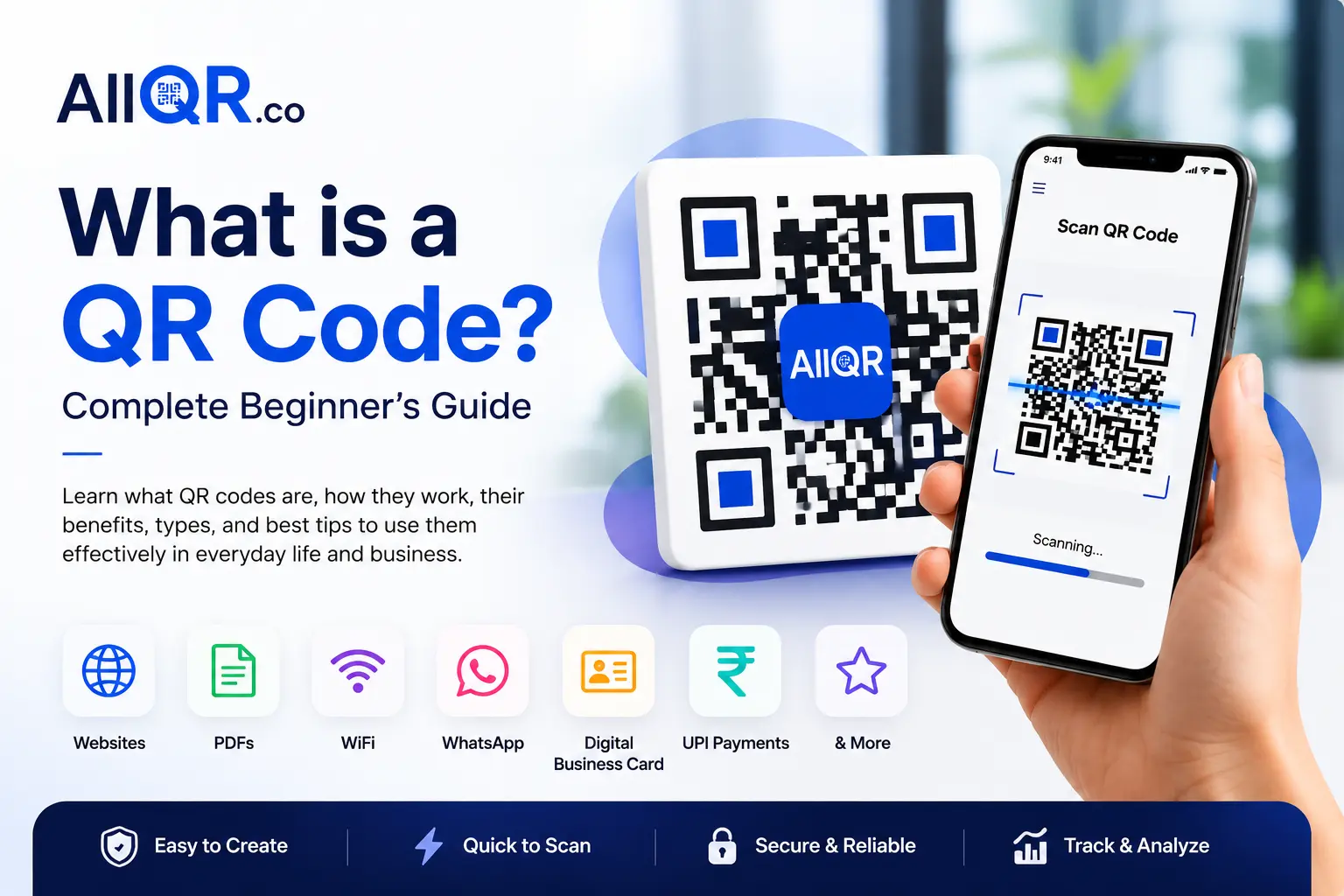
A QR Code (Quick Response Code) is a two-dimensional barcode that stores digital information. It can contain a website URL, contact details, WiFi credentials, PDF files, payment information, social media profiles, and much more.
Unlike traditional barcodes that store information in one direction, QR codes store data both horizontally and vertically. This allows them to hold much more information while remaining easy to scan.
Today, almost every smartphone camera can scan QR codes without installing any additional app.
Businesses use QR codes to improve customer experiences, while individuals use them to quickly share information with family, friends, or colleagues.
Benefits of Using QR Codes
QR codes are popular because they are simple, fast, and incredibly versatile.
1. Instant Access
Users can open websites, documents, or payment pages instantly without typing long URLs.
2. Easy Information Sharing
Whether you're sharing a business card, restaurant menu, event registration page, or portfolio, QR codes make the process effortless.
3. Contactless Experience
QR codes became especially popular because they allow people to access information without touching printed materials.
4. Better Customer Engagement
Businesses use QR codes to encourage customers to:
- Visit websites
- Leave Google reviews
- Follow social media pages
- Download mobile apps
- View product catalogs
5. Cost-Effective
Instead of printing updated brochures or menus every time something changes, businesses simply update the linked content.
6. Supports Multiple Content Types
QR codes can link to:
- Websites
- PDFs
- Images
- Videos
- WiFi
- Digital business cards
- Google Maps
- Payment apps
For example, if you're looking to share documents, you can create a PDF QR Code, while businesses can generate a Google Review QR Code to collect customer feedback more easily.
Types of QR Codes
Different situations require different QR codes. Here are the most common ones.
Website QR Code
Direct users to any website, landing page, online store, or blog.
PDF QR Code
Perfect for brochures, user manuals, menus, catalogs, resumes, and presentations.
WiFi QR Code
Allow guests to connect to your WiFi without typing the password.
WhatsApp QR Code
Start a WhatsApp conversation instantly with one scan.
Digital Business Card QR Code
Share your contact details professionally without exchanging paper cards.
Google Review QR Code
Make it easier for satisfied customers to leave reviews.
UPI Payment QR Code
Accept payments quickly using UPI apps like Google Pay, PhonePe, and Paytm.
Social Media QR Code
Share multiple social media profiles using a single QR code.
At AllQR, you can create all these QR code types from one easy-to-use platform.
Tips for Creating Better QR Codes
Creating a QR code is simple, but following a few best practices can improve the user experience.
Use High Contrast
Black on a white background provides the best scanning performance.
Test Before Sharing
Always scan the QR code using different devices before printing or publishing it.
Avoid Stretching the QR Code
Changing its shape may make it difficult to scan.
Choose the Right Size
If you're printing QR codes on posters, packaging, or business cards, ensure they're large enough to scan comfortably.
Use a Reliable QR Code Generator
Choose a trusted platform like AllQR that lets you create high-quality QR codes for websites, PDFs, WiFi, business cards, and digital payments.
Keep Linked Content Updated
If your QR code points to a webpage or document, ensure the information stays current.
Quick Answer
What is a QR Code?
A QR code is a scannable two-dimensional barcode that instantly connects users to digital content such as websites, PDFs, WiFi networks, payment pages, contact details, videos, and more. It provides a fast, convenient, and contactless way to share information using a smartphone.
Frequently Asked Questions
1. What does QR stand for?
QR stands for Quick Response, because the code can be scanned quickly to access information.
2. Are QR codes free to create?
Yes. Many platforms, including AllQR, allow you to create QR codes for free.
3. Can I create a QR code for my website?
Absolutely. Simply enter your website URL into a QR code generator and download the generated QR code.
4. Do QR codes expire?
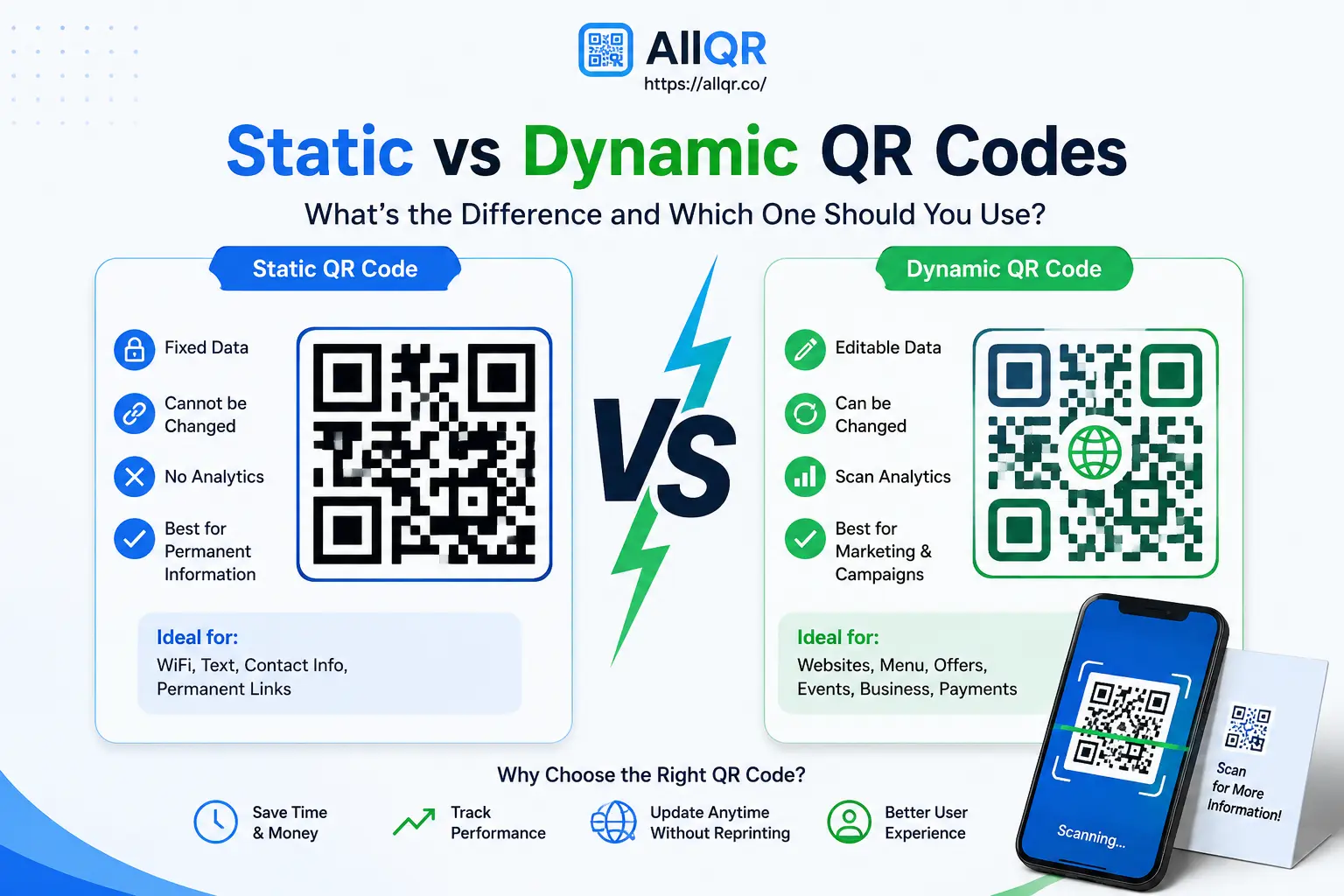
Static QR codes generally do not expire. Some dynamic QR codes may depend on the service or subscription used.
5. Can QR codes be customized?
Yes. You can customize colors, add a logo, and adjust the design while keeping the QR code easy to scan.
6. Are QR codes safe?
Yes, when they come from trusted sources. Always verify unfamiliar QR codes before scanning them.
7. Can I use QR codes for my business?
Definitely. Businesses use QR codes for marketing, customer support, payments, menus, event registration, digital business cards, and much more.
8. Which is the best free QR code generator?
Choose a platform that is easy to use, supports multiple QR code types, offers high-quality downloads, and provides reliable performance. AllQR is a great option for creating QR codes for websites, PDFs, WiFi, WhatsApp, UPI payments, Google Reviews, and digital business cards.
Conclusion
QR codes have transformed the way we share information by making it faster, simpler, and more convenient. Whether you're promoting a business, sharing a document, collecting customer reviews, or accepting digital payments, QR codes provide a practical solution that anyone can use.
If you're just getting started, begin with a trusted platform like AllQR, where you can create QR codes for websites, PDFs, WiFi, WhatsApp, Google Reviews, UPI payments, digital business cards, and more—all from one place.
As your needs grow, you can explore different QR code types and discover new ways to improve customer engagement, simplify communication, and connect the physical and digital worlds with just one scan.